10 Best 24 Inch Gaming Monitor
From leading brands and best sellers available on the web.By clicking on a link to a third party's website, log data is shared with that third party.
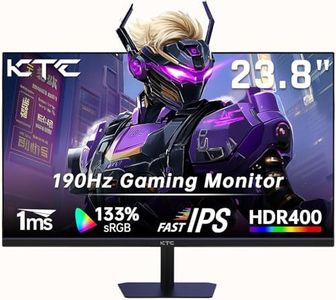
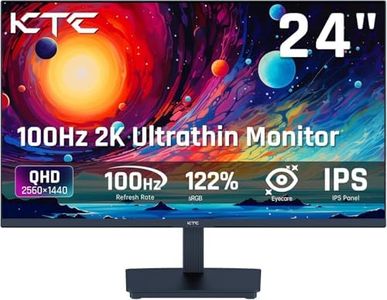
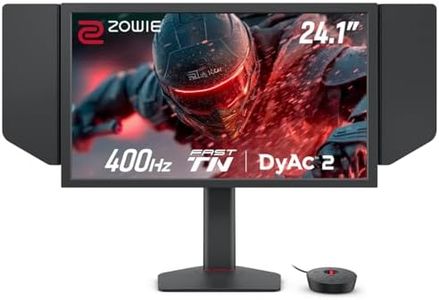
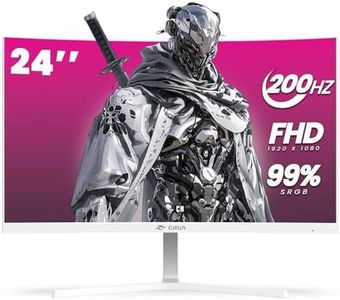
Related Products
Recommended lists

Top rated
27 Inch Gaming Monitors
Buying Guide for the Best 24 Inch Gaming Monitor
Choosing a 24-inch gaming monitor is an exciting process as this size offers a great balance between immersive visuals and desk space. The right monitor greatly enhances your gaming experience, whether you’re into fast-paced competitive games or story-rich adventures. To get the best fit for your needs, it’s important to understand the key features and specifications to look for, as your preferences for game type, visual quality, and comfort all play a role in making the right choice.ResolutionResolution tells you how many pixels the screen displays, and this impacts the sharpness and clarity of images. In most 24-inch monitors, you'll find either Full HD (1920x1080) or, less commonly, higher like 1440p. For this screen size, Full HD is generally crisp and satisfying for most gamers, but if you want finer detail or use your monitor for creative work too, a higher resolution might be preferable. If you mainly play fast-paced games or use your monitor at a normal desk distance, Full HD is usually just right, giving smooth visuals without demanding too much from your computer.
Refresh RateRefresh rate, measured in Hertz (Hz), tells you how many times per second the screen updates with new images. A higher refresh rate makes motion appear smoother, which is especially important for action-packed and competitive games. Basic monitors are 60Hz, but for gaming, you'll want 75Hz, 120Hz, 144Hz or even more. If you play fast shooters or racing games, a refresh rate of 120Hz or higher can provide a noticeable advantage and a more enjoyable experience. For mostly casual or single-player games, 75Hz is often sufficient.
Response TimeResponse time describes how quickly a pixel can change from one color to another, usually measured in milliseconds (ms). Lower response times mean less blur in fast-moving scenes, which is great for competitive games where clarity matters. 1ms or 2ms is considered very good for gaming, while up to 5ms may still be acceptable for most purposes. If you're sensitive to blurring effects or play a lot of fast-action games, opt for a lower response time.
Panel TypeThe panel type—such as TN, IPS, or VA—affects the monitor’s color quality, viewing angles, and response time. TN panels are typically faster and cheaper, great for speed but not as strong in colors and angles. IPS panels offer better colors and wider viewing angles, ideal for those who value visual quality and might share the monitor for movies or creative work. VA panels balance the two, with good colors and contrast but a bit slower response. Choose TN if you prioritize quick reactions, IPS for best visuals, and VA for general versatility.
Adaptive Sync (G-Sync/FreeSync)Adaptive Sync technology matches your monitor’s refresh rate with your graphics card’s output to prevent screen tearing and stuttering. G-Sync is designed for NVIDIA graphics cards, while FreeSync works with AMD cards. If you want the smoothest gameplay possible, and especially if you notice tearing in games, pick a monitor with the adaptive sync technology that matches your graphics card, but even basic support can benefit any gamer.
Ergonomics and AdjustabilityErgonomic features include the ability to adjust the height, tilt, swivel, and sometimes rotate the monitor. These features make it possible to find a comfortable viewing position, reducing strain on your neck and eyes. If you plan to spend many hours gaming, look for a monitor with flexible adjustments to suit your desk setup and posture.
ConnectivityConnectivity refers to the types and number of input ports, such as HDMI, DisplayPort, or even USB hubs. Having the right ports ensures your monitor can connect to your gaming PC, console, or other devices without adapters. Think about what devices you want to plug in, and choose a monitor with the ports to match your gear.