10 Best 75 Inch TV Wall Mounts
From leading brands and best sellers available on the web.By clicking on a link to a third party's website, log data is shared with that third party.
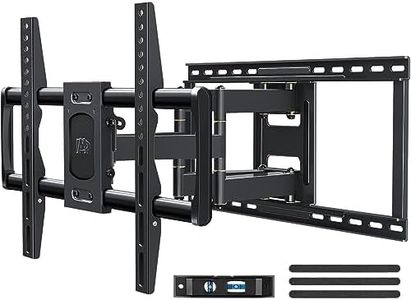
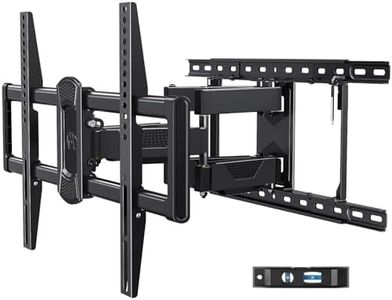
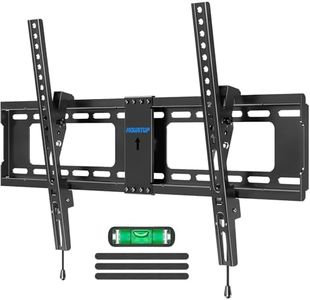
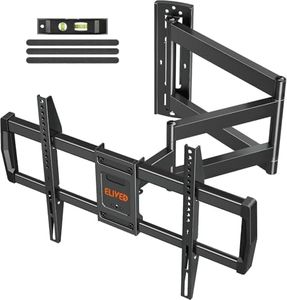
Related Products
Up to 20% off
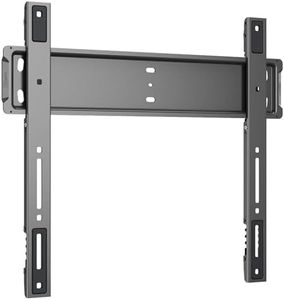
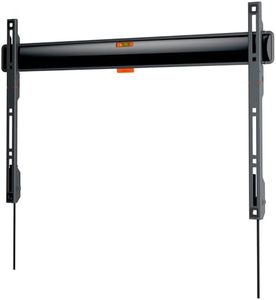
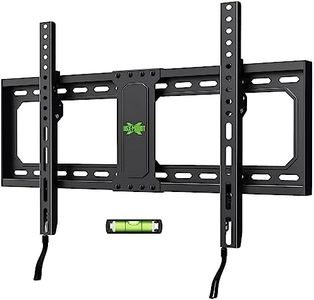
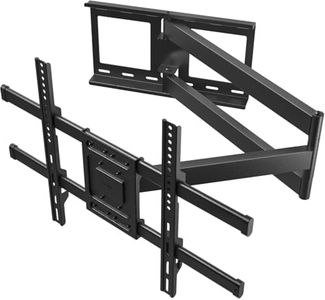
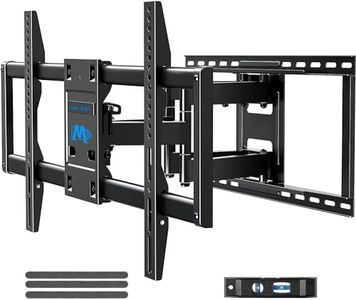
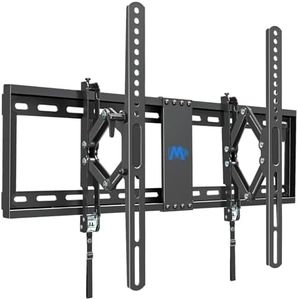
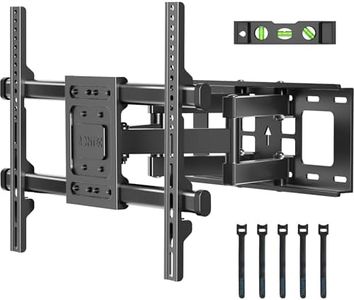
Buying Guide for the Best 75 Inch TV Wall Mounts
Choosing the right wall mount for your 75-inch TV can make a big difference in both the viewing experience and the safety of your setup. Your main goal is to find a mount that will securely hold your large TV, fits your wall, and allows you to adjust the screen according to your room’s layout and your preferred viewing angle. Before buying, check your TV's specifications, your wall material, and your room’s layout to ensure compatibility. Think about whether you want the TV to stay fixed, tilt, or swing out to different angles. By understanding the key features and how they match your needs, you can pick a wall mount that keeps your TV safe and your viewing comfortable.Weight CapacityWeight capacity refers to the maximum weight the mount can safely support. This spec is important because a wall mount not designed to carry the weight of your TV could break, leading to costly damage or injury. Weight capacity is usually listed in pounds or kilograms. For a 75-inch TV, make sure the mount’s weight rating meets or exceeds your TV’s weight. Your TV’s weight can be found in its manual or product listing. Always allow a margin for safety and never choose a mount that matches the weight exactly—choose one that can handle more than your TV weighs.
VESA CompatibilityVESA refers to the pattern of mounting holes on the back of your TV, measured horizontally and vertically in millimeters (such as 400x400 mm). Wall mounts are designed to fit specific VESA patterns. Matching the VESA standard ensures the mount will physically attach to your TV. TVs will state their VESA size in the manual or on the manufacturer’s website. Check your TV’s VESA pattern and verify that the wall mount supports that specific measurement before purchasing.
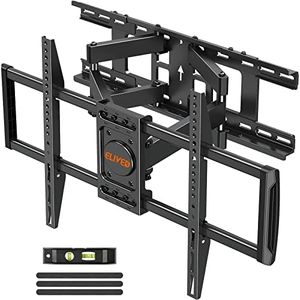
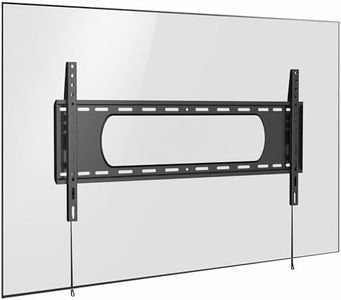
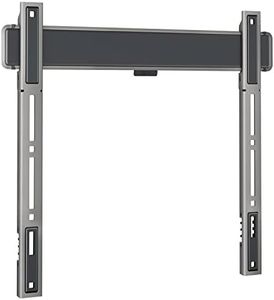
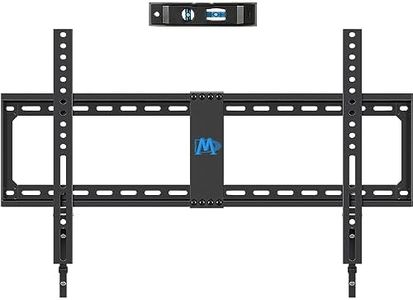
Mounting Type (Fixed, Tilting, Full Motion)Mounting type describes how much you can adjust the position of your TV once it’s on the wall. A fixed mount keeps your TV flat and close to the wall, which is best for a minimal look in rooms where everyone views the TV from a single direction. A tilting mount allows you to angle the TV up or down, useful for reducing glare or mounting the TV higher than eye level. Full motion (or articulating) mounts let you extend, tilt, and swivel the TV in multiple directions, which is great for open living spaces or when you want to view from different angles. Choose the type based on your room layout and how flexible you need your viewing position to be.
Wall CompatibilityNot all wall mounts are suitable for every type of wall—some work only with wooden studs, some can be installed on concrete or brick, and some are compatible with both. The material your wall is made from affects which mount and which installation hardware you’ll need. Before purchasing, check what kind of wall you have behind your intended TV location and make sure the mount you choose comes with, or is compatible with, the appropriate anchors and screws. Proper installation is crucial for safety, especially with large TVs.
Extension Distance and Low Profile DesignExtension distance refers to how far the mount allows your TV to stick out from the wall when extended, while low profile design means your TV sits as close to the wall as possible when not extended. If you prefer a sleek look, go for a mount with a minimal profile. If you need to access the back of your TV or want the option to pull the TV out for viewing from different places in the room, look for longer extension. Think about your space: a slim profile fits tighter spots, but more extension gives more flexibility for viewing and cable management.
Ease of InstallationSome mounts come with clear instructions, a built-in level, or even a mounting template to help with installation, while others are more basic. A mount that’s designed for easier installation can save you time and frustration, especially for larger, heavier TVs. If you’re planning to install it yourself, look for features like easy-to-use brackets and included installation hardware. Consider your recent experience with DIY projects and whether easier instructions and features are important for you.