10 Best Borescope Inspection Cameras
From leading brands and best sellers available on the web.By clicking on a link to a third party's website, log data is shared with that third party.
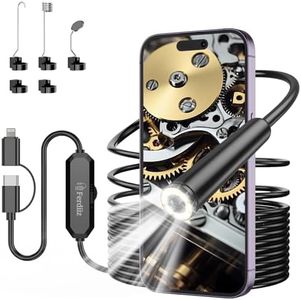
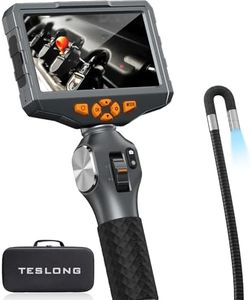
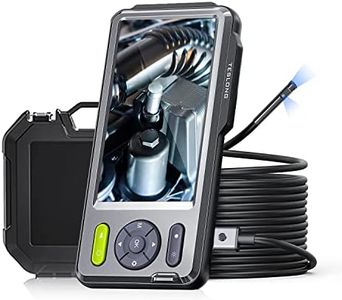
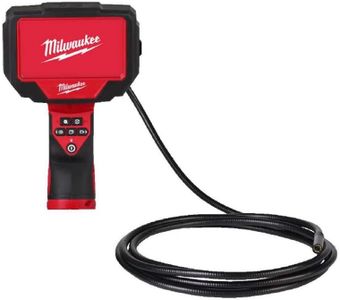
Related Products
Up to 30% off
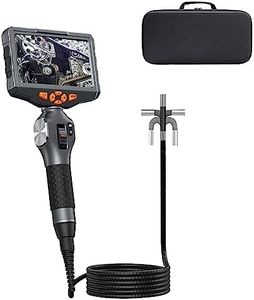
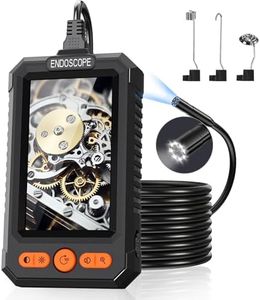
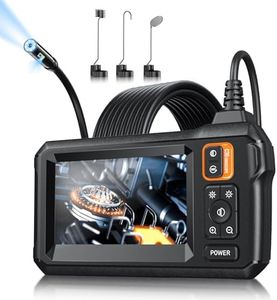
Buying Guide for the Best Borescope Inspection Cameras
Choosing a borescope inspection camera involves understanding how you’ll use it and where you’ll need it to go. These cameras are designed to help you see into tight or hard-to-reach places, so the right model will depend on your tasks, whether it’s inspecting pipes, car engines, machinery, or household walls. Focusing on the right specs ensures you get clear images and can maneuver the camera where you need it most. Always think about the typical environments you'll be inspecting and how much detail you need to see before making your decision.Camera ResolutionCamera resolution determines how clear and detailed the images or videos from the borescope will be. High resolution means you'll see finer details, which can be crucial for spotting small cracks or problems. Most borescopes have resolutions ranging from VGA (640x480) up to full HD (1920x1080). Lower resolutions make the camera more affordable and can be enough for simple tasks like checking for blockages, but you might miss smaller defects. High resolutions are best if you need to document findings or need to diagnose subtle damage. Think about whether you need crisp images for professional work or if simple visuals will do for your DIY or occasional inspections.
Probe DiameterProbe diameter is the width of the camera tube and affects where you can insert it. Smaller diameters fit into tighter spaces, such as narrow pipes or engine parts, but can sometimes be a bit less sturdy or have lower image quality. Typical diameters range from 3.9 mm to about 8 mm. If you're inspecting tiny spaces, prioritize the smallest possible probe that still has good resolution. For general use or larger spaces, a thicker probe can offer better durability and sometimes clearer pictures. Consider the size of openings you need to fit into most often when picking.
Cable Length and FlexibilityThe cable length determines how deep or far you can inspect. Short cables (up to 1 meter) are good for quick, shallow checks, while longer cables (up to 10 meters or more) are useful for exploring pipes, ducts, or walls. Flexibility is also key; a flexible cable lets you steer around corners, but very flexible cables may be harder to control in long stretches. If you mostly work in deep or hard-to-reach places, choose a longer, flexible cable. For routine surface inspections, a shorter cable is easier to handle.
Light Source and BrightnessMost borescopes have built-in LED lights near the camera to help you see in dark spaces. The brightness and adjustability are important because too little light makes it hard to see, while too much can glare out details. Some let you adjust brightness to suit different conditions. If you're inspecting very dark, deep areas or needing to see subtle details, prioritize models with adjustable, strong LED lights. For basic daylight checks, this feature is less crucial.
Water and Dust Resistance (IP Rating)Since inspections often involve damp, dusty, or dirty environments, checking the water and dust resistance matters. The IP (Ingress Protection) rating will tell you how much protection the camera and cable have. For wet or outdoor work, look for a high rating like IP67 or above, which means the camera can survive being submerged briefly or is protected from dust. For cleaner, indoor uses, such high protection may not be essential.
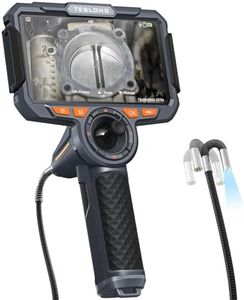
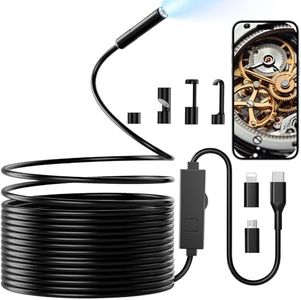
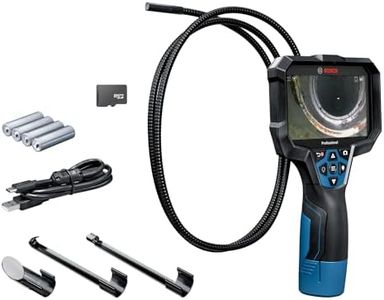
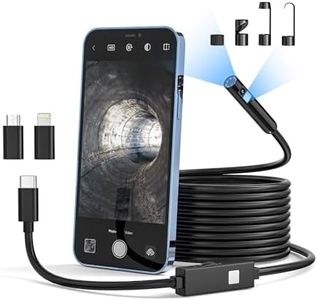
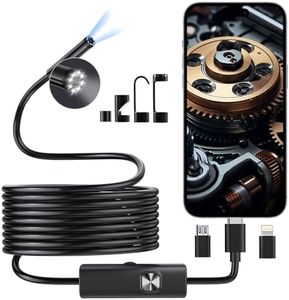
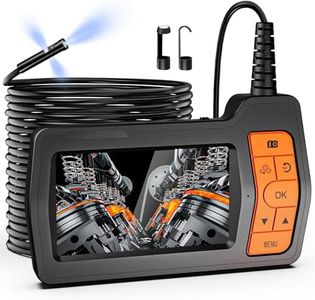
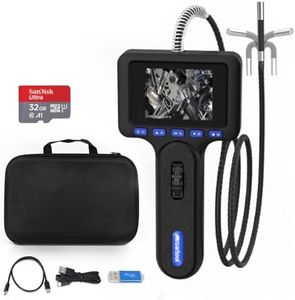
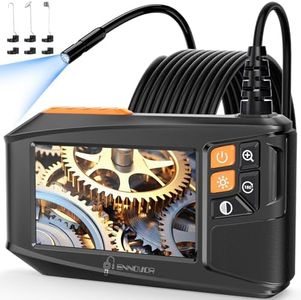
Display Type or CompatibilitySome borescopes come with a built-in screen, while others connect to a smartphone, tablet, or computer via USB or WiFi. Built-in screens make the device more portable, ready to use on its own, and easier to operate in the field. Smartphone connection offers better image storage, sharing, and sometimes higher resolution, but needs your device and a compatible app. Pick a type that fits your workflow. If you want plug-and-play simplicity, choose a built-in screen. If you want more flexibility and tech features, go with a connectable model.