10 Best Budget Camcorders
From leading brands and best sellers available on the web.By clicking on a link to a third party's website, log data is shared with that third party.
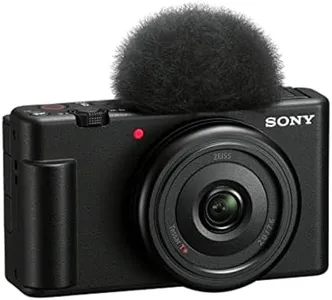
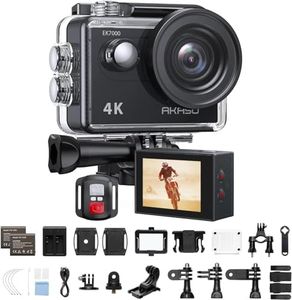

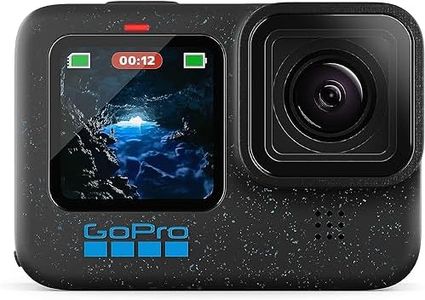
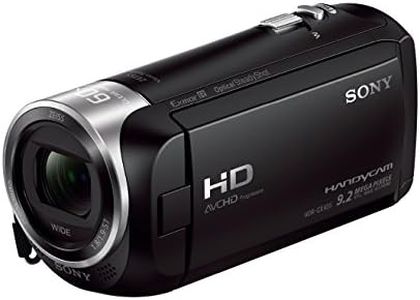
Recommended lists

Top rated
Camcorders
Buying Guide for the Best Budget Camcorders
Choosing the right camcorder means finding a device that matches your filming goals, comfort with technology, and style of shooting. Think about what you plan to record—family events, travel, vlogs, or simple documentaries—and how you want to share your footage. Evaluate which features matter most to your workflow so the camcorder will be enjoyable and practical for you to use.ResolutionResolution refers to how clear and sharp your videos will look. The most common options are HD (720p), Full HD (1080p), and 4K. HD is suitable for casual home videos, while Full HD provides a more detailed image, making it good for sharing or archiving memories. 4K, though often found in pricier models, is great for future-proofing your videos with the highest clarity, and can be useful if you want to crop or edit footage later. Pick the highest resolution you realistically need: for simple recording and online sharing, Full HD is a strong everyday choice.
Optical ZoomOptical zoom tells you how close you can get to your subject using the camera lens, without losing quality. Smaller zooms (10x-20x) are fine for indoor events or when you can get physically close, while larger zooms (30x and above) help with outdoor events, wildlife, or sports from a distance. Consider your usual filming distances: if you’ll often be far from the action, a larger optical zoom offers more flexibility.
Image StabilizationImage stabilization helps reduce the shake or blur caused by moving the camera by hand. It is especially important for handheld filming or when zoomed in. Basic electronic stabilization is common and handles casual wobble, while optical or advanced systems better smooth out bigger shakes, making a real difference for action shots or walking while filming. Choose stronger stabilization if you know you’ll be filming on the move or without a tripod.
Low Light PerformanceLow light performance refers to how well the camcorder can record in dim conditions. Some have larger sensors or special night modes, leading to brighter and clearer videos in poorly lit indoor spaces or evenings. If you'll often record parties, performances, or nighttime events, better low-light handling will avoid grainy, dark videos. For mostly outdoor or daytime use, this is less critical.
Audio QualityAudio quality depends on the camcorder’s built-in microphone and whether it has connections for external mics. Simple mics suffice for casual videos, but if your footage will include important speech, music, or distant sounds, a camcorder with external microphone input lets you upgrade audio later. Think about whether sound quality is as important as image quality for your recordings.
Ease of UseCamcorders vary in how simple they are to use. Some have touchscreen menus, auto settings, and intuitive layouts, making them beginner-friendly and fast to set up. More advanced models allow manual controls, which are useful if you want to grow your skills and customize every shot. Choose a design that matches your comfort—auto features for quick, easy filming, or more controls if you like experimenting and learning.
Battery LifeBattery life tells you how long you can film before needing a recharge. Shorter battery life is fine for brief events or indoor use, while longer recording times are a must for travel, lengthy performances, or outdoor adventures. If you foresee long days of filming, look for a camcorder with good battery life or one that allows easy battery swapping.
Storage OptionsStorage options refer to how your footage is saved. Most budget camcorders use SD cards, which are easy to find and swap out. Some come with built-in memory, while others require buying cards separately. If you plan to record lots of high-quality video at once, make sure the camcorder supports larger storage cards or consider extra cards for backup.