10 Best Camera Drones For Beginners
From leading brands and best sellers available on the web.By clicking on a link to a third party's website, log data is shared with that third party.
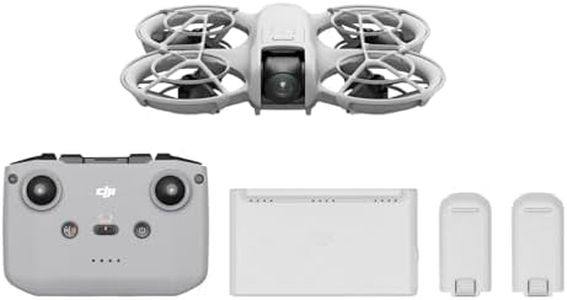

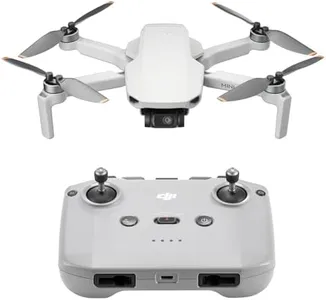
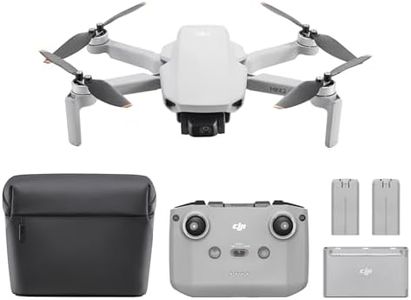
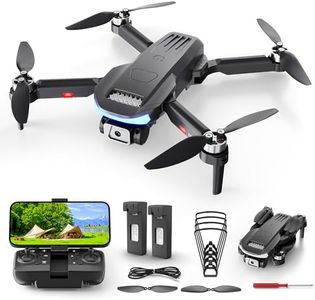
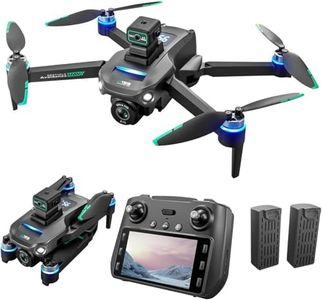
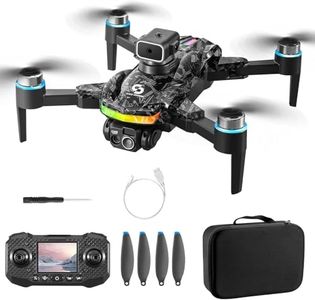
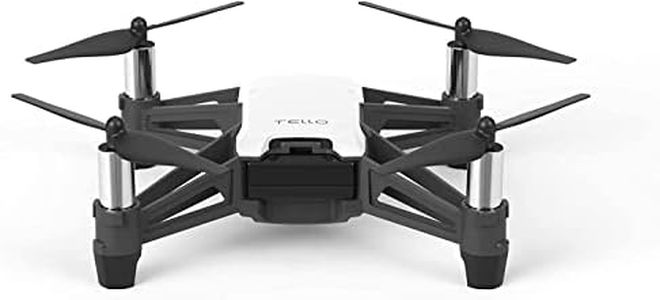
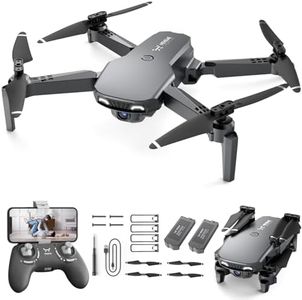
Buying Guide for the Best Camera Drones For Beginners
When looking to buy a camera drone for beginners, your goal should be to find a device that’s easy to fly, safe to operate, and able to capture decent-quality photos and videos. The ideal beginner drone should help you learn the basics of flying without overwhelming you with complicated features. It's important to focus on specifications that will make your first flying experiences smooth and enjoyable, while also leaving some room for you to grow and experiment as you gain confidence.Flight TimeFlight time refers to how long the drone can stay in the air on a single battery charge. This is important because it limits how much you can practice or record before needing to recharge or swap batteries. Most beginner drones offer between 10 and 30 minutes of flight time. Drones under 15 minutes are usually very simple and may be best for absolute newcomers or children, while drones in the 15-30 minute range are more versatile and let you practice and capture longer sequences. If you’re a beginner, start in the middle of this range to avoid frustration from frequent landings.
Camera QualityCamera quality is measured in megapixels for photos and resolution (such as 720p, 1080p, or 4K) for video. This spec matters if you care about the photos and videos you’ll get from your flights. Low-end beginner drones often have 720p cameras that are fine for casual use and social sharing, while 1080p provides noticeably better detail and is a good standard for most new pilots. 4K is more advanced and only necessary if you want to create high-quality videos or print large photos. Choose based on how much detail you want in your images and videos.
StabilizationStabilization helps keep your photos and videos smooth and clear, even if the drone shakes in the wind or while you’re learning to control it. Basic options include electronic image stabilization (EIS), which is done by software, while more advanced drones use gimbals that physically move the camera to counteract shakes. For beginners, a basic level of stabilization keeps footage usable and less frustrating to watch; as you advance, a gimbal may be desirable for more professional-looking results. If you’re just starting out, electronic stabilization is enough, but if capturing smooth video is your priority, consider a drone with a simple gimbal.
Ease of Use and Safety FeaturesMany beginner drones come equipped with features like one-button takeoff/landing, auto-hover, return-to-home, and obstacle avoidance. These technologies are designed to make flying less intimidating and reduce the risk of crashes. The more of these features a drone has, the easier it will be to fly for a new user. If you’re not yet confident in handling drones, prioritize models with robust safety and auto-pilot functions to help avoid mistakes.
Controller TypeDrones can be flown using dedicated physical controllers or smartphone apps. Dedicated controllers give more precise control, while app-based controls are more convenient but sometimes less responsive. Many beginner models offer both options. If you’re new, a controller with simple, labeled buttons and comfortable grips can help make learning easier and more enjoyable, so look for a drone that matches how you’re most comfortable controlling it.
RangeRange indicates how far from you the drone can fly while still maintaining a strong connection for control and video feed. Entry-level drones might only go 50-100 meters, which suits indoor or small park use, while more advanced beginner drones can reach up to 500 meters or more. Beginners should focus on shorter ranges which are safer and easier to recover from if the connection drops; as you gain experience, a longer range might become more useful as your confidence and ambitions grow.