10 Best Cameras For Videography
From leading brands and best sellers available on the web.By clicking on a link to a third party's website, log data is shared with that third party.
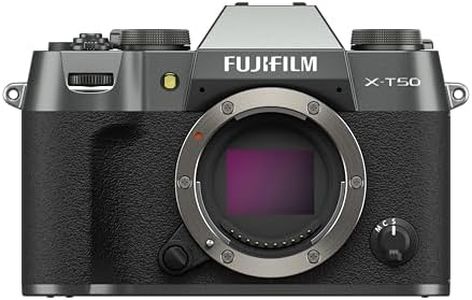
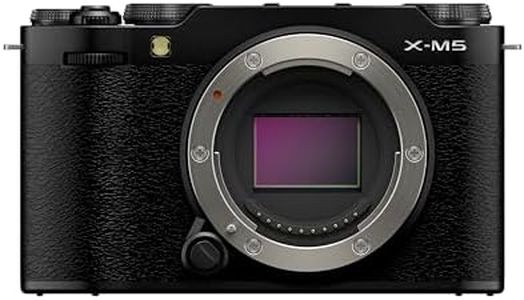
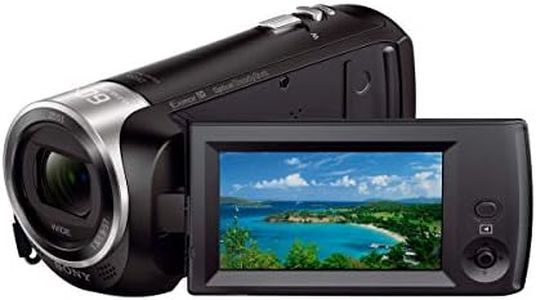

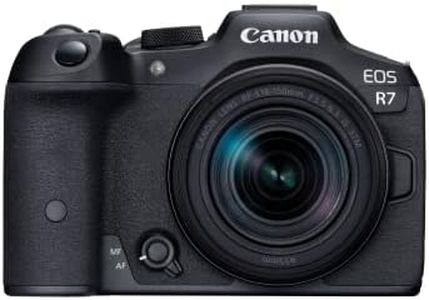
Related Products
Up to 57% off
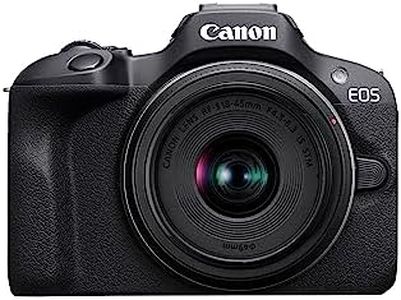
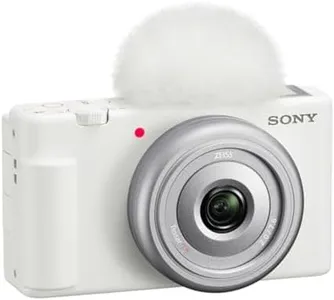
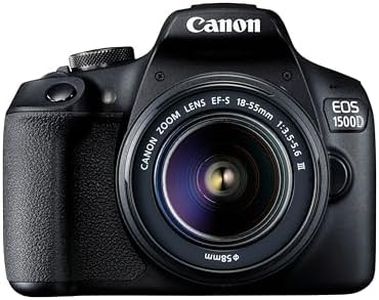
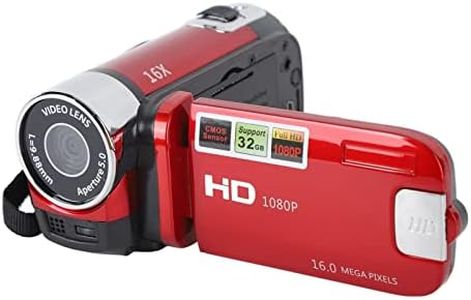
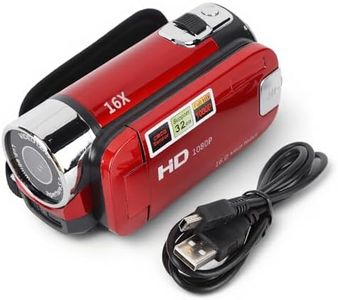

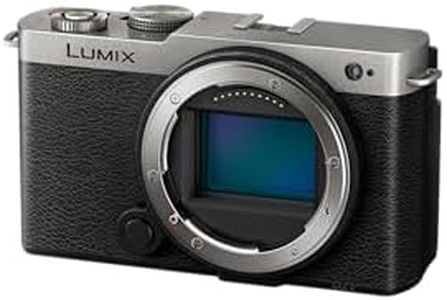
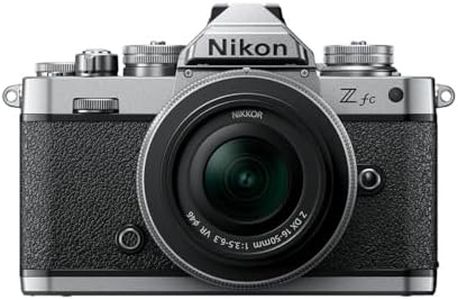
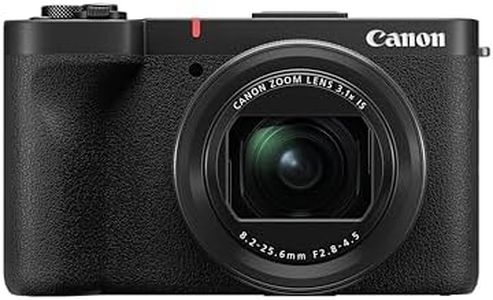
Recommended lists
Top rated
Sony Cameras For Videos
Buying Guide for the Best Cameras For Videography
Choosing the right camera for videography can feel overwhelming with so many options available. Your ideal camera depends on how and where you plan to use it—whether for casual vlogging, short films, documentaries, or professional productions. Consider what you'll shoot most often, your experience level, and the types of environments in which you'll be filming. By understanding the main features of cameras and how they affect recording, you’ll be empowered to pick a camera that matches your projects and style.Sensor SizeSensor size refers to the physical dimensions of the image sensor inside the camera, which affects image quality, depth of field, and low light performance. Larger sensors generally capture more light and detail, giving a cinematic look with beautiful background blur (bokeh), but they tend to make cameras larger and more expensive. Common sensor sizes include Full-Frame (largest), APS-C (mid-sized), and Micro Four Thirds (smaller). For big, cinematic projects or low-light shooting, a larger sensor is ideal. However, for travel or fast-paced events where portability and longer zooms help, a smaller sensor can be more practical. Think about where and what you shoot most to choose the best sensor size for your needs.
ResolutionResolution is the number of pixels the camera captures in each frame, usually measured in megapixels for stills or as vertical lines (like 1080p or 4K) for video. Higher video resolutions allow for clearer, sharper footage and enable cropping or digital zooming without sacrificing quality, but they also create larger files that can be harder to store and edit. For most YouTube or online content, 1080p is still common, but 4K is becoming the standard for higher quality and futureproofing. If you plan to do a lot of post-production editing or want your video to look sharp on large screens, higher resolution is useful, but for simple projects or social media, 1080p may be enough.
Frame RateFrame rate refers to how many frames (individual pictures) are captured per second, with typical options including 24fps, 30fps, and 60fps. Higher frame rates (like 60fps or more) create smoother footage and are great for slow motion, while lower frame rates (like 24fps) give a more cinematic feel. Consider what style you're after and whether you need slow motion: for traditional films and drama, 24fps is popular; for sports or action, higher frame rates let you slow down the footage smoothly.
Autofocus PerformanceAutofocus describes how well a camera can adjust its lens to keep your subjects sharp while filming. Good autofocus is crucial if you move around a lot or film unpredictable subjects, like events or documentaries, making sure your footage stays clear and professional. Some cameras are faster and more reliable than others, with features like face or eye tracking. If you film yourself, record people in motion, or want the camera to ‘think for you’ during difficult shots, prioritize a camera with trustworthy autofocus.
Video StabilizationVideo stabilization helps keep footage steady and smooth by reducing shake caused by hand movements. Cameras may have built-in stabilization (in the sensor or lens), which is especially helpful for handheld shooting or when you can’t use a tripod. There are basic stabilization systems that correct minor shakes, and more advanced ones that make handheld footage look silky smooth. If you shoot videos while walking, vlogging, or moving around a lot, strong in-camera stabilization makes your life easier and your footage more watchable.
Recording Limits and FormatsRecording limit is the maximum duration a camera can record a single video clip before stopping automatically, which can be important for capturing long events or interviews. Some cameras limit video clips to 29 minutes while others allow for much longer, continuous recording. Video format refers to the type of file the camera saves (like MP4, MOV, or internal RAW), affecting how easily you can edit the footage and the storage space required. If you plan to shoot long, continuous scenes—such as live events or time-lapses—check for generous recording limits and choose a format that matches your editing workflow.
Audio InputsAudio inputs refer to the camera’s ability to connect external microphones, which greatly improves sound quality compared to the built-in microphones. Most cameras have a basic 3.5mm mic jack, and some may also have a headphone port for monitoring sound as you record. If you plan to record interviews, music, or care about professional-sounding audio, look for a camera with these input options. Good audio is just as important as good video in most projects, so don’t overlook this, especially for talking-based or musical content.
Screen ArticulationScreen articulation describes whether and how the camera’s display screen can move or tilt. Fully articulating or flip-out screens are extremely helpful when filming yourself, shooting from tricky angles, or composing shots on the move. Fixed screens are fine for simple, static setups, but a flexible screen is great if you vlog, want to be in front of the camera, or shoot in creative ways.