10 Best Cameras Youtubers Use
From leading brands and best sellers available on the web.By clicking on a link to a third party's website, log data is shared with that third party.
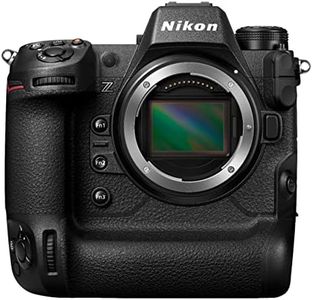
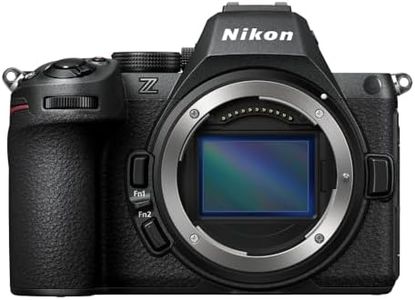
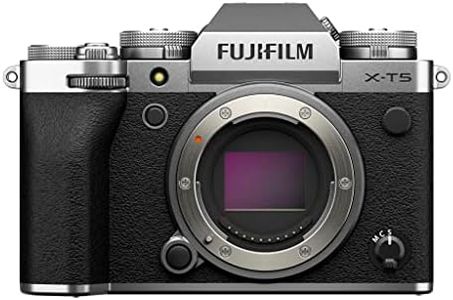
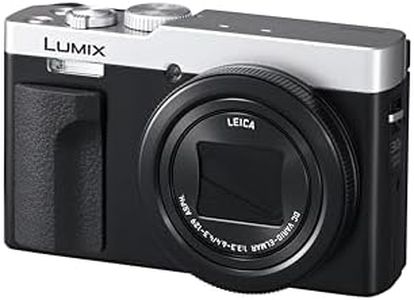
Related Products
Up to 41% off
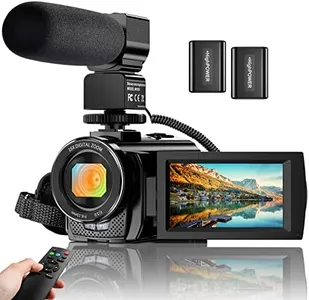
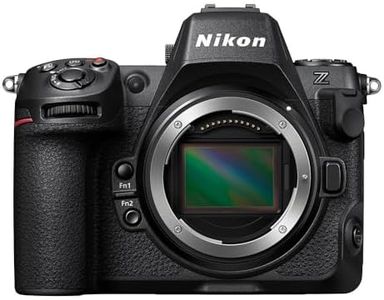
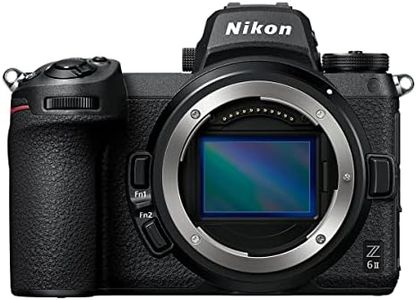

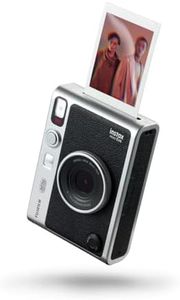
Buying Guide for the Best Cameras Youtubers Use
Choosing a camera for YouTube is all about matching the camera’s features to your content style and workflow. Whether you’re filming vlogs, tutorials, or product reviews, the right camera will make your videos look and sound more professional, and make the recording process easier. Start by thinking about where you'll record most often, the kind of shots you plan to get, your experience level, and whether portability is important. Knowing how and where you'll use your camera helps you prioritize the features that matter most.Sensor SizeThe sensor size of a camera determines how much light it can capture and how much detail it can record, affecting both image quality and low-light performance. Bigger sensors (like APS-C or full-frame) let in more light, granting a clearer, richer image, especially in dim settings, while smaller sensors (like Micro Four Thirds or 1-inch) make cameras more compact and often more affordable. If you’re mostly filming indoors or want that professional blurry background effect, favor a larger sensor. For frequent travelers or those prioritizing convenience, a smaller sensor can be a smart, practical choice.
Autofocus PerformanceAutofocus refers to a camera’s ability to keep your subject sharp while recording. Fast and accurate autofocus is critical for YouTubers who move around a lot or vlog solo, as it ensures your face or product stays clear without constant manual adjustment. Autofocus systems vary, from simple contrast-detection to more advanced face- and eye-tracking systems. If you film yourself often or shoot fast-moving subjects, look for a camera with strong, reliable autofocus; for static recording like tutorials, basic autofocus may be sufficient.
Video Resolution and Frame RatesThis spec determines the sharpness (resolution) and motion smoothness (frame rate) of your videos. Standard options are Full HD (1080p) and 4K; 4K offers greater detail, allowing you to crop footage without losing quality, but takes up more storage and requires more powerful editing hardware. Frame rates control how smooth the motion appears—24 or 30 frames per second are common for a cinematic or natural look, while 60 fps is used for smoother capture, useful for action scenes or slow-motion. Choose higher resolutions and frame rates if you want ultra-sharp footage or more creative flexibility; stick with 1080p/30fps for basic vlogs or if you’re just starting.
Audio InputsGood sound is as important as good video. While many cameras have built-in microphones, external mics almost always sound better. Check if the camera has a microphone input or even a headphone jack for monitoring audio. This is crucial for interviews, commentary, or any video where your voice needs to be clear and crisp. If you plan to use an external microphone for higher quality, make sure your camera supports it; if you’ll mostly add music or use voiceover in editing, this feature may be less important.
Flip ScreenA flip or articulating screen makes it easier to frame your shots when recording yourself. This is especially useful for solo creators, vloggers, or those filming from odd angles. Some screens flip out to the side while others tilt upwards; both allow you to see yourself, check focus, and monitor settings. If you’ll film yourself often, a camera with a fully articulating or at least tilting screen is a big advantage. If you always have a camera operator, this may not be as important.
StabilizationStabilization helps smooth out shaky footage, especially when shooting handheld or on the move. Some cameras offer built-in stabilization (optical or digital), while others rely on stabilized lenses. If you plan to walk and talk, do action shots, or record without a tripod, look for cameras with strong stabilization features. If you’ll always shoot from a tripod or desk, you can deprioritize this feature.
Portability and Battery LifeHow light and portable a camera is can determine how easy it is to carry and use for extended periods, and battery life affects how long you can record before needing a recharge. Compact, lightweight cameras are better for vlogging on the go, while larger camera bodies may be better suited to stationary work but can also tire you out faster. Think about your filming habits: if you travel or shoot for long stretches, prioritize lighter weight and longer battery life. For shorter, planned sessions at home, these are less critical.