10 Best Car Code Scanners
From leading brands and best sellers available on the web.By clicking on a link to a third party's website, log data is shared with that third party.
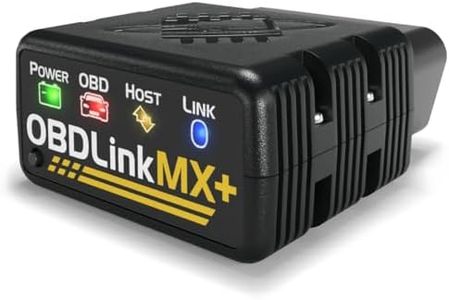
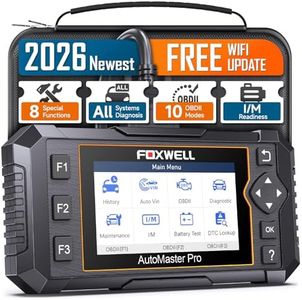
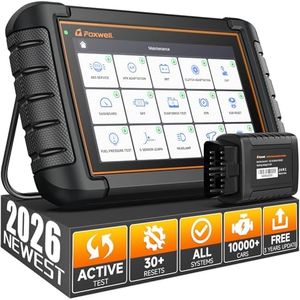

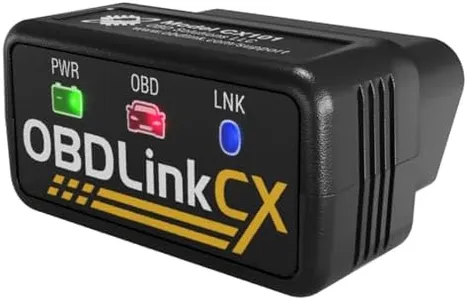
Related Products
Up to 20% off
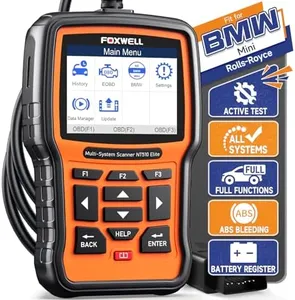
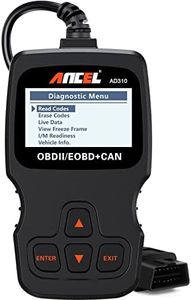


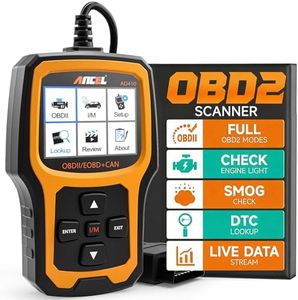
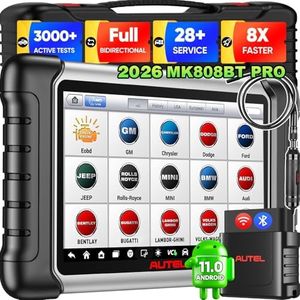
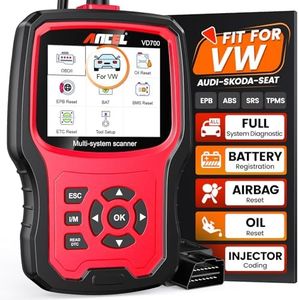
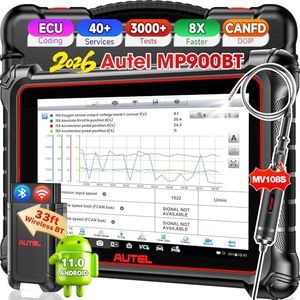
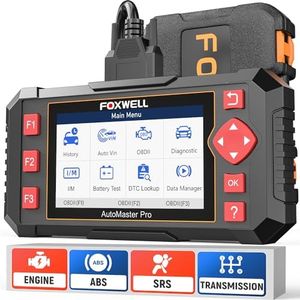
Buying Guide for the Best Car Code Scanners
Choosing the right car code scanner can be a real game-changer for diagnosing and maintaining your vehicle. These devices help you understand what your car's onboard computer is communicating, making it easier to pinpoint issues and sometimes even fix them yourself. The best approach is to think about your comfort with technology, the type of car you own, and how much detail you want from your diagnostic tool before making a decision.CompatibilityCompatibility refers to whether a car code scanner can work with your specific vehicle's make, model, and year. This is important because different cars may use different communication protocols, so not every scanner works with every car. Generally, most basic scanners support cars made after the mid-1990s, but some advanced functions or codes might only work with certain brands or models. Always check if the scanner lists your car before buying. Think about whether you look after just one car or might need to scan other vehicles in the future.
Supported ProtocolsSupported protocols are the types of digital languages a scanner understands when it talks to your car. This matters because cars made in different years or regions may use various protocols. Entry-level scanners usually only support basic OBD-II protocols, suitable for most cars made after 1996. More advanced scanners support extra manufacturer-specific protocols, which unlock deeper diagnostics. Choose a scanner with the right protocol support for your vehicle's age and origins.
FunctionalityFunctionality describes what the scanner can actually do, from just reading and clearing check engine lights to providing real-time data or running advanced diagnostic tests. Basic scanners read and reset codes, ideal for DIYers who want to know why the engine light is on. Mid-range models offer live data and can check emissions readiness. High-end (or professional) scanners allow deeper diagnostics like ABS, airbag, or transmission reading. Pick a scanner with features that match what you actually want to do—basic error reading or more complex troubleshooting.
Display and InterfaceThe display and interface refer to how you interact with the scanner and view its results. This is crucial because a clear display and simple interface can make diagnosing your vehicle much less frustrating. Displays range from simple text screens on budget models to high-res touch screens on premium options. Consider if you want a stand-alone scanner with its own screen or a 'dongle' style scanner that links to your smartphone or tablet. Choose an interface that feels comfortable and easy for you to use.
Update and SupportUpdate and support relates to whether the scanner's software can be kept current as vehicles evolve and new diagnostics are needed. This is important because updated scanners can work with newer cars and fix bugs. Some scanners update automatically with a USB or internet connection, while others may be limited from the factory. If you plan to keep your scanner for several years, or might buy newer cars, look for update-friendly models and brands known for ongoing support.
Connection TypeConnection type is about how the scanner communicates with your car, either through a direct cable, Wi-Fi, or Bluetooth. Wired connections are often more reliable and require no setup, perfect for those who value simplicity. Wireless options offer more flexibility and often allow you to use your smartphone as a screen, but may involve connecting to an app and keeping devices charged. Choose based on whether you want the plug-and-play reliability of a cable or prefer the convenience and portability of wireless.