10 Best cell phone VR headsets
From leading brands and best sellers available on the web.By clicking on a link to a third party's website, log data is shared with that third party.
Related Products
Up to 30% off
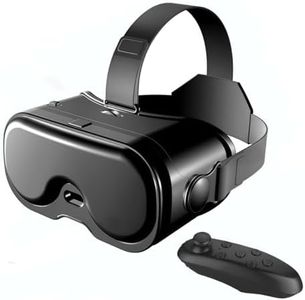
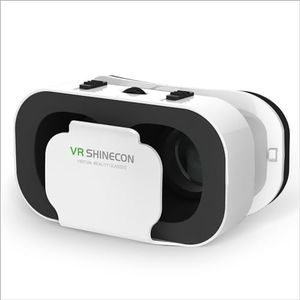
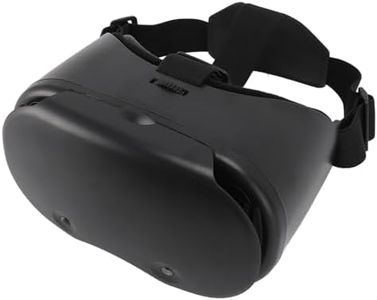
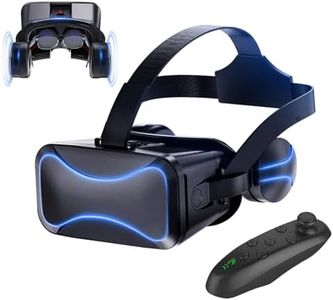
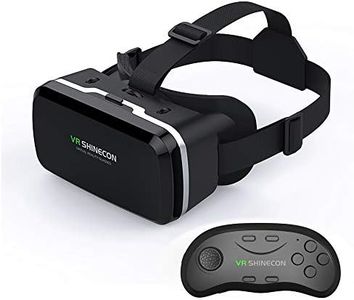
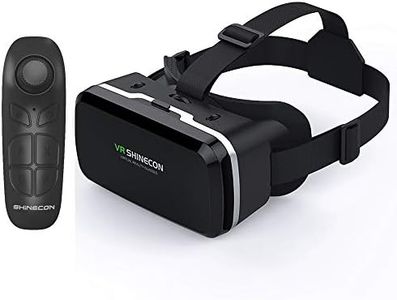
Buying Guide for the Best cell phone VR headsets
Picking a cell phone VR headset involves understanding how it works and making sure it suits your phone, comfort needs, and the type of virtual experience you are hoping for. Unlike standalone or PC-based VR headsets, these devices use your phone as both the display and processor. The right choice will depend on your phone’s compatibility, the immersion you are seeking, and how comfortable and easy the headset is to use for the time you typically want to spend in VR. Considering your intended uses—like watching 360 videos, playing games, or light apps—will help narrow down your options.Phone CompatibilityPhone compatibility refers to whether your phone will fit and work with the headset. This is crucial because if your phone doesn't physically fit, or the headset doesn't support your phone's hardware or operating system, you won't be able to use it. Most headsets list a compatible screen size range (usually in inches) and may specify if they are for Android or iOS. Measure your phone and check its operating system before you pick a headset. If you often change phones, a headset with a wider supported size range is a safer choice.
Field of View (FOV)Field of view is how much of the virtual world you can see at once through the headset. A larger FOV gives a more immersive and natural experience, while a smaller FOV may feel like looking through binoculars. Most mobile VR headsets have FOVs between 90 and 120 degrees. If you want a more engaging and enveloping VR experience, look for a headset with a bigger FOV. However, you should also consider whether your phone's screen is big enough to support this without showing black bars or edges.
Lens Quality and AdjustmentThe lenses in the headset focus and expand your phone’s display to fill your view. Lens quality affects sharpness, clarity, and overall comfort. Some headsets let you adjust lens distance (for sharpness and focus) or interpupillary distance (to match the distance between your eyes). If you wear glasses or experience eye strain, adjustable lenses can be very important. For users with sensitive eyes, prioritize headsets that allow customization to avoid discomfort during longer sessions.
Comfort and FitComfort and fit describe how the headset feels on your head and face. They depend on the padding, strap quality, heat buildup, and weight distribution. If you plan on using VR for more than a few minutes at a time, prioritize headsets with thick padding, adjustable straps, and lightweight designs. People with smaller or larger heads should look for adjustable fits. If comfort is overlooked, even the best visuals won't save you from headaches or discomfort.
Controls and InputControls allow you to interact with virtual content. Some headsets come with a Bluetooth controller, while others rely on gaze-based controls or use your phone's touchscreen before entering VR mode. If you want to play games or use interactive apps, look for a headset that includes or supports external controllers. For passive experiences, like watching videos, simpler controls are usually fine.
Ventilation and Heat ManagementVentilation refers to how well the headset prevents fogging and excessive heat buildup. Since your phone will be running intensive apps inside a closed space, heat can be a real concern. Headsets with good ventilation will keep your face cool and your phone from overheating and dimming the screen. If you plan long sessions or have a phone known to get hot, prioritize airflow features.