10 Best Computer Scanners
From leading brands and best sellers available on the web.By clicking on a link to a third party's website, log data is shared with that third party.
Related Products


Buying Guide for the Best Computer Scanners
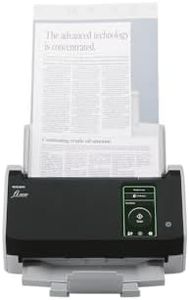
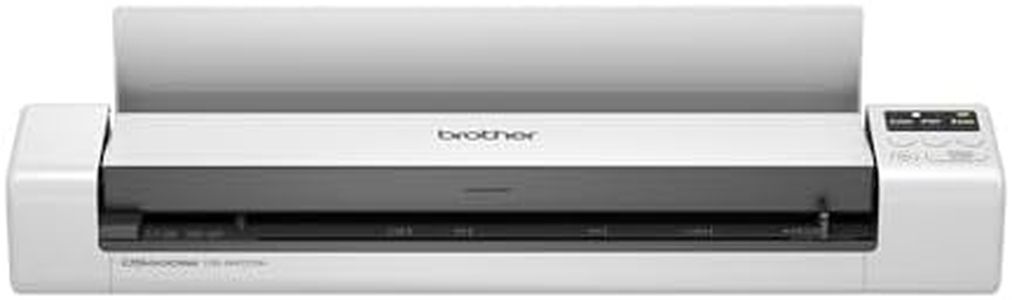
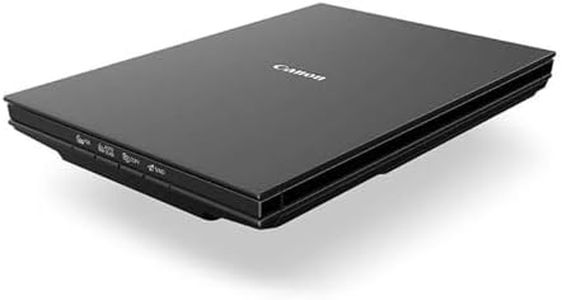
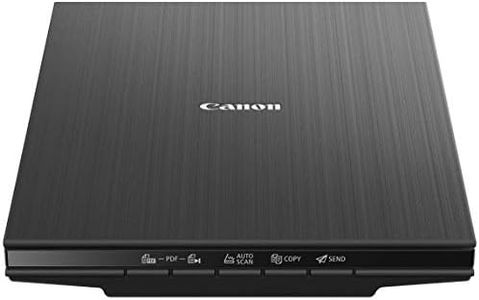
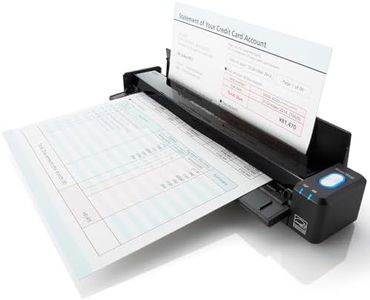
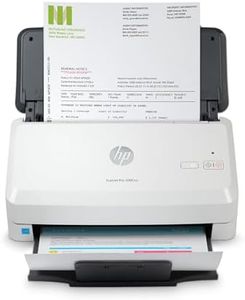
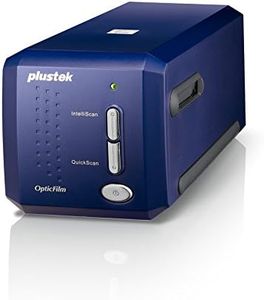
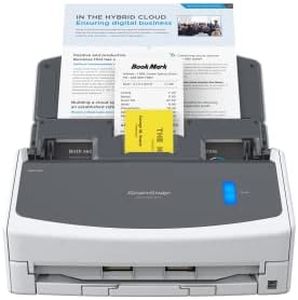
When choosing a computer scanner, it's important to think about what kinds of documents or images you'll be scanning most often. Scanners come in a variety of types and sizes, designed for different needs—from simple document scanning to high-quality image and photo digitization. Knowing how often you'll use the scanner, the types of materials, and your workspace setup will ensure you get a scanner that fits both your current needs and has some flexibility for the future. Comparing the main specifications is a great starting point when sorting through the options.Scanner TypeScanner type refers to the physical design and intended use of the scanner, such as flatbed, sheet-fed, or portable scanners. Flatbed scanners have a glass surface and are good for scanning books, photos, and delicate items, whereas sheet-fed scanners are best for quickly processing stacks of documents but aren't ideal for fragile or thick items. Portable scanners are compact and good for occasional or on-the-go use. The right type for you depends on whether you need flexibility for different document sizes and materials (choose flatbed), speed for lots of paperwork (sheet-fed), or convenience and portability (portable options).
Optical ResolutionOptical resolution, measured in dots per inch (DPI), describes how much detail the scanner can capture from the original item. A higher DPI means the scanner can pick up smaller details, which is important for photo or image scanning. For basic document scanning, a DPI of 300 is generally enough, while photo or artwork scanning may benefit from 600 DPI or higher. If you mostly scan text or forms, a lower resolution is fine, but for high-quality image work, aim for a mid to high DPI scanner.
Scan SpeedScan speed indicates how quickly a scanner can digitize pages, usually measured in pages per minute (PPM). Faster speeds are useful if you regularly scan large volumes of paperwork. Slow speeds can be acceptable if you only occasionally scan a page or two. Think about your typical scanning session: if it's mostly single documents, speed doesn't matter much, but for offices handling many pages at once, higher PPM is more valuable.
Duplex ScanningDuplex scanning is the ability of a scanner to automatically scan both sides of a page without having to flip it manually. This is an important feature for users dealing with double-sided documents, such as contracts or forms. If you often scan multi-page, double-sided paperwork, duplex scanning saves significant time. For single-sided or occasional scanning, this feature is less crucial.
Connectivity OptionsConnectivity options refer to how the scanner connects to your computer or other devices. The most common is USB, providing a direct, reliable connection, but some scanners offer wireless connections like Wi-Fi or Bluetooth, which are useful for shared use or scanning to cloud services. If you plan to move the scanner between computers or want easy sharing among multiple users, wireless features might be important. For solo use in a fixed location, USB is often all you need.
Document Size and CapacityDocument size and capacity relate to the maximum size of items the scanner can handle and, for sheet-fed scanners, how many pages can be loaded at once. Standard scanners support up to A4/letter size, while some can handle larger formats. Feeders with higher capacity are useful if you tend to scan many pages at once. If you frequently work with legal-sized or irregular materials, check for a scanner that accommodates them.
Software and FeaturesScanner software and built-in features determine what you can do with scanned documents, such as OCR (Optical Character Recognition) for turning printed text into editable text, automatic cropping, or cloud integration. These features can streamline your workflow if you need to edit or organize scanned files. Consider your post-scan process: if you need editable text or rely on cloud storage, prioritize models offering advanced software and compatibility.