10 Best Dash Cam Parking Mode
From leading brands and best sellers available on the web.By clicking on a link to a third party's website, log data is shared with that third party.
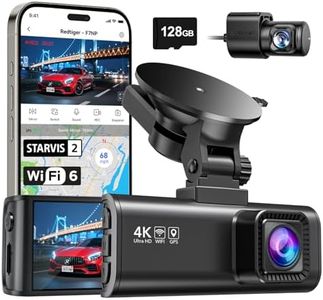
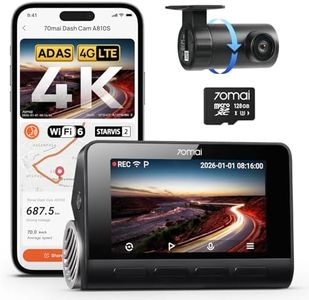
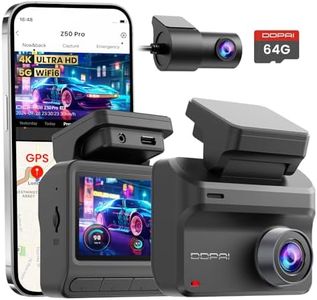
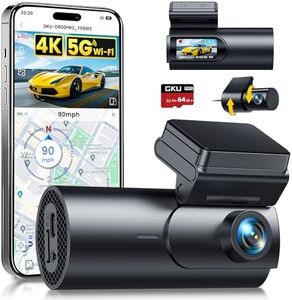
Related Products
Up to 24% off

Buying Guide for the Best Dash Cam Parking Mode
Choosing a dash cam with parking mode can add an extra layer of security to your vehicle while parked. This feature allows the dash cam to monitor your car for incidents, such as bumps, theft, or vandalism, even when the engine is off. When selecting a camera, you’ll need to look for specific features that match your parking habits and vehicle environment. Understanding these features will help you make the most informed choice for your peace of mind.Type of Parking ModeParking mode generally comes in three types: motion detection, impact detection, and time-lapse recording. Motion detection triggers recording when the camera senses movement near your car, impact detection activates recording upon sensing a bump or shock, and time-lapse mode records continuously at lower frame rates to save storage. The type you choose depends on the level of coverage you want—motion and impact modes are more event-focused and preserve memory, while time-lapse offers a continuous overview. Consider what kinds of incidents concern you most and whether your parking situation makes one method more effective than others.
Power Supply OptionsDash cams in parking mode need a constant power source. Some draw power directly from the vehicle battery, either with a hardwired kit or through the fuse box, while others use separate external battery packs. Hardwiring can provide reliable, long-term coverage but may risk draining your car battery if not managed properly. External battery packs are safer for the vehicle’s battery but need regular recharging or replacement. Your decision should depend on how long you expect the camera to monitor when parked and your willingness to install additional hardware or perform regular maintenance.
Parking Mode Sensitivity SettingsSensitivity settings determine how easily the dash cam triggers recording during parking mode. High sensitivity picks up minor movements or vibrations, which is useful for high-traffic areas but might lead to unnecessary recordings. Lower sensitivity reduces false triggers but could miss subtle incidents. Adjusting and testing sensitivity helps you avoid filling up your memory card with irrelevant footage while still capturing important events. Evaluate your parking environment to determine the right balance—busy streets may need lower sensitivity, while quiet lots can use higher settings.
Automatic Switch to Parking ModeSome dash cams can automatically detect when the car ignition is turned off and switch to parking mode, while others require manual activation. Automatic switching is more convenient and ensures the camera is always monitoring without relying on memory. Manual systems give you more control but are easier to forget to use. If you prefer a ‘set it and forget it’ approach, prioritize automatic switching for peace of mind.
Video Resolution and Night VisionVideo quality is crucial for identifying details in parking incidents. Higher resolutions provide clearer images, which help in recognizing faces or license plates. Night vision ensures footage is usable in low or no light, which is when many parking incidents happen. Cameras with good low-light performance or infrared LEDs will give you better results if your car is often parked in dimly lit areas. Choose the level of video detail and night vision capabilities based on how critical clear footage is for your needs and the lighting conditions where you park.
Storage Management and Overwrite ProtectionParking mode can generate a large number of video clips, so how the dash cam manages storage is important. Loop recording means newer footage automatically overwrites the oldest files, ensuring the camera keeps recording even as the memory card fills up. Some cams have impact-event file protection, saving and locking critical footage from being deleted. If you want to make sure important incidents are not lost, look for file protection or event-locking features, and consider using a memory card with higher capacity to store more events.