10 Best Dashcam Cameras
From leading brands and best sellers available on the web.By clicking on a link to a third party's website, log data is shared with that third party.
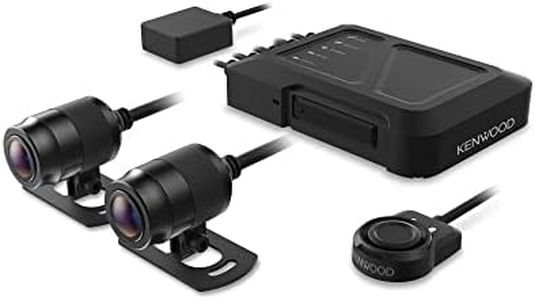
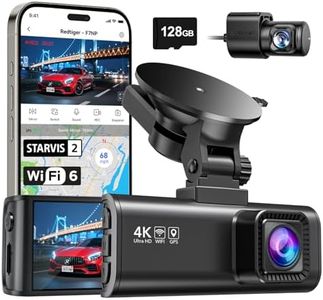
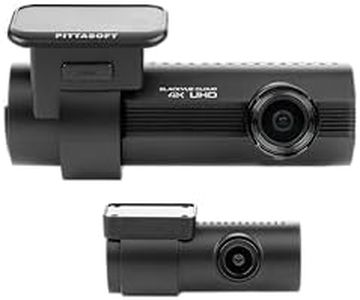
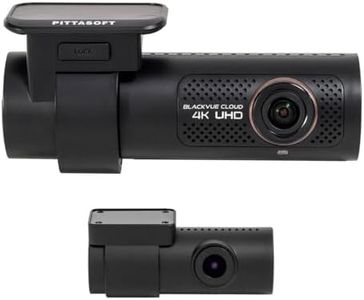
Related Products
Up to 20% off
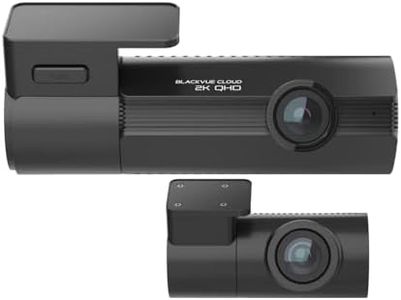

Buying Guide for the Best Dashcam Cameras
Choosing the right dashcam can give you peace of mind while driving, helping to protect you in case of accidents or disputes. There are many types of dashcams, from basic models to advanced ones with multiple features. Before you buy, think about what you really need: do you just want basic video evidence, or are things like night vision, advanced sensors, or dual-camera setups important for your driving habits and location? Consider your environment (city, highway, night driving, etc.) and how you plan to use the footage. Understanding the main specifications will help you pick the dashcam that best fits your needs.Video ResolutionVideo resolution tells you how clear and detailed the video recordings from the dashcam will be. Higher resolution (like 1440p or 4K) captures more detail, making it easier to read license plates or see faces, especially in fuzzy or fast-moving situations. Lower resolutions (like 720p) are basic but may save space on your memory card. If you drive in busy city streets where details matter, higher resolution is useful, but for simple evidence recording on quiet roads, lower resolution can still do the job.
Field of View (FOV)Field of View measures how much of the road and surroundings the camera captures. A wide FOV (like 170 degrees) records more on the sides but may distort the edges a bit, while a narrow FOV (like 120 degrees) focuses straight ahead with less distortion but may miss side details. If you want to capture multiple lanes or are concerned about things happening at intersections, go for a wider view. For simple, forward-facing footage, a moderate field of view suffices.
Night Vision CapabilityNight vision is about how well the dashcam records in low-light or nighttime conditions. Good night vision uses special sensors or infrared (IR) LEDs to ensure footage stays clear even in the dark. If you often drive after sunset or in poorly lit areas, look for strong night vision features. If most of your driving is during daylight hours, this may be less important.
Loop RecordingLoop recording means the dashcam automatically overwrites the oldest video clips when the memory card fills up. This keeps the camera running continuously without you needing to erase old files manually. Most dashcams offer this, with different segment lengths (1, 3, or 5 minutes). If you want automatic, hassle-free recording, make sure loop recording is present.
G-Sensor (Impact Sensor)The G-Sensor detects sudden impacts or changes in motion, such as during an accident. When triggered, it locks and saves the relevant video clip so it can't be overwritten, helping preserve important evidence. Look for adjustable sensitivity settings to tailor performance to your driving environment: higher sensitivity for bumpy roads, or lower sensitivity for smoother surfaces.
Parking ModeParking mode allows your dashcam to keep watch even when your car is parked. It can record whenever motion or impact is detected near your car, offering extra security. There are basic parking modes with simple motion triggers, and advanced ones that use time lapse or buffered recording. If you often park in public or high-risk areas, this feature adds valuable protection.
Number of CamerasSome dashcams only record what's happening in front of your vehicle, while others include a rear or even interior camera. Dual-channel setups offer both front and rear coverage, and some even monitor the cabin—useful for ride-share drivers. Choose the number of cameras based on whether you want to protect yourself from rear-end accidents or monitor passengers.
Storage Capacity SupportThis refers to the maximum size microSD card the dashcam can use. Larger capacities (like 128GB or 256GB) mean longer video history before older files are overwritten. If you want a longer record of your journeys or use high-resolution video, pick a camera that supports larger cards.
Audio RecordingSome dashcams record sound along with video. This can provide important context in the case of disputes or incidents. It's generally an optional setting you can turn on or off for privacy. Decide if capturing audio is useful for your situations.
Ease of Installation and Mounting OptionsDashcams can mount using sticky pads or suction cups. Some are easier to install and move between vehicles than others. If you want a simple, non-permanent setup, suction mounts are convenient; if you want a more secure and long-term solution, adhesive mounts are better. Think about whether you’ll move the camera between cars or want a discreet installation.