10 Best Fastest Chargers For Iphone
From leading brands and best sellers available on the web.By clicking on a link to a third party's website, log data is shared with that third party.
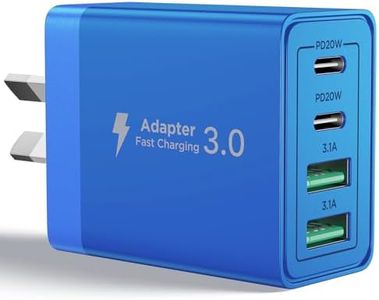
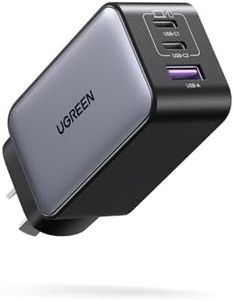
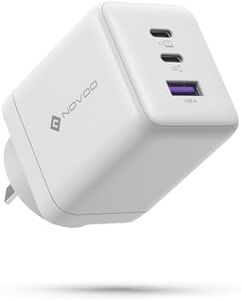
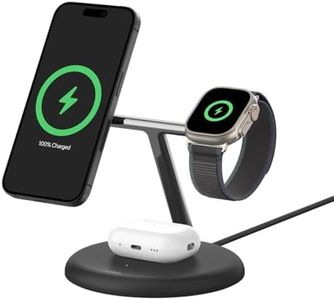
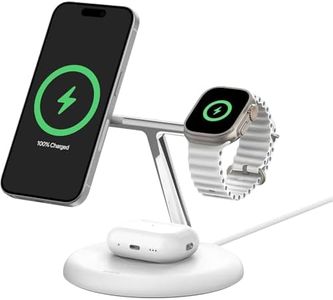
Related Products
Up to 56% off
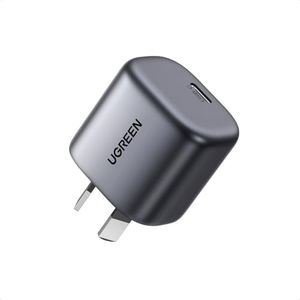
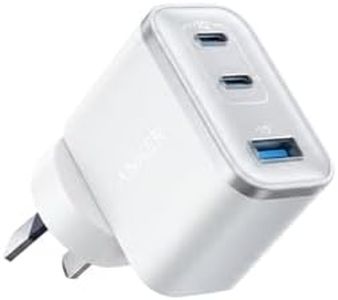
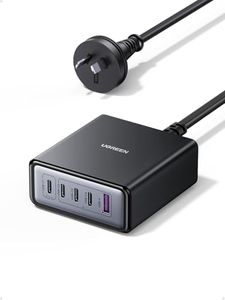


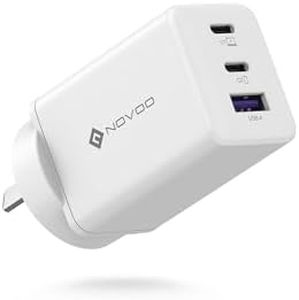
Buying Guide for the Best Fastest Chargers For Iphone
When shopping for the fastest chargers for your iPhone, it’s important to know that not all chargers are made equal. iPhones support different charging speeds depending on the model, cable, and power adapter used. To maximize your charging speed safely and efficiently, you should pay attention to a few key specifications that determine how quickly and reliably juice gets into your device.Wattage (Power Output)Wattage refers to how much energy the charger can deliver to your iPhone in a certain amount of time, commonly measured in watts (W). This is important because higher wattage means faster charging — but only up to the maximum your iPhone supports. For example, many newer iPhones can handle up to 20W or more via 'fast charging.' Chargers come in ranges like 5W (slow), 12W (moderate), and 18W/20W+ (fast). If you have an older iPhone, a 5W charger may suffice, but for recent models, look for at least 18-20W. Always check your iPhone’s supported charging speed and make sure your charger matches it for optimal performance.
Charging Standard (USB Power Delivery and Others)The charging standard is a set of rules that the charger and device follow when transferring power. For iPhones, USB Power Delivery (USB-PD) is the official standard for fast charging. This matters because only chargers compatible with the right standard will deliver higher speeds safely. Some chargers use proprietary or less efficient standards. If you want the fastest charge, choose one that clearly supports USB-PD. Segments here are simple: USB-PD compatible (best for iPhones) versus non-PD chargers (slower or not optimized). Check the packaging or description for USB-PD, especially if you want top speeds with newer devices.
Port Type (USB-C vs. USB-A)This spec refers to the shape of the slot on your charger. USB-C ports are newer and necessary for true fast charging with iPhones, while USB-A are the older, wider type found on most classic chargers. USB-C chargers support higher power delivery and the fast-charging standard your iPhone needs. Navigating this is easy: if you want the fastest performance, choose a charger with a USB-C port and use a USB-C to Lightning cable. Choose USB-A only if you're using much older devices or cables, but note this will likely slow down charging.
Safety CertificationsSafety certifications ensure a charger has been tested to prevent overheating, overcharging, or damaging your device. This is very important because fast chargers push more power quickly, which creates more heat and potential risk. Look for certifications like UL, CE, FCC, or MFI (Made for iPhone). Certified chargers have passed tests for safety and compatibility. Ignore obscure, uncertified brands to protect your phone and yourself. Reliable safety is always a must, especially at higher charging speeds.
Cable Quality and CompatibilityThe cable you pair with your charger is just as crucial as the charger itself. Using a high-quality, certified USB-C to Lightning cable ensures that the fast-charging speeds reach your iPhone efficiently. Poor-quality or unapproved cables can slow down charging or even cause harm. For fast charging, always use MFI-certified (Made for iPhone) cables. Segments here are basic: certified high-quality cables for fast and safe charging are best, while cheap, uncertified cables are to be avoided.