10 Best Fastest Color Printer
From leading brands and best sellers available on the web.By clicking on a link to a third party's website, log data is shared with that third party.
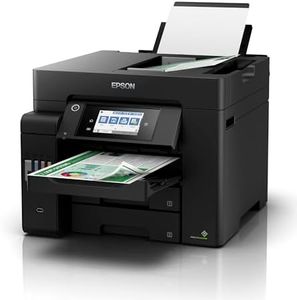
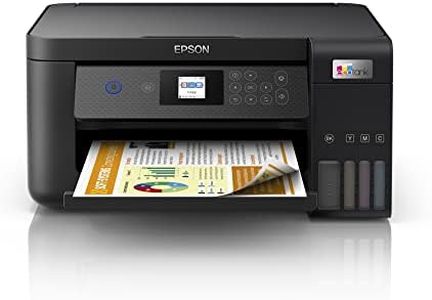
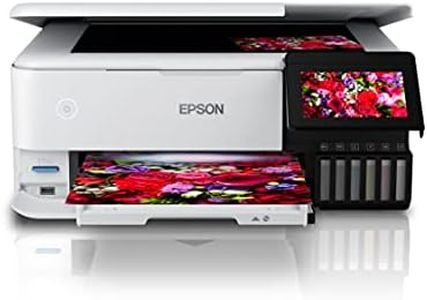
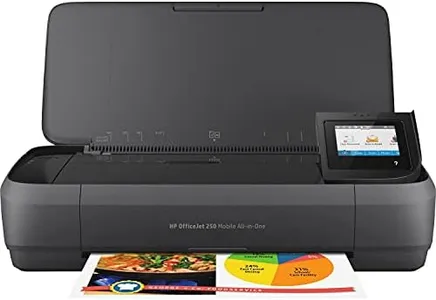
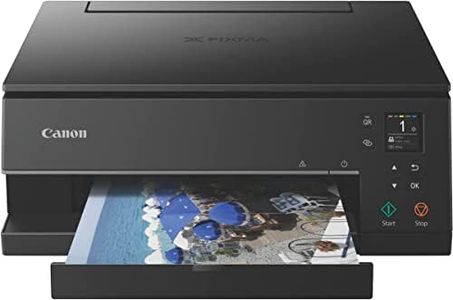
Related Products
Up to 29% off
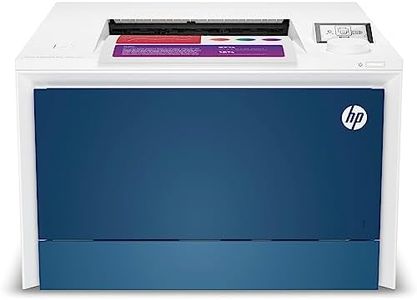
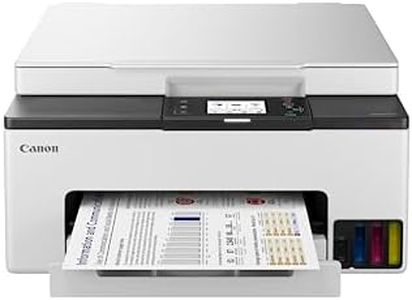
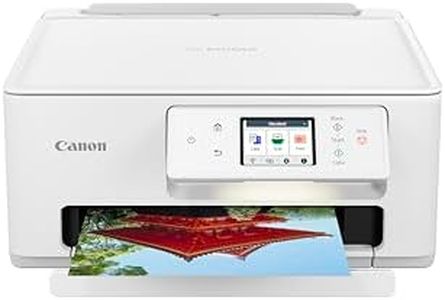
Recommended lists


Buying Guide for the Best Fastest Color Printer
Choosing the fastest color printer can make a big difference if you often print large documents or need quick results for busy environments like an office or classroom. However, speed shouldn't be the only factor you consider—other features like print quality, connectivity, and duty cycle are also important. To find the best printer for your needs, think about how often you'll use it, the type of documents you print, and whether speed is more important than things like color accuracy or extra features.Pages Per Minute (PPM)Pages per Minute, or PPM, is a measurement of how many pages a printer can print in one minute, usually for both black and white and color printing. This is the main number to look at when you want the fastest color printer. Printers in the lower segment (under 15 PPM for color) are usually best for home use where speed is less important. Mid-range printers (15-30 PPM) suit small offices or frequent personal use, offering a good balance of speed and quality. High-speed printers (over 30 PPM) are meant for busy offices or production environments where lots of printing is done every day. To choose the right PPM, think about your daily print loads—if you don't print often, low to mid PPM may be enough, but if you regularly print lots of pages, a high PPM printer saves you time.
First Page Out TimeFirst Page Out Time measures how quickly the printer can start printing after you send a print job. This is important because even a fast PPM printer can feel slow if it spends a long time warming up or getting ready. Light-use home printers may take 10-20 seconds, while more business-oriented ones can get the first page out in under 10 seconds. If you often print short, urgent documents, a quicker first page out time will make your experience feel much faster overall.
Duty CycleDuty cycle tells you the maximum number of pages a printer can handle in a month without excessive wear. A low duty cycle (under 1,000 pages per month) is fine for occasional home use, a moderate cycle (1,000-5,000) suits small businesses, and a high duty cycle (5,000 and above) is essential for busy offices or shared environments. If your printing needs grow, having a printer with a duty cycle above your estimated monthly printing helps avoid breakdowns and keeps speed consistent.
Print ResolutionPrint resolution, often measured in dots per inch (DPI), affects the sharpness and color detail of your prints. Higher DPI means crisper images but can slow down printing slightly, as the printer may take longer to process and print each page. Typical printers offer 600 x 600 DPI for faster, basic jobs, while 1200 x 1200 or higher is for detailed graphics or photography work. If speed matters more than super-high photo quality, a standard resolution is usually fine for business documents and presentations.
Printer Technology (Laser vs. Inkjet)Color printers are commonly either laser or inkjet types. Laser printers are generally faster, especially for large print jobs, and are more efficient for text-heavy or business use. Inkjet printers can produce better color photos but tend to be slower for high-volume printing. If speed is your biggest concern, looking for a color laser printer is usually your best bet, but if you care more about image quality for occasional prints, inkjet may suffice.
Connectivity OptionsPrinters offer USB, Wi-Fi, Ethernet, and sometimes Bluetooth or mobile app connections. Fast and reliable connectivity means your print jobs start quickly. In busy environments, networking options (like Ethernet or Wi-Fi) can handle more print requests efficiently, keeping speeds up. If you print from multiple devices or locations, ensuring your printer has fast and stable connectivity helps maintain quick printing performance for everyone.