10 Best Gaming Computer Mouse
From leading brands and best sellers available on the web.By clicking on a link to a third party's website, log data is shared with that third party.


Related Products
Up to 22% off
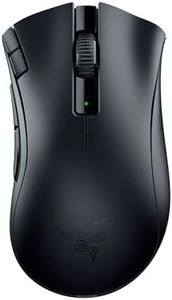
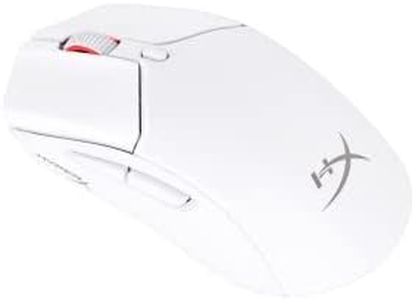
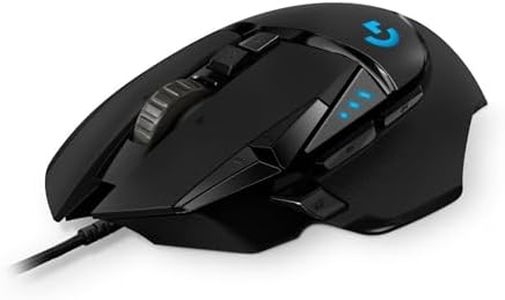
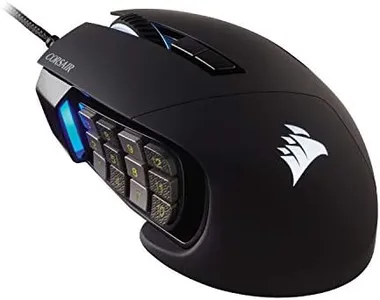
Recommended lists
Top rated
Gaming Computer Monitor
Buying Guide for the Best Gaming Computer Mouse
When looking to buy a gaming computer mouse, it’s important to focus on how the mouse feels in your hand and how well it matches the type of games you play. Comfort, responsiveness, and extra features can make a big difference in your gaming experience. Understanding the key specs will help you make a choice that enhances your gameplay and meets your personal preferences.Sensor TypeThe sensor in a gaming mouse can be either optical or laser. The sensor type determines how accurately your hand movements are tracked on the screen. Optical sensors use LED light and are generally preferred for gaming because they offer reliable tracking on most surfaces but work best on a mouse pad. Laser sensors work on a wider variety of surfaces, including glass, but may be less precise for fast, competitive games. For most gamers, especially those who play first-person shooters or require precise aiming, optical sensors are usually the better choice. Consider what surfaces you’ll use your mouse on and whether pinpoint accuracy or versatility is more important for you.
DPI (Dots Per Inch)DPI measures how sensitive the mouse is to movement; higher DPI means the cursor moves farther on the screen for the same hand movement. Gaming mice can offer DPI ranges from as low as 400 up to 20,000 or more. For fast-paced games where quick movements are key, higher DPI can be useful, but very high settings can make the cursor too sensitive. Many players find a DPI somewhere between 800 and 3200 comfortable. Most gaming mice let you switch DPI on the fly, so think about what types of games you play and whether you need to adjust sensitivity quickly in-game.
Polling RatePolling rate refers to how often the mouse reports its position to the computer, measured in hertz (Hz). Common values range from 125Hz up to 1000Hz (1ms response). A higher polling rate means less lag between your movement and what you see on the screen, which is helpful for fast reaction games. However, most users won’t notice much difference beyond 500Hz. Competitive gamers may prefer 1000Hz for the most responsive feel, while for general play any value 500Hz and up should be fine.
Ergonomics and Grip StyleErgonomics involves how well the mouse fits your hand and supports your grip style, which could be palm, claw, or fingertip. Some mice are designed for right-handed, left-handed, or ambidextrous use. Shape, size, and weight can affect comfort during long gaming sessions, so it’s important to consider your hand size and how you naturally hold the mouse. Trying out a few shapes in person, if possible, is helpful. Choose a mouse that feels natural to use and supports your preferred grip to prevent fatigue or discomfort.
Programmable ButtonsMany gaming mice have extra buttons that you can program for special functions, like quick weapon changes or macros. The number of extra buttons ranges from two up to 12 or more, often placed on the side. For role-playing or strategy games, having more buttons can be valuable, while players of shooters might prefer fewer, easily accessible options. Think about your gaming habits and whether extra buttons will enhance your performance, or if a simpler design suits you better.
Weight and Weight AdjustmentThe weight of a gaming mouse affects how easily you can move it around. Lighter mice allow for quick flicks and fast movements, which can be beneficial in competitive scenarios, while heavier mice may offer more control and stability for precision tasks. Some gaming mice come with adjustable weights so you can customize the feel. If speed is your priority, a lighter mouse might be best, but if you prefer a steadier hand, go for something heavier or a model with adjustable options.
Wired vs. WirelessWired mice connect directly to your computer and offer consistent, lag-free performance, making them popular for competitive gamers. Wireless technology has improved a lot, and high-end wireless mice can now offer near-identical performance to wired ones with the added benefit of a cleaner desk and more movement freedom. If you don’t want to worry about charging or batteries, stick to wired. If you value a clutter-free setup and want maximum flexibility, consider a wireless model and check battery life and charging options.
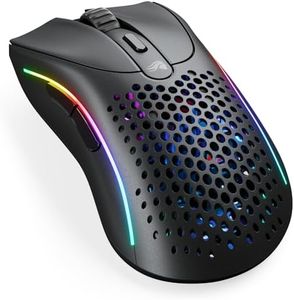
RGB Lighting and AestheticsRGB lighting lets you customize the look of your mouse by changing the color and pattern of the lights on it. Some gamers enjoy personalizing their setup with different lighting effects, which can add to the fun and style. Others may find it unnecessary. If looks are important to you and you want your mouse to match the rest of your gear, check for customizable lighting features, but remember these don’t affect gameplay.