10 Best Gaming Laptop Cooling Pads
From leading brands and best sellers available on the web.By clicking on a link to a third party's website, log data is shared with that third party.
Related Products
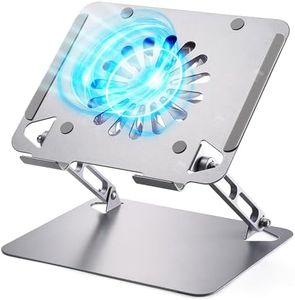

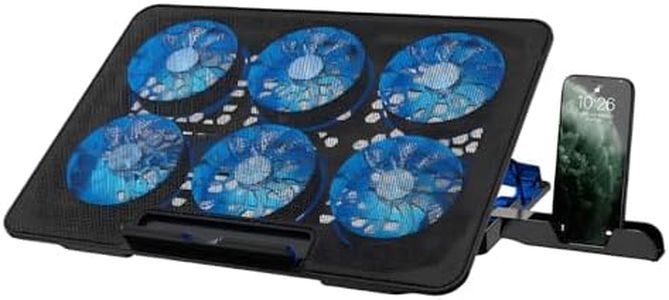
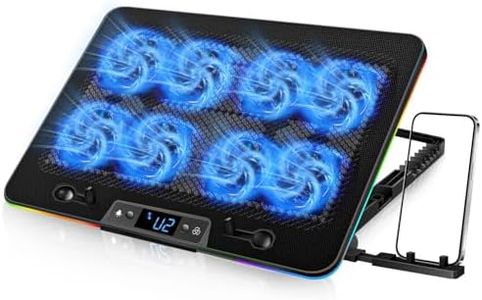
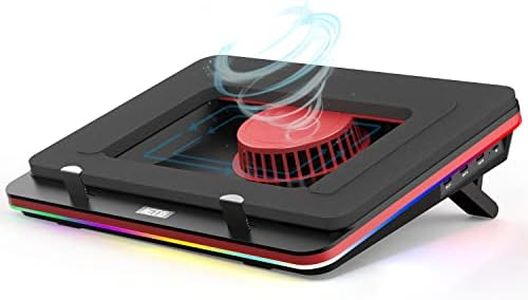

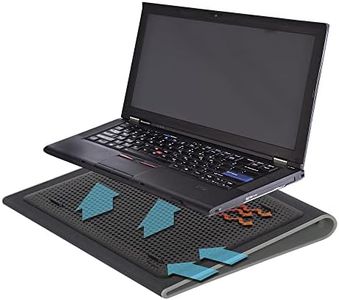
Buying Guide for the Best Gaming Laptop Cooling Pads
Choosing the right cooling pad for your gaming laptop is important because it directly affects both your comfort and your device's performance. Gaming laptops can get hot during long or intense play sessions, and a good cooling pad helps keep temperatures in check. By lowering the laptop’s heat, you can prevent performance dropping (throttling), increase comfort, and protect your laptop’s hardware over time. To find the best cooling pad for your needs, focus on the key specs below and think about your gaming habits and your laptop’s size and design.Fan Size and NumberFan size refers to the diameter of each fan in the cooling pad, while the number tells you how many fans are included. Larger fans can move a lot of air at slower, quieter speeds, which is helpful for both noise reduction and effective cooling. More fans usually mean a larger area of your laptop receives cooling, but more fans also may increase noise and power draw. If your gaming sessions are long and your laptop gets very hot, look for cooling pads with multiple large fans. If you only need moderate cooling or prefer a quieter experience, one or two large fans might be enough.
Airflow (CFM)CFM (Cubic Feet per Minute) measures how much air the cooling pad can move. A higher CFM means more air circulation, which usually leads to better cooling performance. Entry-level pads may have a CFM in the lower range (20-40), suitable for light gaming or work use. Mid-range (40-70 CFM) pads are strong enough for moderate gaming, while higher-end options (70+ CFM) are best for demanding gaming laptops or long, intense sessions. If your laptop tends to overheat or you live in a hotter climate, a higher CFM is wise.
Noise LevelNoise level, usually measured in decibels (dB), tells you how loud the cooling pad will be when it's on. Lower dB values mean quieter operation. Pads under 30 dB are barely noticeable, those in the 30-50 dB range are acceptable for most users, and above 50 dB may become distracting. If you game in a quiet room or use your laptop in shared spaces, a quieter pad is preferable. For very intense gaming where performance matters most, you might tolerate a slightly higher noise level for better cooling.
Laptop Size CompatibilityThis spec tells you the size range of laptops the cooling pad can support, usually indicated in inches (for example, up to 15.6" or 17"). Using a pad that's too small or too large for your laptop can reduce its effectiveness and stability. Make sure you measure your laptop before buying and choose a pad that fits its dimensions. A well-matched pad makes sure airflow properly cools the base without blocking ports or vents.
Adjustable Height/AngleMany cooling pads let you change their angle or height. This can make typing and viewing more comfortable, and sometimes improve airflow underneath the laptop. Simple adjustments offer enough comfort for short sessions, while multiple level settings suit those who use laptops for many hours. If you value comfort or have a specific desk or chair setup, look for this feature.
Port and Power OptionsMost cooling pads are powered via USB, but the number of extra USB ports varies. Some pads give extra ports so you don't lose a port on your laptop, while others don’t. If you connect a lot of accessories, look for a cooling pad with built-in USB pass-through. It's also good to check if the pad supports USB-C or USB-A, depending on your laptop's available connections.
Build Quality and MaterialsCooling pads are often made from plastic, metal mesh, or a combination. Metal mesh is more durable and helps dissipate heat better, while plastic models are usually lighter and more portable. If you travel or move your setup often, lightweight pads make sense. For static setups or maximum performance, sturdier metal constructions are ideal.