10 Best Hearing Aid Compatible Landline Phones
From leading brands and best sellers available on the web.By clicking on a link to a third party's website, log data is shared with that third party.
Related Products
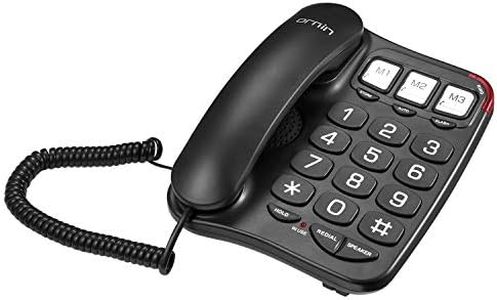
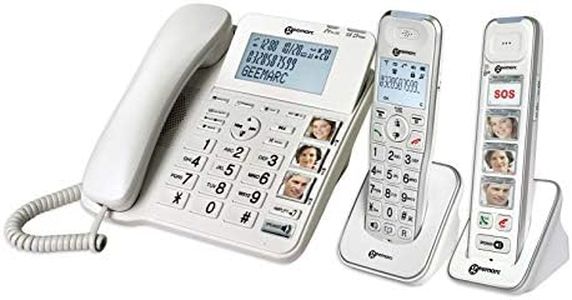
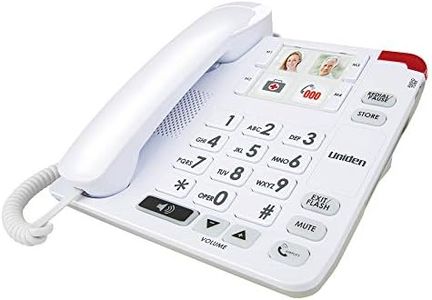
Buying Guide for the Best Hearing Aid Compatible Landline Phones
Choosing a hearing-aid-compatible landline phone can feel overwhelming, but a thoughtful approach will help you find a device that fits both your hearing needs and everyday comfort. Focus on features that increase sound clarity, reduce background noise, and allow personalization so your phone use is easy and frustration-free. It’s important to think about the way you use the phone, the setting you’ll use it in, and your specific level of hearing loss. The right phone should support your hearing aid, offer clear audio, and be convenient to handle, making calls more enjoyable and accessible.Hearing Aid Compatibility (HAC) RatingThis spec tells you how well the phone works with hearing aids by minimizing interference and providing clear sound. Higher ratings generally mean better performance with both telecoil and microphone modes on your hearing aid. These ratings are usually labeled M (microphone) and T (telecoil), ranging from M3/M4 and T3/T4. The higher the number, the greater the compatibility. If you use your hearing aid’s T-coil mode frequently, look for a phone with a T4 rating. If you mostly use standard microphone mode, an M4 rating will benefit you. Assess your hearing aid’s features and match them with the phone’s rating for the best experience.
Amplification LevelAmplification refers to how much the phone can increase the volume of the caller’s voice. This is especially important if you have moderate to severe hearing loss. Phones offer different amplification levels, often measured in decibels (dB) – lower (0-20 dB), moderate (20-40 dB), and high (over 40 dB). If you need only a mild boost, a lower amplification phone may be enough, but for greater hearing challenges, seek higher amplification options. Match the amplification level to your hearing needs, not just the maximum possible, as too much amplification can sometimes cause distortion.
Tone ControlTone control lets you adjust the pitch and frequency of the caller’s voice, helping to make speech clearer and easier to understand. Some phones offer simple high/low adjustments, while others have multiple tone settings for more customization. If you have trouble distinguishing between similar-sounding voices or certain speech sounds, a phone with advanced tone controls can be valuable. Think about the speech patterns that are hardest for you to follow and whether added tone control could help clarify them.
Ringer Volume and Alert OptionsLoud ringtones and visual alerts (like flashing lights) ensure you never miss a call. Phones range from quiet ringers suitable for private use to very loud alerts over 80 dB for noisy homes or more significant hearing loss. Some models also include vibration options or visual cues. Consider your home environment and your personal needs—do you need a ringer that cuts through background noise, or would a flashing light be more effective for you? Choose a phone that has flexible alert options you’ll actually use.
Handset Comfort and Ease of UseComfort is crucial, as the phone should be easy to handle and should fit well with your hearing aid, avoiding feedback or whistling noises. Handsets come in various shapes and sizes—some are larger with bigger buttons and ergonomic designs that are easier to grip and position. If your dexterity is limited, or if you want something lightweight, try holding a few different designs or read about how their shape might interact with hearing aids. Pick one that feels secure and comfortable for long conversations.
Speakerphone QualityA good speakerphone lets you talk hands-free and can make conversations clearer by distributing sound across a room. Not all speakerphones are created equal; look for one with strong, clear audio output and minimal background noise pickup. If you prefer not to hold the phone to your ear or find it challenging, consider phones known for excellent speakerphone performance. Try to match the speakerphone feature to how often you like to use hands-free calling.
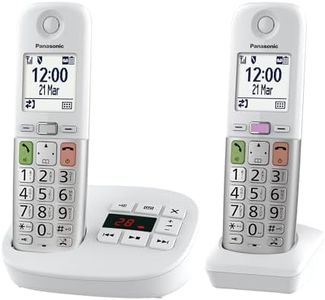
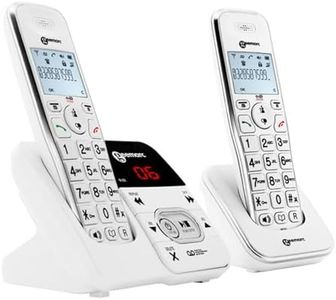
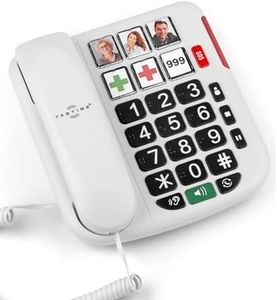
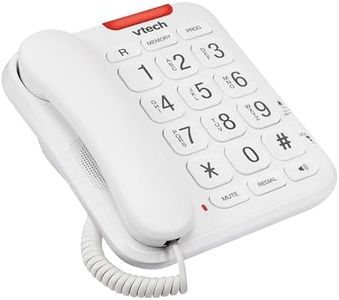
Display and Button SizeLarge, backlit displays and big, well-spaced buttons can make dialing and viewing caller information easier, especially if you have vision challenges or just want added convenience. Some phones offer simple number pads, while others have memory buttons for favorite contacts. If you struggle with small text or tiny buttons, opt for a model with bigger, clearer controls and screens.