10 Best Heavy Duty TV Wall Mounts
From leading brands and best sellers available on the web.By clicking on a link to a third party's website, log data is shared with that third party.
Related Products
Up to 27% off
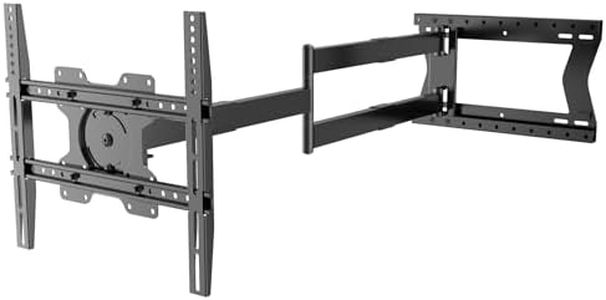
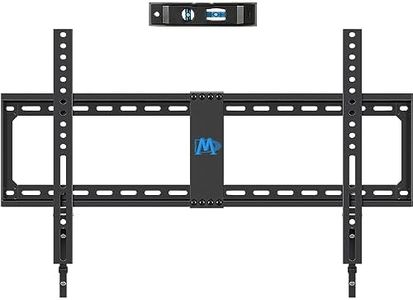
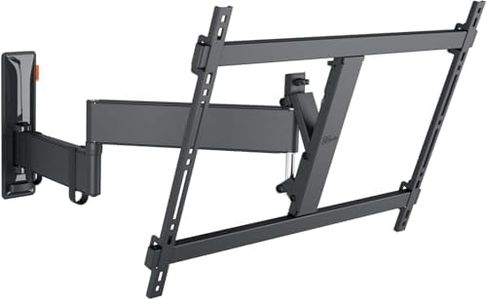
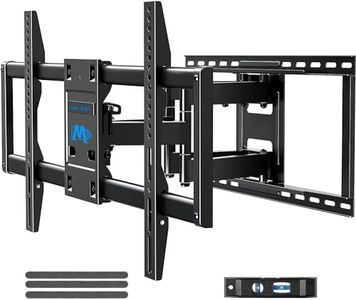
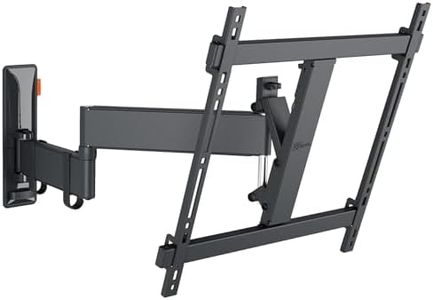
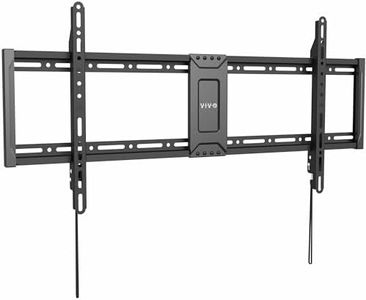
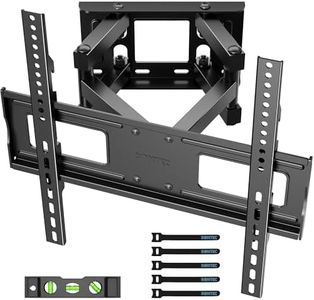
Recommended lists

Top rated
Tv Wall Mounts
Buying Guide for the Best Heavy Duty TV Wall Mounts
Choosing a heavy-duty TV wall mount means you’re looking for a secure and reliable way to hang a large or heavy television on your wall. The main goal is to find a mount that can safely support the size and weight of your TV, offer you the best viewing experience, and match the features you actually need. To make a smart choice, it’s helpful to understand the different specifications that matter, what each one means, and how to relate them to how and where you plan to use your TV.Weight CapacityWeight capacity refers to the maximum weight the wall mount can safely support. This is crucial because using a mount that can't handle your TV's weight could lead to accidents or damage. Weight capacity is usually measured in pounds or kilograms. Light-duty mounts hold less (under 50 lbs), standard mounts cover mid-range TVs (up to about 100 lbs), and heavy-duty mounts support much larger TVs (sometimes over 150 lbs). To pick the right one, check your TV’s weight (including any accessories, like soundbars or brackets) and choose a mount rated to handle a little more than this figure for extra security.
VESA CompatibilityVESA compatibility means the mount matches the standardized pattern of holes on the back of your TV, used for attaching to wall mounts. These patterns come in sizes like 200x200, 400x400, 600x400, and so on, with the numbers representing millimeters between the holes. Always check your TV’s manual or the back plate to know its VESA size, then choose a wall mount that supports this exact pattern—otherwise, installation won’t be possible. If you see a range (like 200x200 to 800x400), that mount can handle many TVs.
Mounting TypeThere are three main mounting types: fixed, tilting, and full-motion. A fixed mount holds the TV flat and close to the wall, a tilting mount lets you angle the TV up or down (useful to reduce glare), and a full-motion mount allows you to swivel or extend the TV in various directions (good for flexible viewing angles). Fixed mounts take up the least space and are best if you always watch from the same spot. Tilting mounts suit TVs higher up (like over a fireplace), and full-motion mounts are great if you need to watch from different parts of the room. Choose the type based on your room’s layout and how you watch TV.
Extension and Swivel RangeFor mounts with movement options (tilt or full-motion), extension and swivel specifications describe how far the TV can be pulled out from the wall and how much it can turn from side to side. The extension can range from just a few inches for shallow mounts to more than 20 inches for deep, flexible mounts. Swivel angles can vary from just a little adjustment to over 180 degrees. Pick greater extension and wider swivel range if you want maximum flexibility or need to reach tricky spots, like corners, or if you’ll regularly adjust the TV position.
Wall Type CompatibilityHeavy-duty TV mounts may not be suitable for all wall types. Most are meant for installation on wood studs or concrete walls. Some mounts aren’t safe for drywall-only installations, as the anchors won’t hold heavy weights. Always check if the mount documentation describes what wall types it works with. To choose correctly, you’ll need to know what kind of wall you have (use a stud finder for wood studs or knock to check for solid concrete) and pick a mount that matches. If in doubt, always prioritize safety and consult a professional.
Installation Features and AdjustabilitySome mounts include features that make installation and TV leveling easier, like built-in bubble levels, locking mechanisms, or tools for micro-adjustments after mounting. These features aren’t essential for function but can make your experience smoother, especially if you’re doing the installation yourself. If you feel nervous about aligning your TV perfectly or want a mount that’s easy to install, consider those with helpful adjustment features.