10 Best Iphone Lightning Cables
From leading brands and best sellers available on the web.By clicking on a link to a third party's website, log data is shared with that third party.

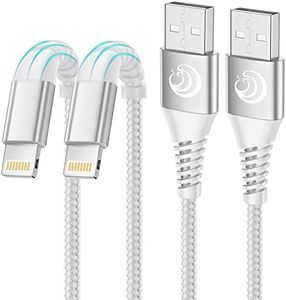
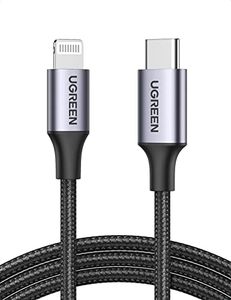
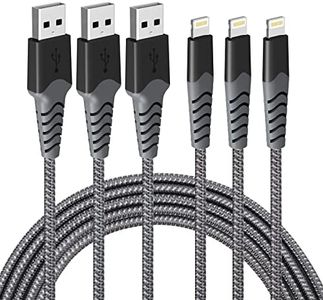
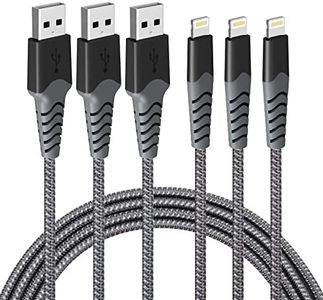
Related Products
Up to 16% off
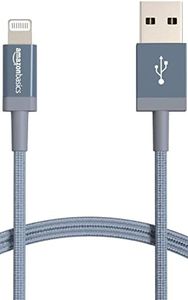
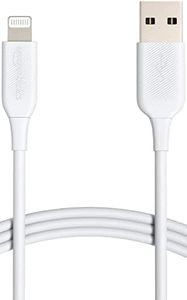
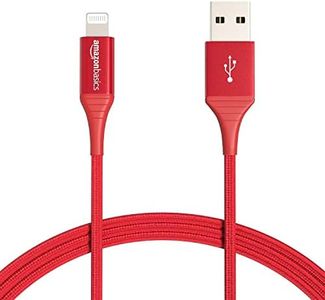
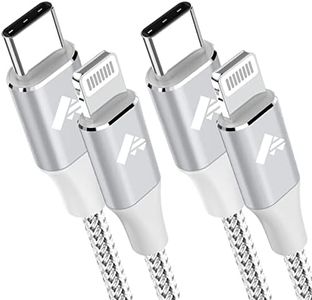
Buying Guide for the Best Iphone Lightning Cables
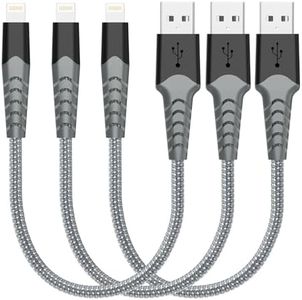
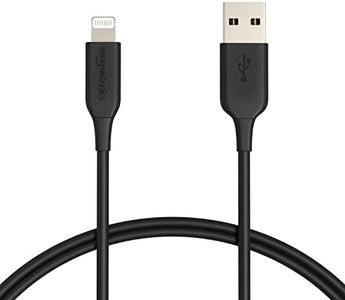
Choosing the right iPhone Lightning cable may seem simple, but getting a cable that suits your needs can actually make life a lot easier and avoid frustrations like slow charging, poor durability, or incompatibility issues. By understanding the important features of Lightning cables, you'll be able to pick a cable that is reliable, safe, and provides the performance you expect with your Apple devices.Cable LengthCable length refers to how long the Lightning cable is from end to end. This is an important spec because it directly affects how and where you can use your devices while charging. Short cables, usually around 1 meter (3 feet), are great for desktop or nightstand use where your device stays close to the outlet. Medium cables (about 2 meters or 6 feet) offer more flexibility if you want to use your device while it's charging and move around a bit. Extra-long cables, 3 meters (10 feet) or more, give you the freedom to plug in far from the outlet, but they can be bulkier and may tangle more easily. To pick the right length, think about where you'll use the cable most often and how much range you need between your device and the power source.
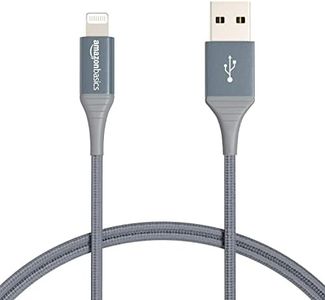
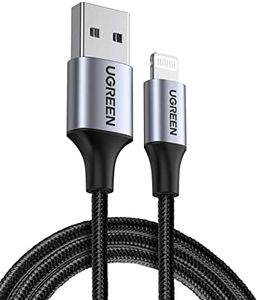
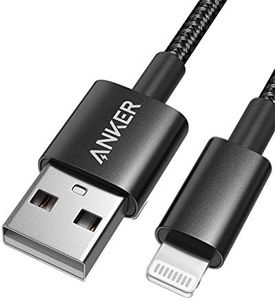
Durability and Build QualityDurability tells you how well the cable stands up to bending, pulling, and general wear and tear. Some cables are made with basic plastic, while others are reinforced with braided nylon or have extra-thick connectors. Durable cables may last longer, especially if you travel a lot or use the cable in situations where it's likely to be stressed. To choose the right one for you, decide how rough you'll be on the cable and if you want to invest in features like reinforced ends or braided exteriors for extra resilience.
Data Transfer SpeedData transfer speed determines how quickly information can move between your iPhone and other devices via the cable. Most basic Lightning cables handle standard charging and syncing, but if you regularly transfer large files (like photos and videos), you may want to check the specifications for higher-speed data transfer. Apple cables and most certified third-party cables are limited to USB 2.0 speeds, which are fine for everyday use, but if data speed is important for your workflow, this is a spec worth checking. Consider your usage: for simple charging and minimal syncing, any standard cable will do. For frequent data transfer, make sure your cable meets at least USB 2.0.
Charging SpeedCharging speed is about how fast your cable can deliver power to your device. Thicker cables or cables with higher current support can charge your phone faster, especially if you're using newer iPhones with fast-charging adapters. However, the charging speed is not just about the cable—it also depends on your power source. Standard cables support normal charging, while others are built for fast charging and can handle higher currents. If you want to charge your device as quickly as possible, look for cables that explicitly mention support for fast charging and pair them with a compatible power adapter.
Certification (MFi)Certification—often called 'MFi' (Made for iPhone/iPad)—shows that the cable meets Apple’s standards for quality and compatibility. MFi-certified cables are less likely to cause error messages, charging problems, or even damage your device. Non-certified options might work at first but can stop working after an update or pose safety risks. If you want peace of mind and guaranteed performance, always look for MFi certification when picking a Lightning cable.
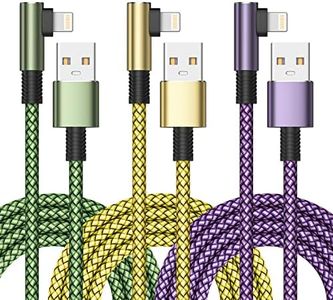
Connector DesignConnector design includes things like how slim or reinforced the ends are, which can affect whether the cable fits with your favorite phone case, stays plugged in securely, or is easy to grab and unplug. Some cables feature L-shaped connectors or extra-grippy ends for convenience. If you use your phone in specific situations (like gaming or while docked), a specialized connector shape might make your life easier. Think about the situations you’ll use the cable in and whether a special connector design would help you avoid frustration.