10 Best Laminating Machines
From leading brands and best sellers available on the web.By clicking on a link to a third party's website, log data is shared with that third party.

Related Products
Up to 32% off
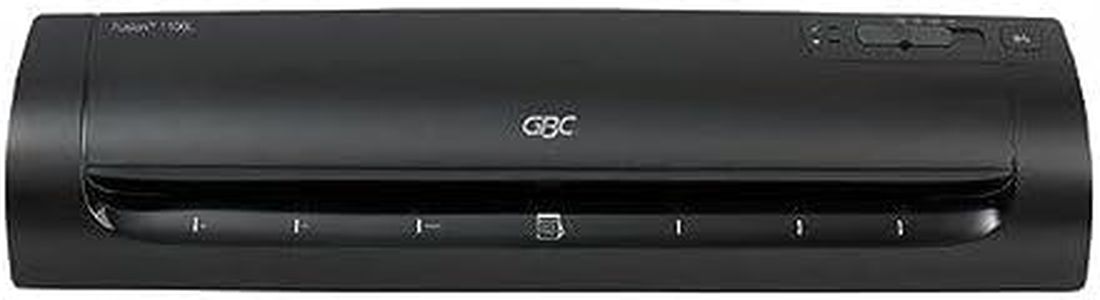
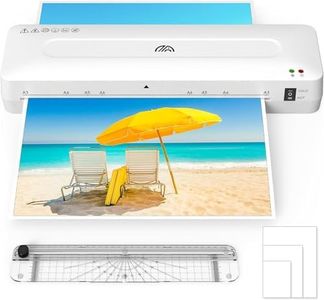
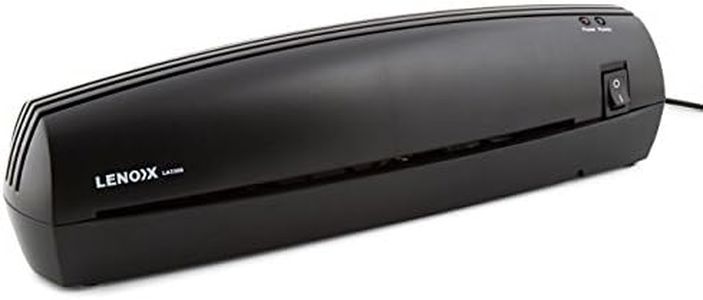
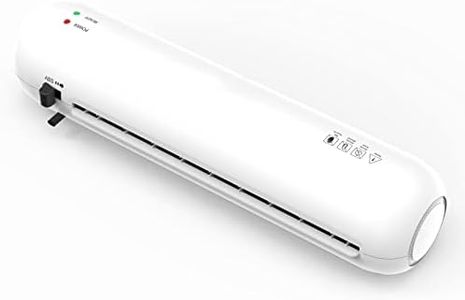
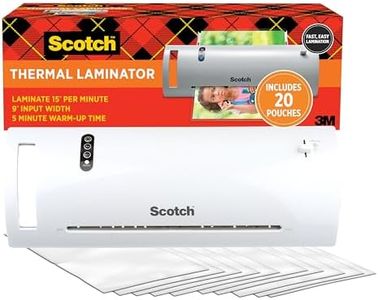
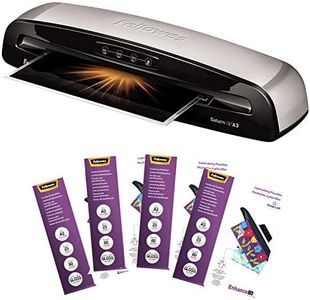
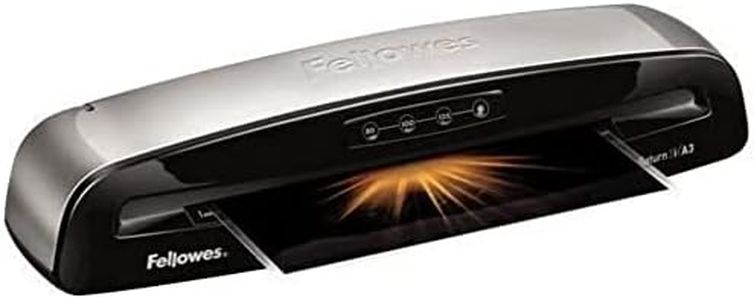
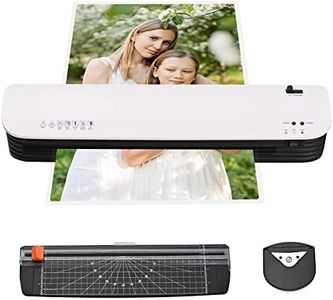
Buying Guide for the Best Laminating Machines
When choosing a laminating machine, it’s important to think about what you want to use it for. Whether you plan to laminate documents at home, create ID cards at work, or preserve photos, there are several factors to consider. Different laminators handle different sizes, speeds, and types of materials, so understanding these features will help you pick one that matches your needs and avoids frustration with the wrong choice. By focusing on your intended use and considering key specifications, you can ensure you enjoy smooth, reliable laminating results.Laminating WidthLaminating width refers to the maximum width of material that the machine can handle. This is important because it limits the size of the items you can laminate. Laminating machines come in widths commonly ranging from about 9 inches (for standard documents) up to 13 inches or more (for larger items like menus or posters). If you mostly laminate small items like cards or letters, a smaller width is enough, but if you plan to tackle larger sheets, look for a machine that can handle wider materials. Think about the typical size of your projects to guide your decision.
Lamination SpeedLamination speed is the rate at which a laminator can process your materials, usually measured in inches per minute. This matters if you have a high volume of items to laminate or if you want the task done quickly. Basic machines might be slower, which is fine if you only laminate occasionally, but for offices or busy environments, a faster machine saves time. Consider how often you’ll use the machine and how many items you usually laminate in one session to find the right speed for your needs.
Thickness CompatibilityThis refers to the range of pouch or film thicknesses the laminator can handle, typically measured in microns or mils. Thicker pouches offer more protection and rigidity but require a stronger machine. Most day-to-day laminating—such as for paper documents—uses moderate thickness, while items needing more durability (like ID badges) use thicker pouches. Check what pouch thicknesses you expect to use most often and make sure the machine can handle them.
Warm-Up TimeWarm-up time is how long the laminator takes to reach the right temperature before it’s ready to use. Faster warm-up is convenient if you don’t want to wait, especially in a busy environment. Warm-up times can range from under a minute to several minutes. If you tend to laminate in short bursts or want quick results, look for a speedier machine; if occasional use is fine, a longer warm-up may not bother you.
Hot vs. Cold LaminationSome laminators only use heat to seal films, while others offer a cold setting that works with adhesive-based pouches. Hot lamination is standard and works for most projects, but heat-sensitive materials (like old photos or some inks) need cold lamination. If you expect to laminate delicate or heat-sensitive items, choose a laminator with both hot and cold capabilities. For standard paper documents, hot lamination is generally enough.
Jam Release or Anti-Jam FeaturesJam release or anti-jam features help prevent or easily fix pouch jams in the machine. Jams can be frustrating and, in some cases, damage your documents or the laminator itself. Machines with these features are easier to use and maintain, especially for beginners or busy environments where reliability is key. If you’re new to laminating or want hassle-free operation, look for these features to make your experience smoother.