10 Best Laptops For Photo Editing And Graphic Design
From leading brands and best sellers available on the web.By clicking on a link to a third party's website, log data is shared with that third party.
Related Products
Up to 36% off

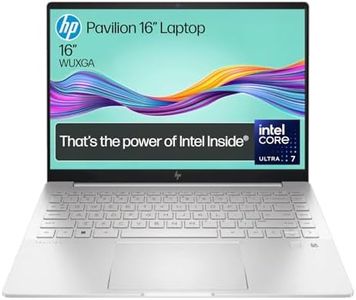
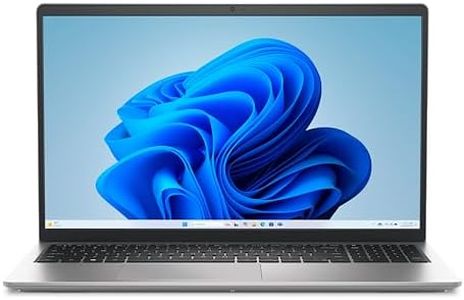
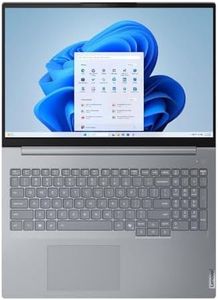
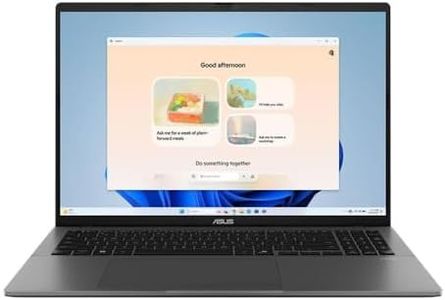
Buying Guide for the Best Laptops For Photo Editing And Graphic Design
When shopping for a laptop for photo editing and graphic design, it's important to find a balance between performance, display quality, and portability. These tasks can be demanding on hardware and require a good screen to ensure your work looks its best. The ideal laptop will help you work quickly and accurately, while also being comfortable to use over long periods. Understanding a few key specs can help narrow down your choices to the best tool for your creative work.Processor (CPU)The processor is the 'brain' of the laptop, handling all the calculations and tasks required by your editing software. A fast processor ensures smoother, faster editing and multi-tasking. Generally, processors with more cores and higher speeds perform better. For serious photo editing and graphic design, a mid- to high-range processor is recommended. Entry-level chips might struggle with large files or more advanced features. If you work with many layers or large files, aim for a laptop with a fast, multi-core processor.
Memory (RAM)RAM (Random Access Memory) allows your computer to handle more tasks at once and work with large files without slowing down. For photo editing and graphic design, having enough RAM is vital because your software can be demanding, especially with high-resolution images or complex projects. 8GB can be a starting point for casual users, but 16GB is more comfortable for most professionals. If you regularly work with very large files or multiple programs open, consider looking for even more RAM.
Graphics Card (GPU)The graphics card helps process images and visual tasks, improving performance in software that can use its power. While not every editing program relies heavily on a powerful GPU, many modern apps do take advantage of it for smoother editing, better previews, and faster exports. Laptops with integrated graphics may be enough for simple tasks, but for intensive editing or if you plan to work with 3D elements, a dedicated (discrete) graphics card is a better choice. Match the GPU to your workflow complexity.
Display QualityA good screen is essential for accurately editing photos and designing graphics. Look for a display with high resolution (such as Full HD or higher) for clear, detailed images. Color accuracy and support for wide color gamuts (like sRGB or Adobe RGB) are important for professional work—this ensures the colors you see are true to life. If possible, seek out screens that are known for accurate colors, not just high resolution. A larger screen gives you more room to work, but bigger laptops are less portable, so consider your working environment as well.
Storage Type and SizeStorage determines how much data, software, and photos you can keep on your laptop and how quickly you can access it. Solid-state drives (SSDs) are faster and more reliable than traditional hard drives, which makes opening and saving large files much quicker. For photo and design work, faster storage is a big benefit. A 256GB SSD can be enough for beginners, but 512GB or larger is better for storing many high-resolution images and design projects. External drives or cloud storage can help if your internal storage fills up.
Port SelectionThe types and number of ports on your laptop affect how easily you can connect things like external monitors, drawing tablets, SD card readers, or drives. Look for laptops with versatile ports, such as USB-C, Thunderbolt, HDMI, and an SD card slot if you regularly download photos from cameras. Consider your workflow and the peripheral devices you use when evaluating port options—having the right connections can make your setup simpler and more efficient.
Battery LifeBattery life indicates how long your laptop can run on a single charge without being plugged in. Photo editing and design work can use a lot of power, so longer battery life is helpful if you need to work on the go or away from a desk. If you mostly work at a desk, battery life is less of a concern, but if you move around often, aim for a laptop that offers several hours of real-world use between charges.