10 Best Mouse Mover Devices
From leading brands and best sellers available on the web.By clicking on a link to a third party's website, log data is shared with that third party.
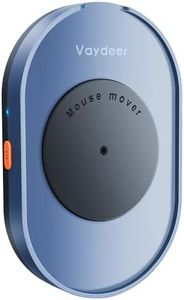
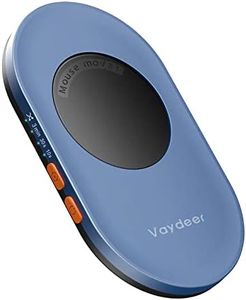
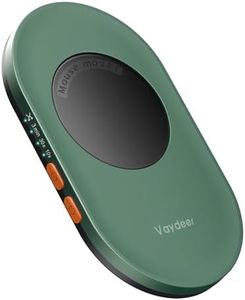
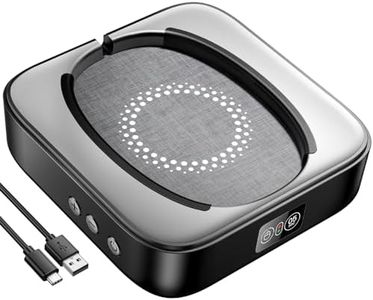
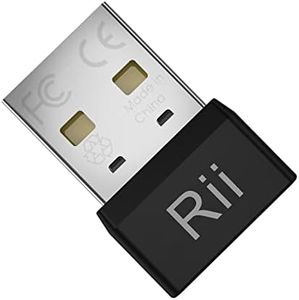
Related Products
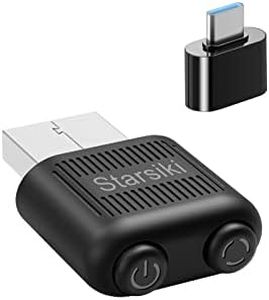
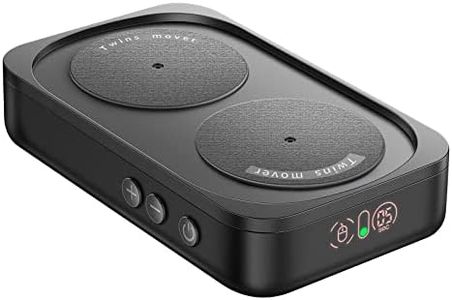
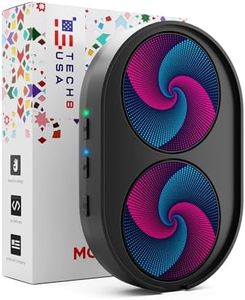

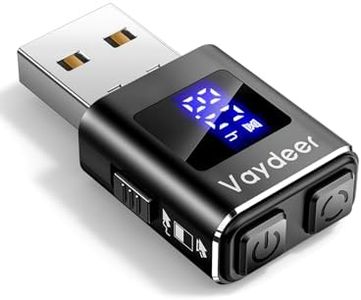
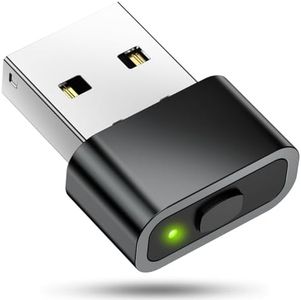
Buying Guide for the Best Mouse Mover Devices
When choosing a mouse mover device, also known as a mouse jiggler, it's important to focus on how you plan to use it. Mouse movers can help keep your computer active, prevent your screen from locking, or simulate movement for specific software needs. These devices come in different types and offer various features, so understanding their key specifications will help you select the best fit for your needs.Type (Hardware vs. Software)Mouse movers can be either hardware-based (a physical device that moves the mouse or emulates movement via USB) or software-based (a program you run on your computer to simulate activity). Hardware types don’t require installation and are often plug-and-play, which can be preferable if you lack admin rights or want something computer independent. Software options offer customizable settings but require installation and may be blocked by security policies. Think about your access level and preference for discreetness when choosing between these types.
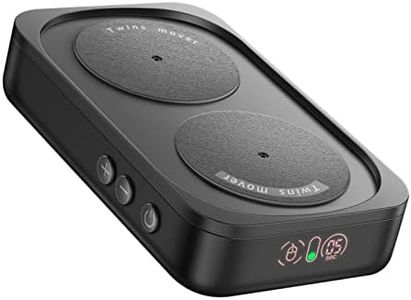
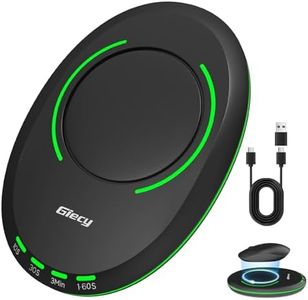
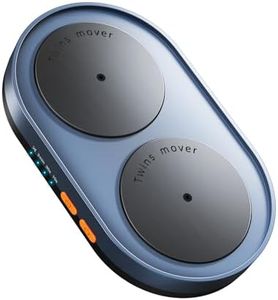
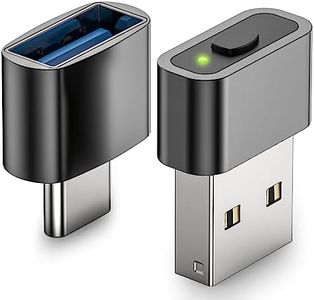
Movement MethodSome mouse movers physically move your mouse back and forth, while others electronically signal mouse movement via USB. Physical models actually shift the position of your mouse, making them visible on a desk, while USB-based ones emulate activity internally and are hidden from plain sight. If keeping your space uncluttered or being unobtrusive is important, a USB emulator type might suit you better, while visible physical models may be simpler and don't interact directly with your computer's software.
Power SourceMouse movers can be powered by USB connection, batteries, or an external power adapter. USB-powered devices are convenient and don't require batteries, but they need an available USB port. Battery-powered options offer flexibility for placement, especially for physical movers, but you’ll need to replace or recharge batteries. Choose based on how long you want the device to run and where you'll use it most often.
Adjustable Settings (Timing, Speed, and Pattern)Some mouse movers allow you to adjust how often and how far the mouse moves, either in programmable intervals or through switch settings. Fixed-pattern devices have a simple, repetitive action, while adjustable ones let you set different speeds or movement patterns. If you want more control or need to mimic natural usage to avoid detection, look for a device with adjustable settings. For basic needs, a fixed pattern device may be sufficient.
CompatibilityNot all mouse movers work with every operating system or device. Hardware-based models are generally universal, as they emulate a standard input device. Software-based movers may only run on specific operating systems or require certain permissions. Always check if the mouse mover is compatible with your device to ensure smooth operation.
Silent OperationIf noise is a concern, particularly in quiet environments, the noise level of physical mouse movers matters. Some devices make slight mechanical sounds as they operate. If you need a silent device, consider USB emulators or check reviews for noise levels before deciding.