9 Best No Neutral Wire Smart Switches
From leading brands and best sellers available on the web.By clicking on a link to a third party's website, log data is shared with that third party.
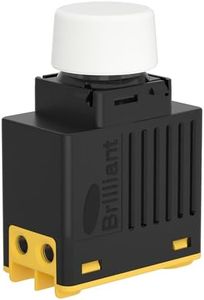
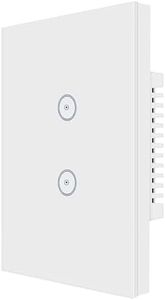
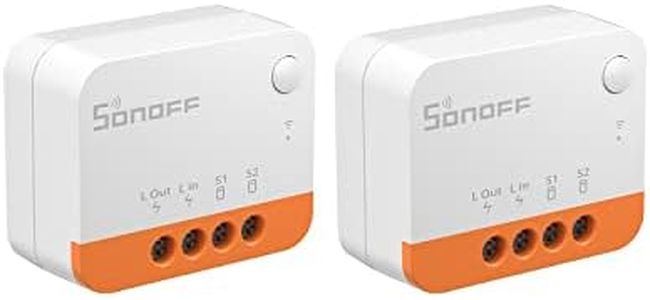
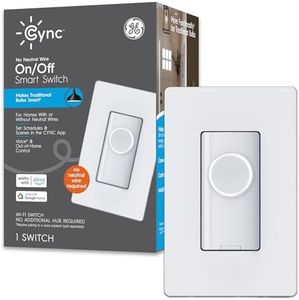

Buying Guide for the Best No Neutral Wire Smart Switches
Choosing a no-neutral-wire smart switch can make upgrading your lighting to smart technology easier in homes where the existing wiring doesn't include a neutral wire. These switches are designed to work with older electrical systems, which is common in many houses built before the last couple of decades. The main goal is to make sure your switch is compatible with your current setup, provides reliable connection to your smart home devices, and meets your specific usage needs, like dimming or scene control. Understanding the key features and what they mean for your daily use will help you pick the switch that fits your lifestyle and avoids installation headaches.Compatibility with No-Neutral WiringThis refers to the switch's ability to operate without needing a neutral wire in the switch box. It's important because many older homes don't have neutral wires at their light switch locations. If your setup does not include a neutral wire, it's critical to select a switch that is advertised specifically as 'no-neutral' or 'neutral not required.' These switches often use innovative ways to complete the electrical circuit, such as including a bypass device or maintaining a tiny, safe flow of current. Make sure to confirm your wiring situation before purchase; if you do have a neutral wire, your choices expand, but for no-neutral homes this feature is essential and not all smart switches fit this need.
Load Type SupportLoad type refers to the kind of light bulbs or fixtures the switch supports, such as LEDs, CFLs, or incandescent bulbs. This matters because some no-neutral smart switches work better—or only work—with certain load types. LED lights, for example, often require a minimum load or a special bypass to prevent flickering or buzzing. Make sure to check what kinds of bulbs you have in your fixtures, and look for switches specifically stating they are designed for that bulb type. If you plan on changing bulbs in the future, ensure the switch also offers flexibility for multiple load types.
Smart Home IntegrationThis spec relates to what smart platforms (like Alexa, Google Assistant, Apple HomeKit, or proprietary apps) the switch can work with. This is important for making sure your new switch fits smoothly into your existing or planned smart home system. Often, no-neutral smart switches use technologies like Zigbee, Z-Wave, or Wi-Fi—each with their own pros and cons regarding range, reliability, and privacy. Consider what other smart devices you have and try to match technologies or brands for the smoothest experience. Think about how you'll control the switch: with a smartphone app, voice commands, or automated events.
Physical Switch Style and OperationThe physical form factor—such as toggle, paddle, or touch-sensitive—and how the switch operates on the wall are things to consider for comfort and looks. Some switches also support dimming or allow scene control (controlling multiple lights/settings with one press). Pick a style that matches the rest of your switches and is easy for everyone in your household to use. If you need dimming, ensure the switch features and supports dimmer capabilities for your bulb types.
Installation Requirements and SupportNo-neutral-wire smart switches sometimes need an extra step during installation, such as wiring a bypass device at the light fixture. It's important because this can affect how easy it is to install the switch yourself, or whether you'll need an electrician. Always look at the installation instructions before buying so you know what to expect. Some brands offer better guidance or customer support, which can be valuable if you run into trouble during setup. If you’re not comfortable with electrical work, consider how much support or professional help you might need.
Reliability FeaturesThis includes features like power memory (the switch remembers its on/off state after a power outage), manual control during internet outages, and built-in surge protection. These are important for long-term satisfaction and hassle-free use. Think about situations that could affect you, such as frequent power fluctuations, and pick a switch designed to handle them gracefully so you aren't left in the dark or having to reset your setup.