10 Best Poe Switch For Ip Cameras
From leading brands and best sellers available on the web.By clicking on a link to a third party's website, log data is shared with that third party.

Related Products
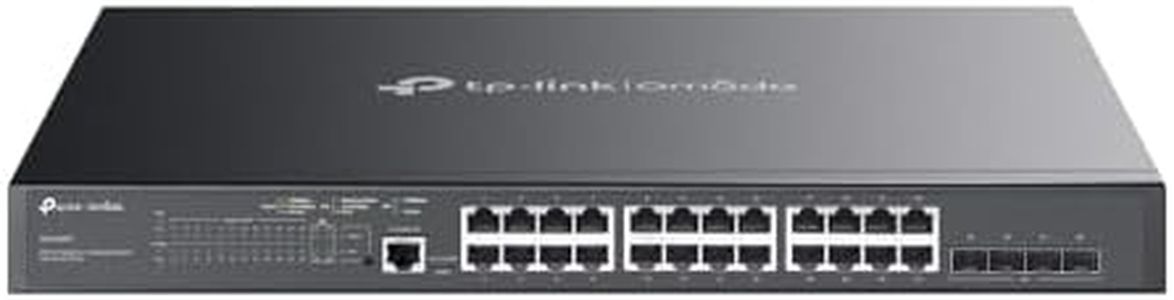
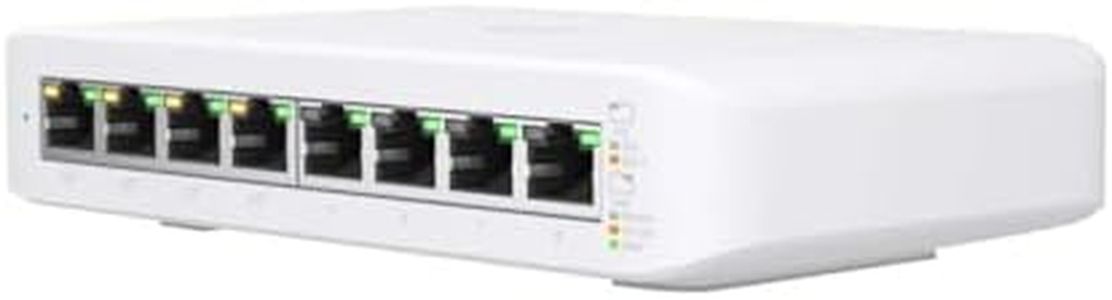
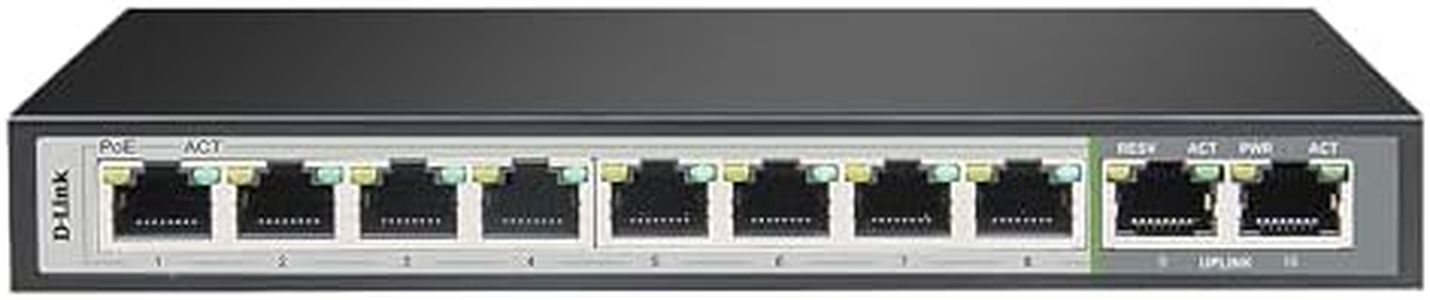
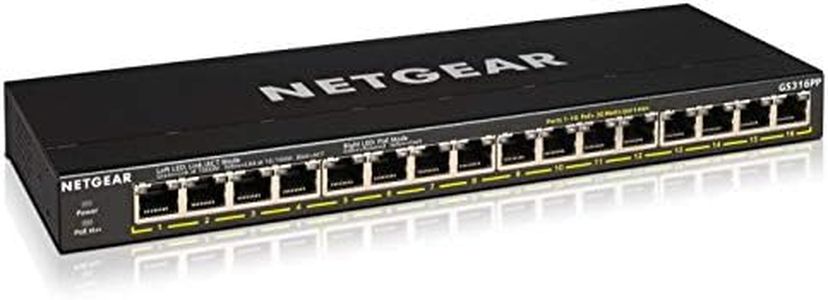
Recommended lists

Top rated
Poe Cameras
Buying Guide for the Best Poe Switch For Ip Cameras
When you're looking to buy a PoE (Power over Ethernet) switch for IP cameras, you're aiming to provide both power and data connectivity to your cameras over a single Ethernet cable. This simplifies installation, reduces clutter, and makes maintenance easier. However, not every PoE switch is suited for surveillance needs, so understanding the main features is crucial. By focusing on key specifications, you can choose a switch that meets your cameras' requirements and is easy for you to manage.PoE Standard (802.3af vs 802.3at)The PoE standard tells you how much power each port can deliver to connected devices. The two common standards are 802.3af (standard PoE, up to 15.4W per port) and 802.3at (PoE+, up to 30W per port). This is important because some cameras need more power, especially those with features like PTZ (pan-tilt-zoom) or built-in heaters. If your cameras are basic models, 802.3af is usually enough. If you have more advanced or power-hungry cameras, you'll need 802.3at (or even higher). Always check the power needs of your cameras before choosing.
Total Power BudgetThe total power budget is the maximum amount of power the switch can provide across all its ports. This matters because if you connect many cameras, the switch must have enough total power to run them all at once. Switches with higher power budgets support more cameras or cameras requiring more power. Calculate the power needed by each camera and add it up; choose a switch with a power budget that comfortably exceeds this value to avoid issues.
Number of PortsThe number of ports indicates how many devices can be connected to the switch. For surveillance, this usually means one port per camera, with possible extra ports for connections to network video recorders (NVRs) or your main network. Smaller installations may only need 4 or 8 ports, while larger ones benefit from 16 or more. Always consider future expansion when picking the port count, so you don't outgrow your switch quickly.
Switch Type (Unmanaged vs Managed)Switches come in unmanaged and managed versions. Unmanaged switches are plug-and-play and simple to use for people who just want basic camera connections. Managed switches provide advanced features like remote monitoring, bandwidth controls, and security settings, which are useful if you want more control or plan to have a larger, more complex network. Pick unmanaged for simplicity and basic needs; go for managed if you want flexibility, monitoring, or have IT skills.
Uplink Ports and SpeedUplink ports allow connection from your PoE switch to the rest of your network, often with higher speeds like gigabit or even faster. This is important for transmitting all the data from your cameras to viewing stations or storage devices. If you have many cameras (especially high-resolution ones), multiple or higher-speed uplink ports can prevent bottlenecks and keep video smooth. Assess how much video data you'll stream and ensure you have enough uplink bandwidth.
Mounting and Build QualityThe physical design of your switch can affect where and how you install it. Some are designed for desktop use, while others are for rack mounting or even wall mounting. Build quality can influence the switch’s durability, especially if it’ll be in a hot, dusty, or otherwise challenging environment. Think about where you’ll install the switch and choose one that fits your space and can withstand its conditions.
Fanless vs. Fan-CooledSome switches have fans to keep them cool, while others are designed to run silently without fans (fanless). Fanless switches are great for quiet areas like offices or homes as they won’t add noise. If your switch will be in a hot area or you expect it to work hard, a fan-cooled model helps prevent overheating. Consider your installation spot and pick accordingly.