10 Best Power Boards
From leading brands and best sellers available on the web.By clicking on a link to a third party's website, log data is shared with that third party.
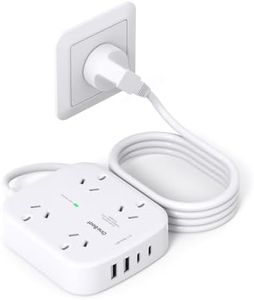
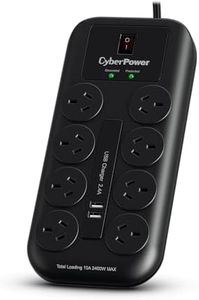
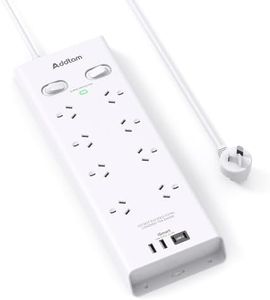
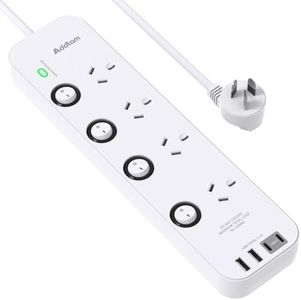
Related Products
Up to 47% off
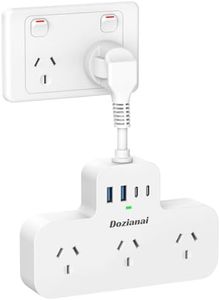

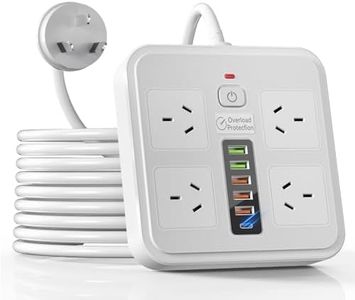
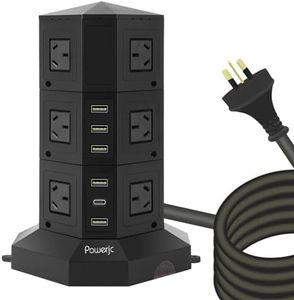
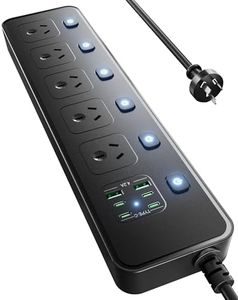

Recommended lists

Top rated
Powered Pedal Boards
Buying Guide for the Best Power Boards
Choosing the right power board (also known as a power strip or surge protector) might seem simple, but it’s worth considering how it will be used and where it will be placed. Start by looking at how many electronic devices you need to plug in and whether you need extra features like USB ports or surge protection. Remember to think about safety, convenience, and adaptability for future needs. Your work area, living room, or entertainment setup might all demand something slightly different.Number of OutletsThe number of outlets refers to how many devices you can plug into the power board at once. This is important because it determines how many electronics you can use simultaneously, like your phone charger, lamp, computer, or TV. Power boards usually range from 2 to 12 or more outlets. Smaller boards are suitable for minimal setups, such as a desk lamp and laptop, while larger ones accommodate full entertainment systems or home offices. Count the devices you want to use, remember to include irregularly shaped plugs, and pick a board with at least one or two extra outlets for unexpected additions.
Surge ProtectionSurge protection is a feature that guards your devices against power spikes, which can occur during storms or due to sudden changes in the electricity supply. This is important for sensitive electronics like computers or TVs. Some power boards have no surge protection and simply provide more outlets, while others include built-in protection layers. If your devices are expensive or easily damaged by voltage surges, prioritize boards with surge protection. Look for power boards labeled as 'surge protected' with clear ratings, and for especially valuable or critical equipment, make this a must-have feature.
Cord LengthCord length indicates how far the power board can be placed from the wall outlet. This is important for arranging your devices comfortably and safely, ensuring cords aren’t stretched tight or creating tripping hazards. Short cords (around 1 meter or less) are suited for tight, close-to-outlet spaces, while longer cords (2-3 meters or more) allow flexible placement around a room. Measure the distance from your outlet to where you need the board and choose the shortest cord that will reach comfortably, helping you avoid a cluttered or hazardous setup.
Spacing and Orientation of OutletsSpacing and orientation refer to how the sockets are positioned on the power board and how much space there is between them. This matters because some chargers or power bricks are big and might block adjacent outlets if the spacing is too tight. Boards with wider spacing or differently oriented outlets are handy for bulkier plugs. For users with many large chargers or adapters, seek boards specifically designed with wider gaps or sideways outlets to maximize accessibility.
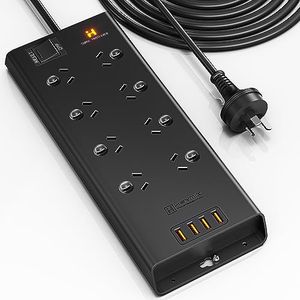
USB Charging PortsUSB charging ports on a power board allow you to charge devices like smartphones and tablets directly, without needing a separate charging brick. This is convenient when you have multiple devices or limited outlet space. Some power boards offer none, while others include several USB ports—sometimes even supporting fast charging. If you regularly charge multiple USB devices, a board with built-in USB ports can greatly simplify your setup and cut down on clutter.
Safety FeaturesSafety features may include child-proof shutters, overload protection, or resettable circuit breakers. These features help prevent accidents such as electric shocks, fires, or the board itself overheating due to too much power draw. If the board will be accessible to children, or used in a busy area, prioritize extra safety features. Overload protection is particularly important if you plan to plug in multiple high-powered devices, as it stops the board from trying to deliver too much power at once.
Mounting OptionsSome power boards are designed with mounting holes or clips so they can be fixed to walls, desks, or under counters. This keeps cables organized and the board safely off the floor. If you want a neater workspace or need to keep the board out of reach of pets or children, look for one with mounting options. For portable or temporary setups, a simple freestanding design is often enough.