10 Best Quiet Keyboards
From leading brands and best sellers available on the web.By clicking on a link to a third party's website, log data is shared with that third party.
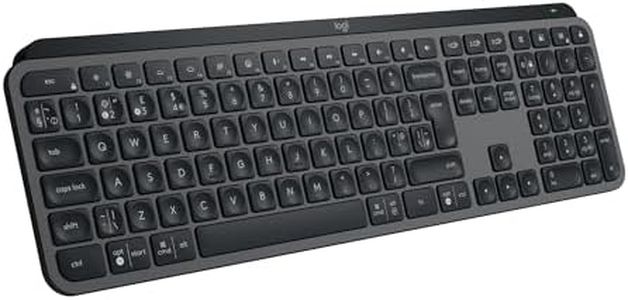
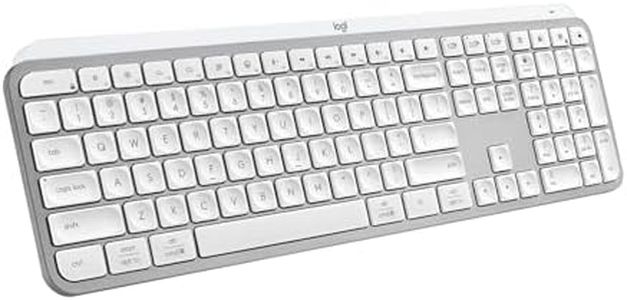
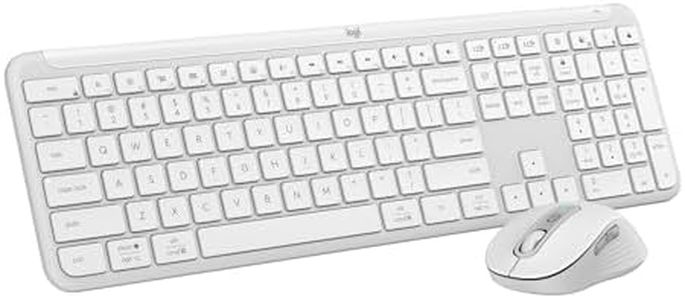
Related Products
Up to 38% off
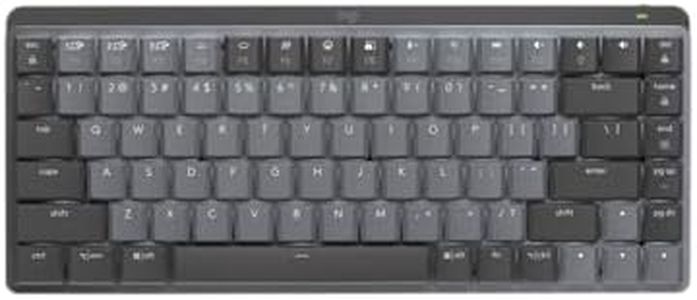
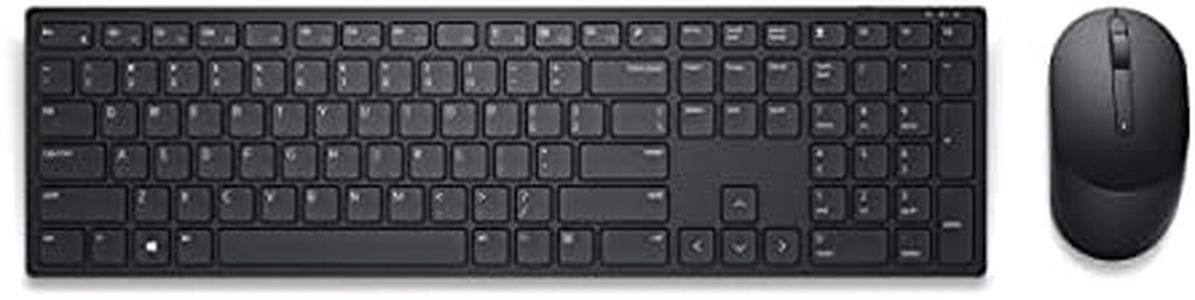
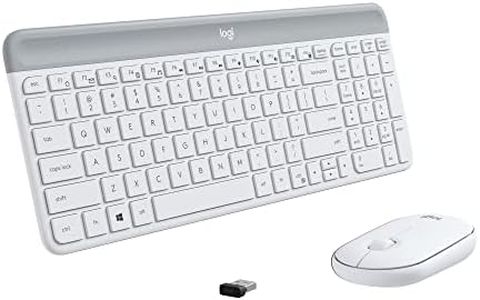
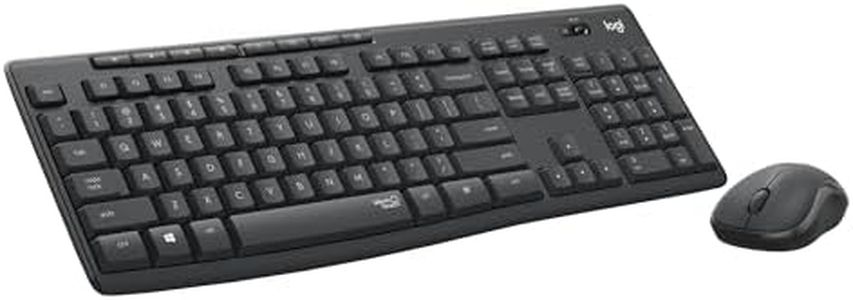
Buying Guide for the Best Quiet Keyboards
Choosing a quiet keyboard is an excellent way to create a more peaceful workspace, whether you're working in an office, at home, or in a shared environment. It's not just about reducing noise for those around you, but it can also help you concentrate better and avoid distractions. When looking for the right keyboard, it's important to consider several features that impact the noise level and your overall comfort while typing. Taking time to understand the main characteristics of keyboards will help you find the perfect match for your needs.Switch TypeThe type of switch used under each key largely determines how much noise a keyboard makes. Mechanical switches, commonly found in gaming and enthusiast keyboards, can be clicky, tactile, or linear. Clicky switches make the most noise, while tactile and especially linear switches tend to be quieter. On the other hand, membrane and scissor-switch keyboards, found in most office and laptop keyboards, are generally much quieter. If quietness is your main criterion, you should look for keyboards with linear mechanical switches or opt for a membrane or scissor-switch keyboard. Think about your typing preference as well; if you like some feedback but still want quiet operation, tactile but non-clicky switches can be a good compromise.
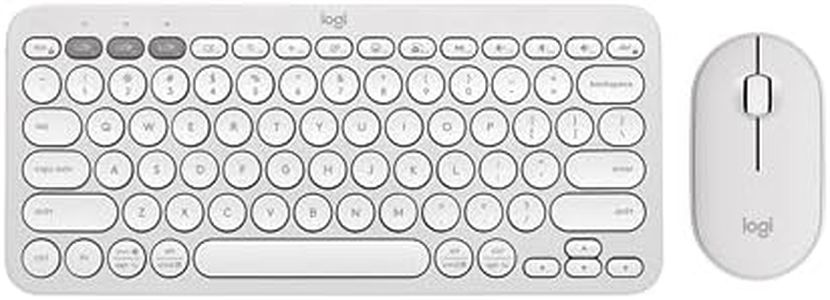
Keycap Material and DesignThe material and the design of the keycaps can also affect typing noise. Thick, high-quality keycaps, often made of PBT plastic, tend to absorb more sound, resulting in a deeper and quieter press compared to thin ABS keycaps. Low-profile keys, like those on laptop-style keyboards, also generally make less noise than full-height keys. If you are sensitive to noise, consider looking for keyboards that advertise 'quiet,' 'dampened,' or 'low-profile' keycaps.
Dampening FeaturesSome keyboards or key switches incorporate extra dampening features such as rubber rings or pads between the keycap and the switch to further reduce the sound of each keystroke. These features can be built-in or added after purchase. If you want your keyboard to be as quiet as possible, look for models that mention built-in dampening or consider adding rubber O-rings if the keyboard allows customization.
Build QualityThe overall build quality of a keyboard influences not only its durability but also its sound profile. A well-built keyboard with a sturdy case and solid construction is less likely to produce rattling or echoed sounds. Keyboards with a flimsy plastic case may amplify typing noise, so for a quieter experience, select a keyboard that boasts solid or reinforced construction.
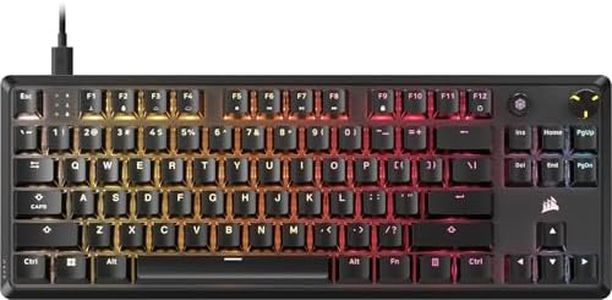
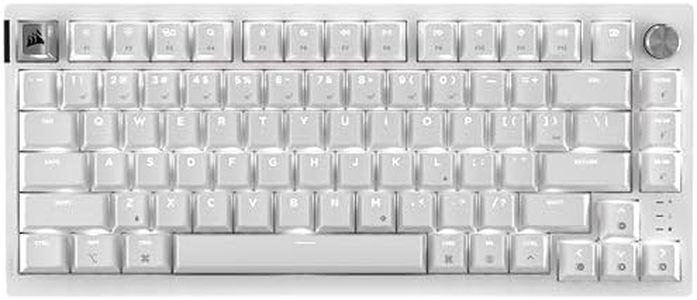
Form FactorKeyboards come in various sizes, from full-sized with a number pad to compact models like tenkeyless or even smaller. Larger keyboards with more surface area can sometimes generate echo or amplify noise, while smaller, compact keyboards may concentrate quieter components into a smaller footprint. Your workspace and typing habits should guide your choice; if you want a minimalist, sleek, and quieter setup, consider a more compact keyboard.