10 Best Rv Backup Cameras
From leading brands and best sellers available on the web.By clicking on a link to a third party's website, log data is shared with that third party.

Related Products
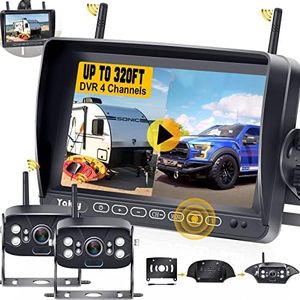
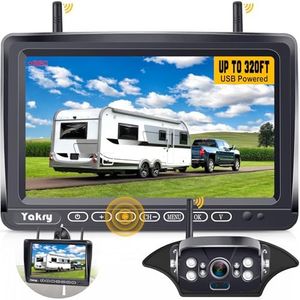
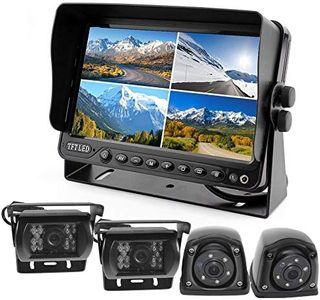
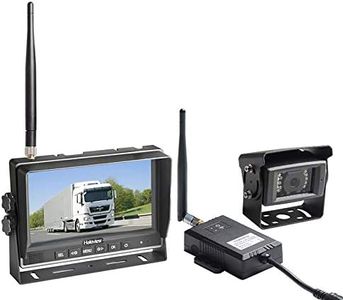
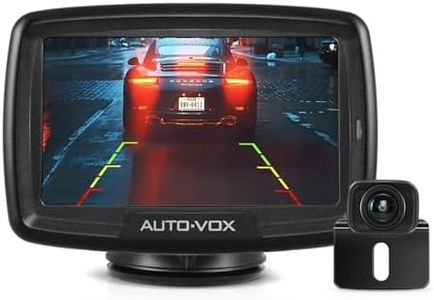
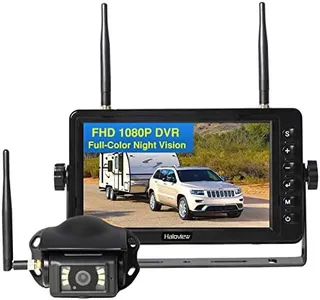
Buying Guide for the Best Rv Backup Cameras
Choosing an RV backup camera can make driving and parking your RV much safer and less stressful. It helps you see what’s behind you, avoid obstacles, and maneuver into tight spots with greater confidence. When picking the right backup camera for your RV, it’s important to consider how you’ll use the camera, what kind of installation works for you, and what kind of viewing experience best supports your driving style.Camera Type (Wired vs Wireless)The type of camera setup is crucial to your installation and everyday use. Wired systems transmit the video signal through a physical cable running from your camera to your display, which generally provides more reliable video with less interference. Wireless systems, on the other hand, send the signal via radio waves, requiring less installation effort, but may have occasional signal issues depending on distance or obstacles. If you are comfortable with a more involved installation and prioritize steady image quality, a wired camera could be best. If you prefer a quick and flexible install, or frequently move the camera between vehicles, a wireless system may be more convenient.
Field of ViewField of view is how wide an area the camera can capture behind your RV. It's measured in degrees, and a wider field means you can see more to the sides as well as directly behind. Most RV backup cameras range from about 90° to 170°. A narrower field (under 120°) gives a more focused, detailed image straight back. A medium field (120°-150°) balances side visibility and image clarity. A wide field (over 150°) lets you spot objects and people at the very edges, but may cause some distortion. Choose a field of view based on the size of your RV and how much side awareness you want when reversing.
Night VisionNight vision indicates how well the camera lets you see in low light or complete darkness. Some cameras use infrared LEDs to provide black-and-white images at night, while others rely only on available light. If you expect to back up your RV in dark locations like campgrounds at night, strong night vision is important. Look for cameras with more infrared LEDs or special low-light sensors if nighttime visibility is a priority for you.
Monitor Size and MountingThe monitor is the screen where you watch the video feed from the camera. Monitor sizes typically range from 4 inches to 7 inches, with larger screens making it easier to see details but taking up more space on your dashboard. Think about your dashboard layout, how far you sit from the screen, and if you need a larger display for clearer visibility. Also consider if you want to mount it on your dashboard, windshield, or use a rearview mirror-style monitor—all affecting how easily you can glance at the video while backing up.
Weather Resistance and DurabilityWeather resistance is how well the camera handles rain, dust, and temperature changes. Since the camera is installed outside of your RV, it will be exposed to the elements all year round. Look for cameras with a high weatherproof rating (such as IP65 or higher) if you often travel in harsh weather or leave your RV outside. Picking a durable camera ensures reliable use and longer lifespan, especially if your RVing takes you through different climates.
Integration with RV SystemsSome cameras can connect directly to your RV’s existing display screen, GPS system, or in-cab electronics, while others include a standalone monitor. If you prefer a seamless look or want to reduce dashboard clutter, look for models that can integrate with screens/devices you already have. However, if you want a dedicated display or aren’t concerned about extra equipment in your driving area, a system with its own monitor can be simpler. Consider your vehicle’s setup and your preference for unified controls.