10 Best Smartphone Photo Printers
From leading brands and best sellers available on the web.By clicking on a link to a third party's website, log data is shared with that third party.
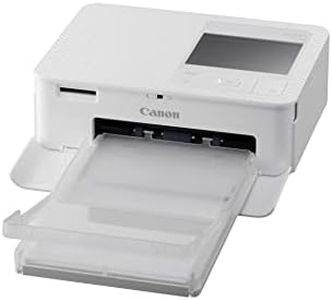

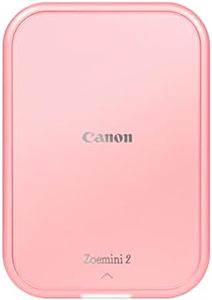
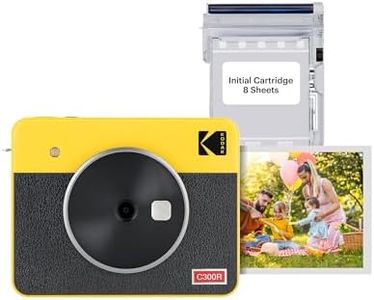
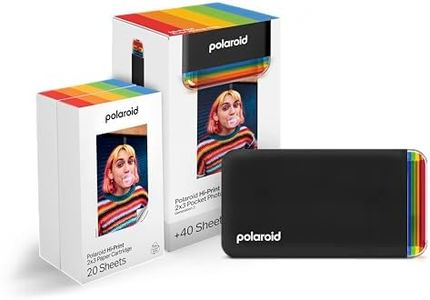
Related Products
Up to 17% off
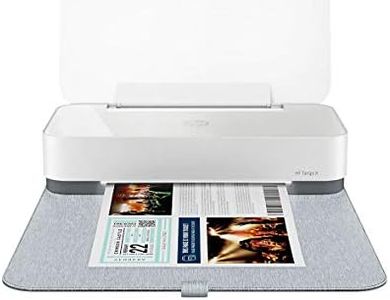
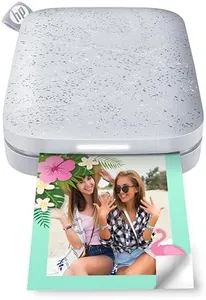
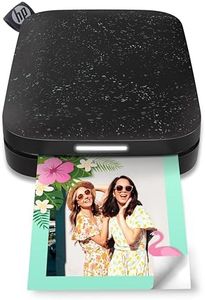
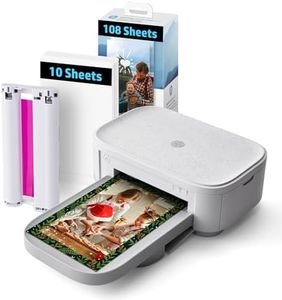
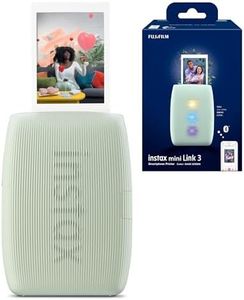

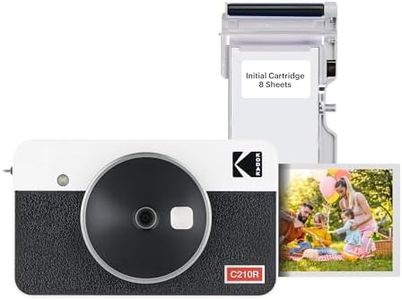

Buying Guide for the Best Smartphone Photo Printers
Smartphone photo printers are great gadgets that let you quickly and easily turn your digital memories into physical prints. Before choosing one, it's important to consider how often you'll use it, where you'll use it (at home, on-the-go, at parties), and what kind of photos you want to print. Think about what's most important to you: speed, print quality, size, or special features. Understanding your own needs will help you pick a printer that truly fits your lifestyle.Print Quality (Resolution)Print quality, usually measured in dpi (dots per inch), determines how sharp and detailed your prints will be. Higher resolution means clearer, more vibrant photos—ideal if you want to frame your prints or use them as keepsakes. Basic models might offer lower resolution, suitable for casual fun or scrapbooking. If you care about photo realism and color accuracy, look for higher resolution specs. If you just want quick snapshots to share with friends, a lower resolution might be acceptable.
Print SizeThis refers to the maximum dimensions of the photo the printer can produce. Some printers only do credit-card sized outputs, while others can go up to 4x6 inches or more. Think about how you plan to use the photos—wallet-size prints might be great for parties and quick souvenirs, but for displaying or gifting, a larger print might be more satisfying. Match the print size to your intended use.
PortabilityPortability describes the size and weight of the printer. Compact, lightweight models are easier to carry around, making them perfect for travel or social events. Larger models might offer better quality but could be less convenient to move. If you need a printer for on-the-go fun, pick a small, portable one; if you plan to mostly use it at home, portability matters less.
ConnectivityThis determines how your device connects to the printer, typically via Bluetooth or Wi-Fi. Some printers may also have USB or NFC support. Simpler, more universal options like Bluetooth make pairing easy, especially for beginners or group settings. If you prefer convenience and use multiple devices, make sure the printer supports quick and easy wireless connections.
Print SpeedThis tells you how long it takes to produce a photo. Faster printers can be a lifesaver at parties or when making multiple copies, while slower printers might test your patience. If you plan on printing a lot of photos in a single session, look for models with shorter print times.
Consumables and Running CostPhoto printers often require special paper and sometimes ink cartridges or film packs. Check what type of consumables each model uses and how widely available they are. Also, consider the cost per print, which affects your long-term satisfaction. If you plan to print frequently, you'll want affordable and easily found supplies.
Special FeaturesSome printers support extra features like dedicated apps with editing tools, collage modes, sticker printing, or augmented reality effects. These can add fun and value, especially if you enjoy personalizing your photos. Identify which features would actually enhance your experience rather than just sound appealing.