10 Best Solar Security Cameras
From leading brands and best sellers available on the web.By clicking on a link to a third party's website, log data is shared with that third party.
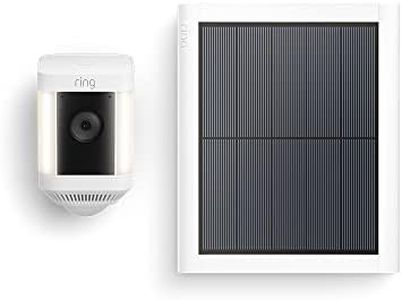
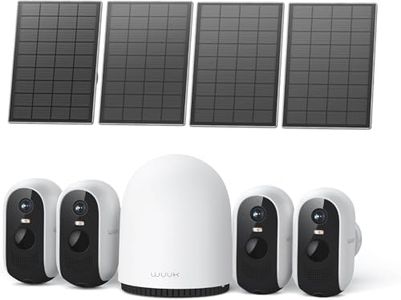
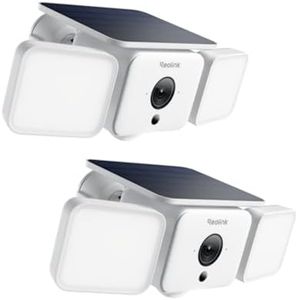
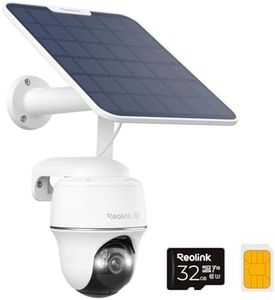
Related Products
Up to 21% off
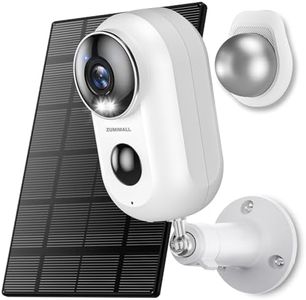
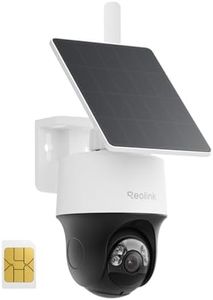
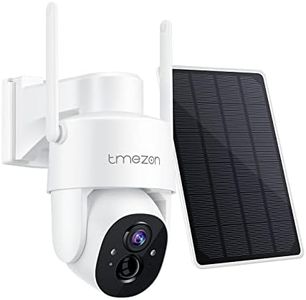
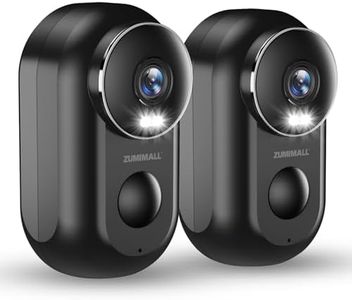
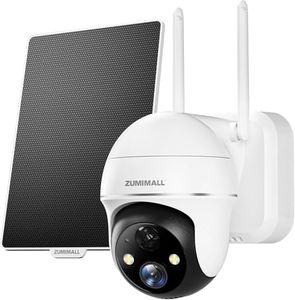
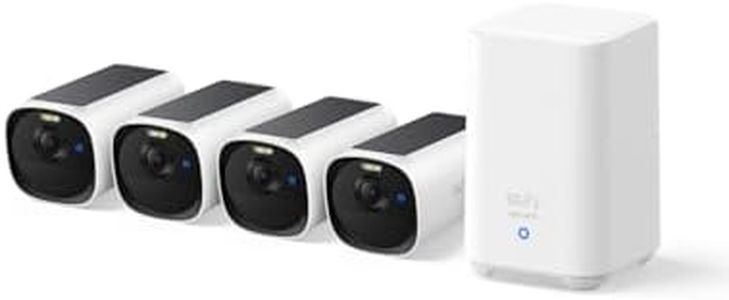
Buying Guide for the Best Solar Security Cameras
When choosing a solar security camera, it's important to consider how you plan to use it and where it will be installed. Solar security cameras are a convenient option for areas without easy access to electricity, and they provide peace of mind with minimal wiring. Before purchasing, think about your location's sunlight exposure, your coverage needs, and how you'll access the camera footage. By understanding the main features, you can select a camera that fits your needs and environment.Solar Panel EfficiencySolar panel efficiency refers to how well the solar panel converts sunlight into electricity to power the camera. This spec is important because higher efficiency panels can generate more power from the same amount of sunlight, keeping your camera running reliably, especially during cloudy days or in less sunny locations. Panels typically range from low to high efficiency; lower efficiency models need more sunlight and regular sun exposure, while higher efficiency ones can work with fewer sun hours. If your installation area gets lots of direct sunlight, a standard efficiency panel may suffice. In shaded or cloudy locations, or if you want reassurance against inconsistent weather, look for a higher efficiency panel.
Battery CapacityBattery capacity is the amount of power the camera can store for use at night or when sunlight is unavailable. It's usually measured in milliamp-hours (mAh). Larger capacity batteries can keep your camera running longer without sunlight. Smaller batteries may be enough if your area gets consistent sun and you're using the camera for occasional monitoring, but for all-night or continuous surveillance, or if you anticipate long stretches of cloudy weather, a higher capacity battery is more reliable.
ResolutionResolution describes the clarity of the video captured by the camera and is usually defined in terms like 720p, 1080p, or higher. Higher resolution videos show more details, which is important for identifying faces or license plates. Cameras with lower resolutions can save storage space but may offer grainy footage. If you need to monitor large areas or require clear identification in your recordings, choose a camera with higher resolution. For basic monitoring where detail is less important, a lower resolution may be sufficient.
Field of ViewThe field of view indicates how wide an area the camera can see, usually measured in degrees. A wider field of view covers more space, reducing the need for multiple cameras, while a narrower field focuses more closely on specific spots. For monitoring large open areas, a wide field of view is preferable. If you only need to keep an eye on a narrow zone like a doorway or driveway, a narrower field of view is suitable.
Night VisionNight vision is the camera’s ability to capture clear video in low light or darkness, typically using infrared LEDs. This is crucial for 24/7 security coverage. Basic night vision can illuminate short ranges, while advanced systems offer clear identification at longer distances. If your camera will monitor dark areas at night, especially outdoors, prioritize stronger night vision capabilities. For well-lit spaces or daytime-only monitoring, this feature is less critical.
ConnectivityConnectivity refers to how the camera communicates with you or your monitoring system. Cameras may use Wi-Fi, cellular data, or other wireless methods. Wi-Fi is great for areas with reliable home internet, while cellular connectivity is useful for remote locations without Wi-Fi but may require a SIM card and data plan. Choose the connectivity type based on where you’ll install the camera and how you plan to receive alerts or view footage.
Storage OptionsStorage options refer to where your camera saves recorded videos. This can include cloud storage, local SD cards, or built-in memory. Local storage means you keep control but might lose footage if the camera is damaged, while cloud storage offers backups accessible from anywhere but may involve subscription fees. Consider how much footage you want to keep, your need for remote access, and how comfortable you are with possible recurring service costs.
Motion DetectionMotion detection lets the camera record or alert you only when it senses movement, saving battery and storage. Some systems offer adjustable sensitivity to avoid false alerts from small animals or passing cars. If you want specific alerts and efficient operation, look for motion detection that suits your scenario, with customizable zones or sensitivity to avoid frequent unwanted notifications.
Weather ResistanceWeather resistance indicates how well the camera and solar panel can handle outdoor elements like rain, dust, and temperature changes. It’s often described with an IP (Ingress Protection) rating—a higher number means better protection. If you plan to use your camera outside, especially in challenging climates, ensure it has good weather resistance. For indoor use, this is less important.