10 Best Soundbar For 65 Inch Tv
From leading brands and best sellers available on the web.By clicking on a link to a third party's website, log data is shared with that third party.


Related Products
Up to 28% off

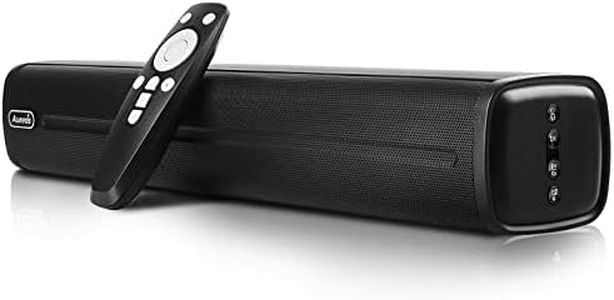
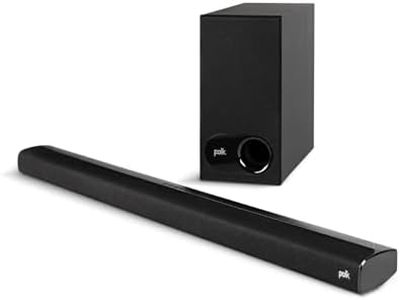
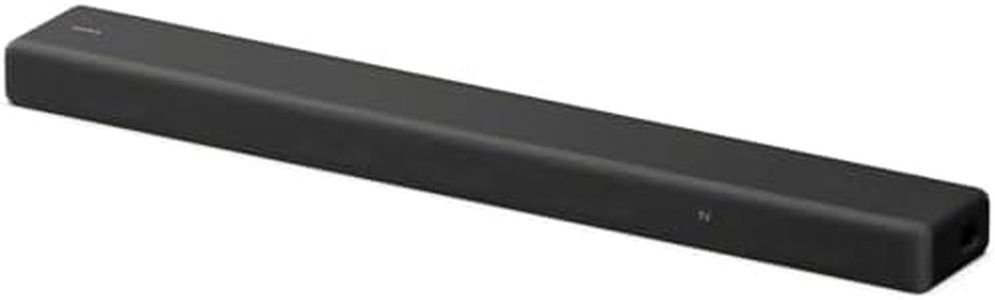
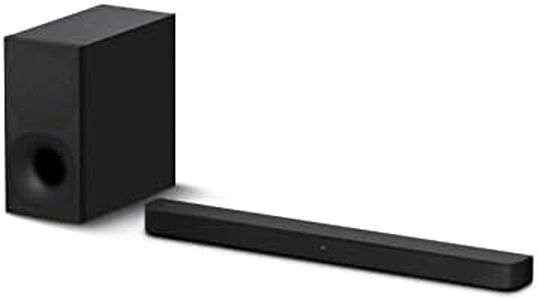

Recommended lists
Top rated
Soundbar For 55 Inch Tv
Buying Guide for the Best Soundbar For 65 Inch Tv
When shopping for a soundbar to pair with your 65-inch TV, your goal is to create an immersive sound experience that complements the large screen. Soundbars are a popular choice over traditional home theater systems because they're easier to set up, take up less space, and can deliver impressive audio quality. To find the soundbar that best fits your needs, it's key to consider your room size, typical listening habits, and whether you want simple TV audio improvements or a genuine cinematic experience. Here are the main features and specifications to keep in mind as you shop.Soundbar Length and SizeThe length of the soundbar should match your TV both aesthetically and acoustically. A soundbar is best paired with a TV when its width is somewhat similar to the TV's bottom edge, but it shouldn't be so long that it extends past the edges of the TV stand or screen. For a 65-inch TV, soundbars between 40 to 55 inches typically provide a balanced look and adequate sound spread. If your furniture setup restricts placement, a shorter soundbar can still work, but you may lose some sound distribution. For open rooms or larger spaces, matching with a wider soundbar can help create a fuller audio presence.
Number of ChannelsChannels refer to the number of distinct sound sources within the soundbar. Common configurations include 2.0 (left and right), 2.1 (left, right, and a subwoofer), 3.1 (adding a center channel for clearer dialogue), and 5.1 or higher (including surround channels). More channels generally offer a more immersive sound, especially for movies. If you mainly watch TV and casual content, a 2.0 or 2.1 system can be enough. For movie buffs or gamers who want surround sound, a 3.1 or 5.1 soundbar is preferable. Choose the channel setup that matches the importance you place on spatial audio and dialogue clarity.
Connectivity OptionsConnectivity determines how you link the soundbar to your TV and other devices. The most common options are HDMI ARC/eARC, optical input, Bluetooth, and Wi-Fi. HDMI (especially ARC/eARC) provides the simplest setup and best compatibility for controlling both TV and soundbar with one remote, while optical is reliable but may support fewer advanced audio formats. Bluetooth and Wi-Fi allow for wireless music streaming from phones or smart devices. If you want simple plug-and-play, ensure your TV and soundbar both have HDMI ARC or optical. For smart home integration or multi-room audio, look for Wi-Fi or Bluetooth support.
Built-in Subwoofer vs. External SubwooferThe subwoofer handles deep bass sounds that make movie effects and music feel powerful. Some soundbars have a built-in subwoofer, while others come with a separate external unit. Built-in subs save space but usually offer less impactful bass. An external subwoofer, often wireless, is preferable if you want a more cinematic experience with richer sound for music or action scenes. If you mainly watch TV shows or news, a built-in or no subwoofer can suffice. For bass lovers, music fans, or big movie watchers, an external subwoofer is a better fit.
Sound Modes and CustomizationMany soundbars come with preset modes like Movie, Music, Voice, or Night, which optimize the audio for different situations. These modes can automatically adjust the sound to highlight dialogue, reduce bass at night, or enhance special effects. Some soundbars also allow you to manually tweak treble, bass, or balance. If you want a set-it-and-forget-it experience, choose a soundbar with good automatic sound modes. If you’re picky or have specific preferences, look for one that offers manual tuning.
Compatibility with Surround SpeakersSome soundbars offer the option to add separate rear surround speakers for a true surround sound experience. This is often sold as a bundle or as optional add-ons. If you want an upgrade path to a fuller system later, check if your soundbar supports additional speakers. For those satisfied with front-focused sound or space-saving setups, this feature may not be necessary.
Voice Assistant and Smart FeaturesModern soundbars sometimes include virtual assistants like Alexa, Google Assistant, or support for AirPlay and Chromecast, which let you control the soundbar or stream music with just your voice or phone. These features can be especially useful if you want a more integrated smart home experience or hands-free control. If you do not use smart assistants or rely on other methods for streaming music, this may be less important.