10 Best Ups Power Backup
From leading brands and best sellers available on the web.By clicking on a link to a third party's website, log data is shared with that third party.

Related Products
Up to 37% off
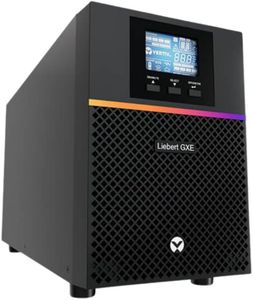
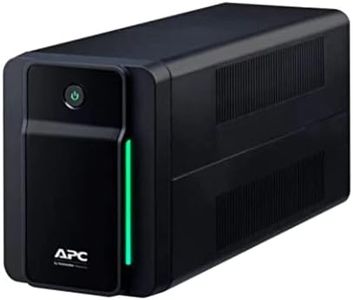
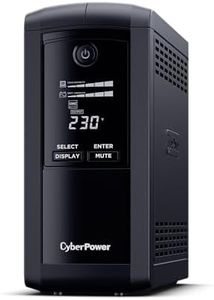
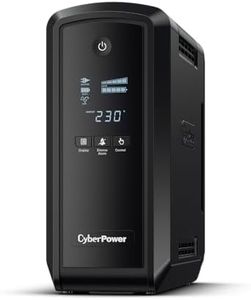
Recommended lists

Top rated
Ups Backups
Buying Guide for the Best Ups Power Backup
When shopping for a UPS (Uninterruptible Power Supply) for power backup, the goal is to protect your electronic equipment from power interruptions, surges, and voltage fluctuations. A UPS provides a temporary power source, allowing you to safely shut down or continue using your devices during outages. To choose the right UPS, you need to consider the type and amount of equipment you want to protect, as well as how long you need backup power to last. Matching your specific needs with the right features will ensure your devices are safe and operational when the power goes out.Capacity (VA/Watt Rating)The capacity of a UPS is measured in VA (Volt-Amps) and Watts, which indicate how much equipment it can support at one time. This spec is crucial because if your combined devices draw more power than the UPS can provide, the system could overload or fail to give adequate backup. UPS units typically range from a few hundred VA for home and office use to several thousand for servers or larger installations. To choose the right capacity, sum up the wattage of all devices you want to connect, add about 20% for safety, and select a UPS with a higher rating. Smaller setups (like a PC and monitor) can use lower-capacity units, while multiple devices or critical equipment require higher ratings.
Backup Time (Runtime)Backup time tells you how long the UPS will keep your devices running during a power outage. This varies based on the connected load and the size of the internal battery. Backup times can range from a few minutes to over half an hour. If you need enough time just to safely shut down, a shorter runtime will do. For ongoing tasks or critical systems, look for longer runtimes or the ability to add extra batteries. Always consider the actual runtime with your expected devices attached, not just the maximum possible.
Type of UPS (Offline, Line-Interactive, Online)UPS systems come in three main types. Offline (or standby) UPS units are basic; they switch to battery when the power fails, making them suitable for less sensitive equipment. Line-Interactive UPS can correct minor fluctuations without switching to battery, offering better protection for computers and networking gear. Online (or double-conversion) UPS provides constant clean power and is ideal for critical or sensitive devices. For regular home use, standby or line-interactive may suffice, but for workstations, servers, or essential medical and network equipment, online types offer superior protection.
Number and Type of OutletsThis specification shows how many devices you can directly plug into the UPS, and whether outlets are battery-backed (protected during an outage) or surge-protected only. Check if there are enough outlets for your needs and if the plug shapes match your devices (standard, IEC, etc.). Also, consider spacing: large power bricks may block adjacent outlets. For complex setups, look for more outlets or models with flexible spacing.
Surge Protection and Voltage RegulationSurge protection guards your devices against spikes in power that could cause damage, while voltage regulation keeps the power supply steady even with small fluctuations. Better surge protection and automatic voltage regulation (AVR) prolong the life of connected devices and reduce performance issues. Depending on how unstable your local power supply is and how sensitive your devices are, consider stronger protection and AVR as essential features.
Alarm and Monitoring FeaturesMany UPS units come with alarms that alert you to outages, low battery, or overload, along with LCD displays or software for monitoring performance and battery status. These features help you respond quickly in an emergency and monitor the UPS health over time. If you prefer hands-off operation, a basic alarm will suffice; but if you want more control and information, look for models with detailed displays or computer connectivity.
Battery Replaceability and MaintenanceThe lifespan of a UPS is often determined by its internal battery. Some models allow easy battery replacement, while others require professional service or complete replacement. For long-term use or critical setups, pick a UPS where you can easily swap batteries when they wear out; for occasional or short-term needs, this may not be as important.