10 Best Upscaling Dvd Players
From leading brands and best sellers available on the web.By clicking on a link to a third party's website, log data is shared with that third party.
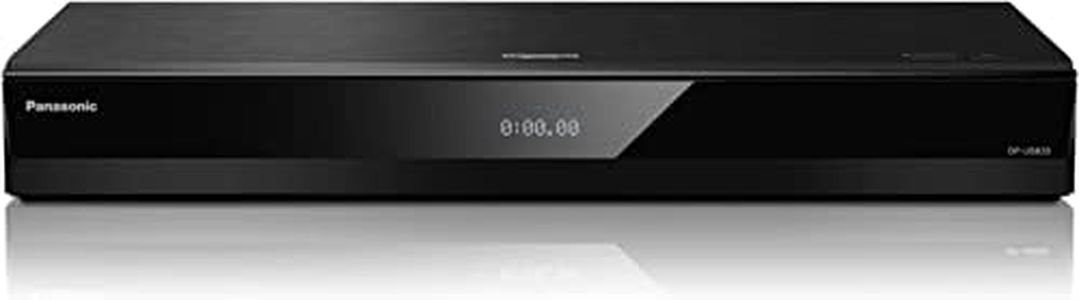
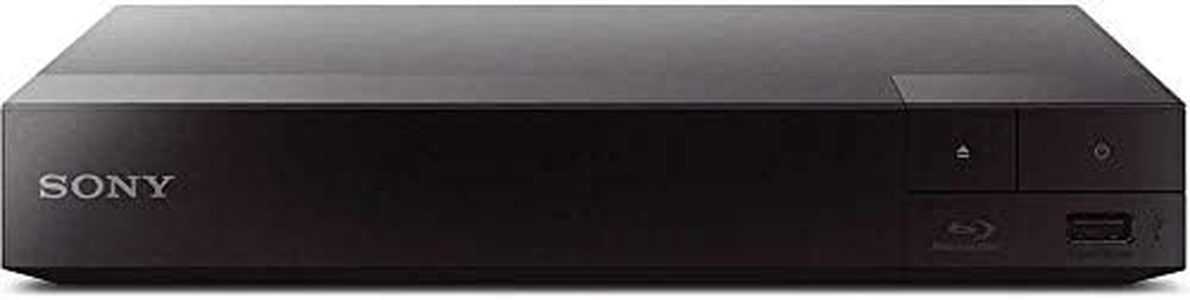


Related Products
Up to 9% off
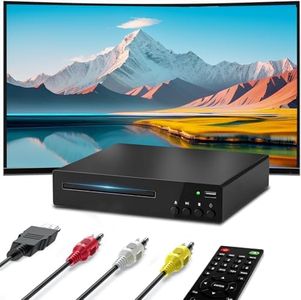

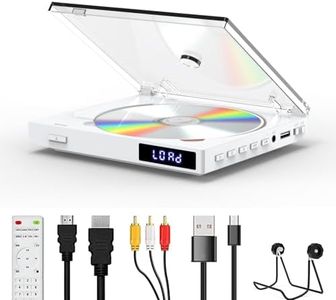
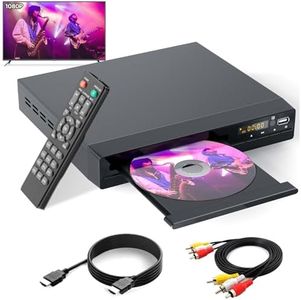
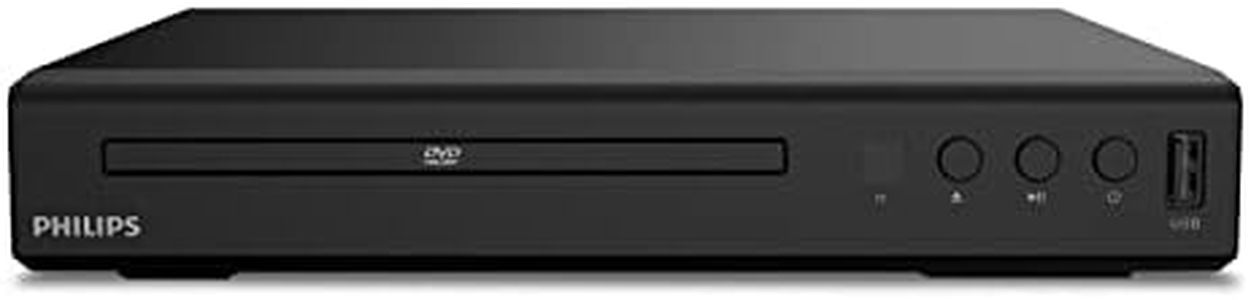
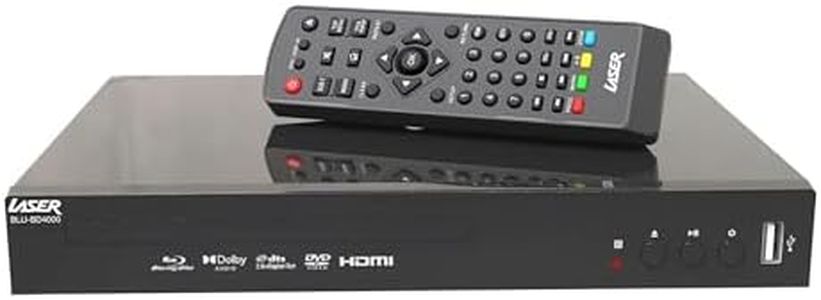
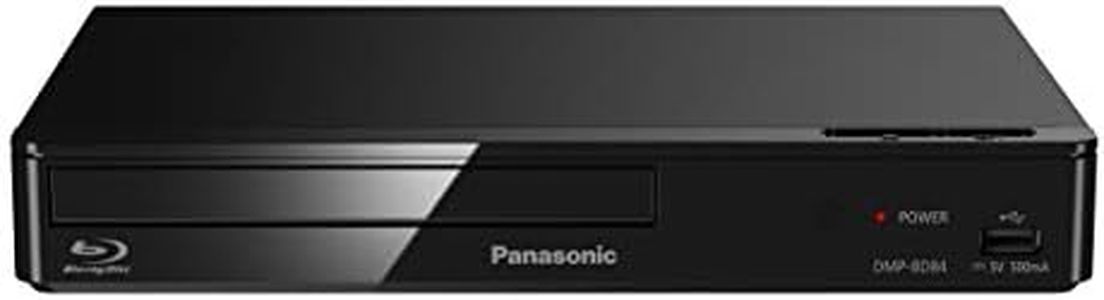
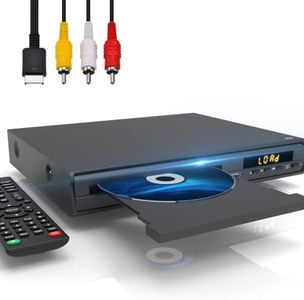


Buying Guide for the Best Upscaling Dvd Players
When shopping for an upscaling DVD player, the main goal is to improve the picture quality of your DVDs so they look better on modern high-definition TVs. These players take the standard DVD resolution and use processing technology to make the images appear sharper and clearer on larger, more detailed screens. To find the best fit for you, it's important to understand the key features that affect performance, compatibility, and convenience in daily use. Think about your own TV, what you're planning to watch, and where you'll be using your DVD player.Upscaling ResolutionUpscaling resolution refers to the maximum picture quality the DVD player can convert standard DVD images into, such as 720p, 1080p, or even 4K. This is important because the higher the upscaled resolution, the sharper and more detailed your movies could look on your TV. If you have a Full HD (1080p) TV, look for a player that upscales to 1080p. For 4K TVs, a player that can upscale DVDs to 4K will provide the best compatibility and apparent quality. If your TV is older and HD-Ready, 720p upscaling may be sufficient. Always match the upscaling ability to your TV's native resolution for the best visual experience.
Connection TypesConnection types determine how the DVD player plugs into your TV. HDMI is the most modern and produces the best picture and sound quality, supporting upscaling features fully. Some players may also offer older connection options like component or composite outputs, but these don't support high-definition upscaling. If your TV supports HDMI, always prefer an HDMI connection to get the most out of upscaling features. If you plan to use the player with older televisions, make sure it offers compatible outputs.
Supported Disc FormatsSupported disc formats indicate what kinds of discs—like CD, VCD, SVCD, or rewritable formats—the player can handle, in addition to standard DVDs. It's important because if you have a collection of different types of discs, you’ll want a player that can read all of them. If you only plan to watch regular DVDs, this is less important. If you also want to play homemade discs or music CDs, make sure your player lists support for those formats.
Audio Output OptionsAudio output options refer to how the sound from the DVD player can connect to your TV or sound system. Common connections are HDMI, optical, coaxial, or analog audio outputs. If audio quality matters to you, especially with surround sound systems, look for players with digital audio outputs like HDMI or optical. If you only use your TV’s built-in speakers, standard audio connections may be enough.
Extra Playback FeaturesExtra playback features can include built-in USB ports for playing digital files, support for various video and audio file types, or user-friendly options like fast forward, slow motion, and resume functions. These add convenience and versatility to the player. If you enjoy playing music, photos, or downloaded videos, look for a DVD player with a USB port or media playback capabilities. If you mostly watch movies straight through, these extras are less critical.
Region Code CompatibilityRegion code compatibility refers to which DVDs from around the world your player can handle, as DVDs are often locked by region. This matters if you collect or import DVDs from outside your country, as a standard player might not play these. If you only buy DVDs locally, a regular player is fine. If you want the freedom to play movies from any region, look for a region-free or multi-region DVD player.