10 Best Usb C To Hdmi Adapters
From leading brands and best sellers available on the web.By clicking on a link to a third party's website, log data is shared with that third party.


Related Products
Up to 20% off
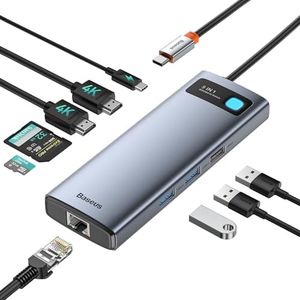
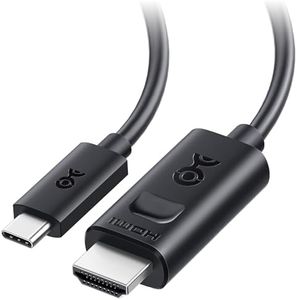
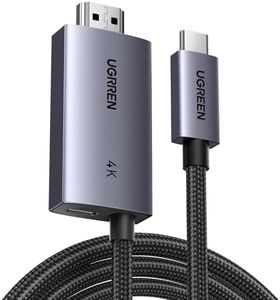
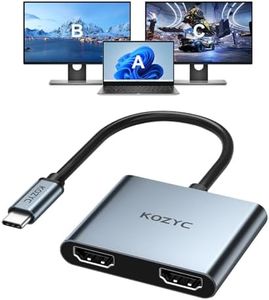
Buying Guide for the Best Usb C To Hdmi Adapters
When choosing a USB-C to HDMI adapter, it's important to understand what you need it for—like connecting your laptop, tablet, or phone to a monitor or TV. Look for adapters that fit your device and deliver the right level of picture and sound quality. Pay attention to the key features and how they relate to your current and future devices, as technology evolves quickly and you want your adapter to stay relevant for some time.HDMI Version (Resolution and Refresh Rate)The HDMI version refers to what video and audio standards the adapter can support. A higher HDMI version usually means support for higher resolutions and faster refresh rates. For example, HDMI 1.4 supports up to 4K at 30Hz, while HDMI 2.0 supports 4K at 60Hz. If you mostly watch movies or slideshows, the lower refresh rate may be fine. But for gaming or using the monitor as a primary display for work, smoother motion at a higher refresh rate is better. Pick an adapter that matches the quality and speed that your source device and display can handle for the best experience.
USB-C Compatibility (Device Support)Not all USB-C ports on devices support video output. The port has to support 'DisplayPort Alternate Mode' to transmit video. Before buying, check if your device’s USB-C port supports this standard, as some ports may only be for charging or data. If in doubt, refer to your device’s manual or specifications. This is crucial because, even with the best adapter, if your device port is not compatible, the adapter will not work.
Build Quality and Connector DesignBuild quality matters for durability and the longevity of your adapter, especially if you plan to travel or plug/unplug it frequently. Some adapters are made of plastic, while others use metal housings for better heat resistance and sturdiness. Also, consider the cable length—very short adapters may hang and stress the ports, while longer ones can be more flexible but may add clutter. Choose a build that matches your usage habits and environment.
Power Delivery/Pass-Through ChargingSome USB-C to HDMI adapters feature an extra USB-C port, allowing you to charge your device while it is connected to an external display. This is called power delivery or pass-through charging. This feature is important if your device has only one USB-C port, as it prevents you from running out of battery while using the display. Think about your typical usage: if you need your device charged during use, pick an adapter with this feature.
Audio SupportUSB-C to HDMI adapters can carry audio as well as video, but some older or basic adapters may only transmit video. If you need sound output on your TV or monitor, make sure the adapter supports audio transfer. Check the product description or reviews to be sure. If you’re only using the adapter for visuals (like slide presentations) and don’t need sound, this feature isn’t as important.
Plug-and-Play vs. Driver RequirementMost good USB-C to HDMI adapters are plug-and-play, meaning no software installation is needed—they work as soon as you connect them. Some, however, require drivers, which could make setup a bit more complicated and problematic for certain operating systems. If you want the easiest experience, choose a plug-and-play adapter, especially if you plan to use it on multiple devices or platforms.