10 Best Vhs To Digital Converters
From leading brands and best sellers available on the web.By clicking on a link to a third party's website, log data is shared with that third party.
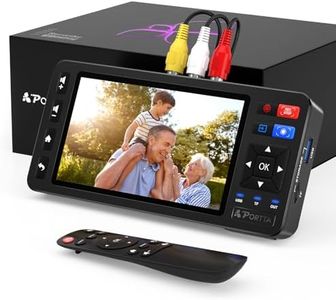
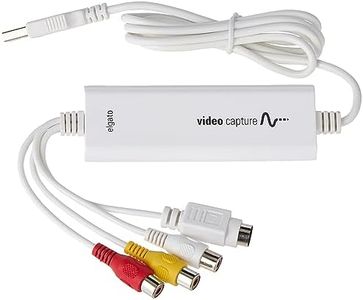
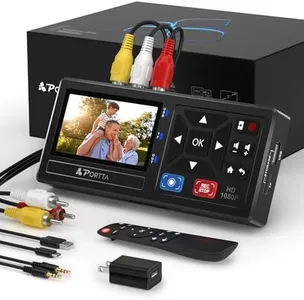
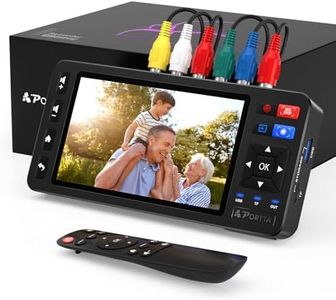
Related Products
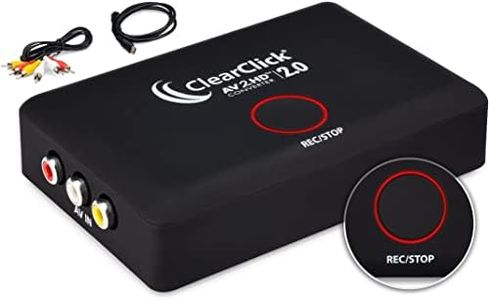
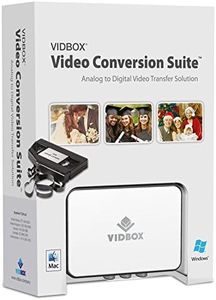
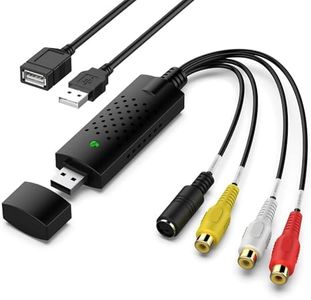

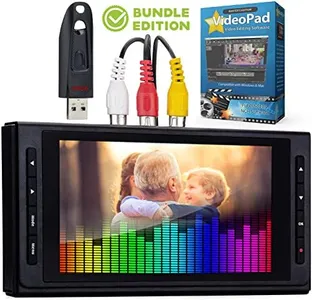
Buying Guide for the Best Vhs To Digital Converters
Choosing a VHS-to-digital converter can seem overwhelming at first, but the process gets easier once you know what matters most. These devices help you transfer your old VHS tapes into digital files, so you can preserve memories and easily watch them on modern devices. To find the right converter, focus on how easy it is to use, the quality of the converted video, compatibility with your equipment, and the extra features that can make the process smoother. Understanding the key specifications will really help you select a model that fits your needs best.Video ResolutionVideo resolution in the context of VHS-to-digital converters refers to the quality of the video once it's transferred to your computer. Most VHS tapes have a standard definition (SD) resolution, and converters typically output digital files in either 480p, 576p, or sometimes higher. While higher output resolutions may sound better, upscaling a standard VHS tape doesn’t increase its original quality, though it can help it look a bit sharper on modern screens. If your goal is simple preservation or sharing online, standard definition (480p) is fine for most people. However, if you plan to view the videos on a large TV, choosing a converter that can upscale slightly might offer a better viewing experience.
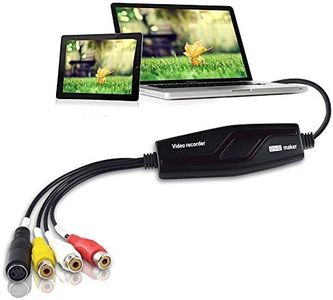
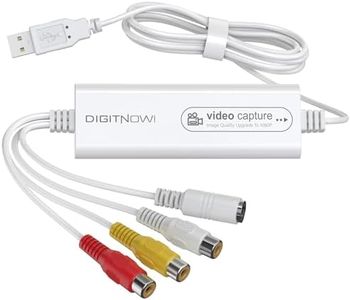
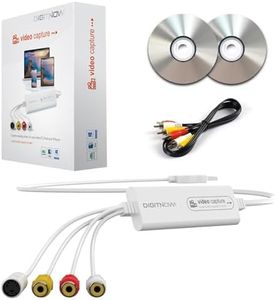
Connection TypeThe connection type determines how you physically connect your VCR to the converter and your converter to your computer or storage device. Most converters use RCA (red, white, and yellow) or S-Video connections for input, and USB or sometimes HDMI for output. RCA is most common and works for nearly all VHS tapes. S-Video can offer a bit better clarity if your VCR supports it. For output, USB is the most user-friendly since it connects directly to a computer, while HDMI might be needed for direct playback on newer TVs. Picking the right one depends on what equipment you already have—in general, USB output and RCA input will cover most people’s needs.
Included SoftwareMany converters come with software that helps you record, edit, and save the digital files. This is important for ease-of-use, especially if you’re not familiar with video editing programs. Simple software allows quick transfers and basic edits like trimming unwanted footage, while more advanced packages offer things like color correction or file format options. If you want a no-fuss experience, look for converters with easy-to-use software included. More tech-savvy users might prefer converters that work with standard video editing programs, giving more flexibility.
Format SupportFormat support refers to what types of tapes (VHS, VHS-C, S-VHS) and file formats (MP4, AVI, MOV, etc.) the converter handles. If you have tapes in multiple formats, make sure the converter supports each one you want to transfer. For digital files, MP4 is the most common and easily played on nearly all devices, so a converter that saves directly in this format is the simplest choice for most people. If you want maximum editing flexibility, a converter that can also output in formats like AVI or MOV might be useful.
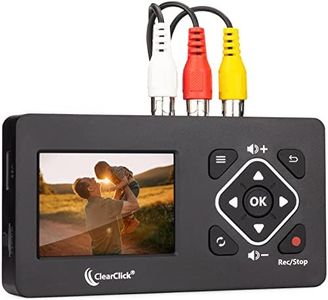
Real-Time PreviewA real-time preview lets you watch the video as it’s being converted, either on your computer or a small screen on the converter. This feature is useful to ensure the video is playing correctly, and you can catch issues—like tracking errors—quickly. If you’re converting a lot of tapes or tapes in questionable condition, real-time preview can save time and frustration. For just a few straightforward transfers, you might not need this feature, but it's nice to have for peace of mind.
Ease of UseEase of use describes how simple it is to set up and operate the converter. Some units are very plug-and-play—just connect your VCR, start the software, and go. Others require more complicated steps or manual fine-tuning. If you’re not comfortable with computer hardware or video editing, look for a model that emphasizes user-friendly setup and minimal steps. Review guides and product manuals if possible to see what the process will be like.