10 Best Wifi Printers For Home Use
From leading brands and best sellers available on the web.By clicking on a link to a third party's website, log data is shared with that third party.
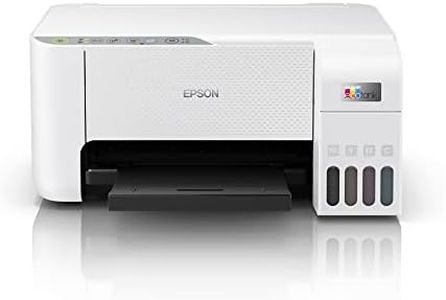
Related Products
Up to 34% off
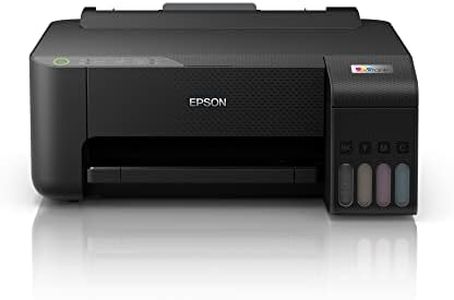
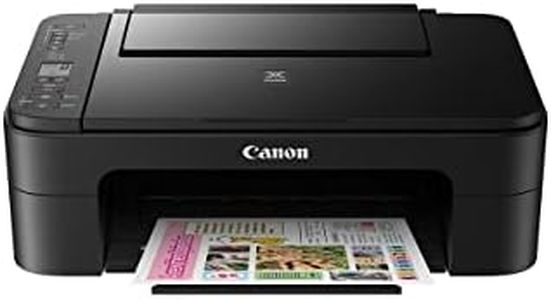
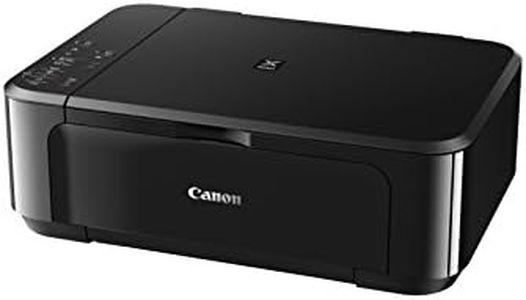

Recommended lists

Top rated
3d Printer For Home Use
Buying Guide for the Best Wifi Printers For Home Use
Choosing a WiFi printer for your home is about making sure that the device fits smoothly into your daily routine and household needs. A good WiFi printer gives you the convenience to print from anywhere in your home and allows multiple users to connect with ease, whether from a laptop, smartphone, or tablet. When considering the best option, it's important to think about what you print most often, how much space you have, and how tech-comfortable you are. Understanding the key features will help you avoid frustration and pick a printer that is simple to set up, reliable, and cost-effective to maintain.Print TechnologyThis refers to the method the printer uses to produce images and text—typically either inkjet or laser. Inkjet printers spray tiny droplets of ink onto paper and are great for colorful images and photo printing. Laser printers use toner and a laser beam, providing sharper text and faster prints, especially for black-and-white documents. If your home printing needs include lots of photos, an inkjet is a good fit, while mostly text-based document printing is usually handled best by a laser printer. When navigating choices, think about what you'll print most; the technology you choose will impact print quality, speed, and long-term running costs.
WiFi Compatibility and SetupWiFi compatibility means the printer can connect wirelessly to your home network, allowing any authorized device in your home to send print jobs. The ease of WiFi setup can make a big difference in your day-to-day use. Some printers come with quick setup apps or even touchscreen instructions, while others might require more technical setup like entering network passwords manually. If you prefer hassle-free operation, look for models that offer simple setup wizards or direct WiFi printing (where you can connect without a router). Your comfort with technology and the types of devices in your home (Windows, Mac, smartphones) should guide you towards more user-friendly WiFi solutions.
Print SpeedThis spec tells you how many pages per minute (ppm) the printer can deliver. For most home users, print speed is about convenience rather than necessity. Typical home models range from about 5-10 ppm for color prints and 10-20 ppm for black and white. If you print only occasionally, a lower speed isn't an issue. However, if your family prints a lot of documents, homework, or work-from-home materials, a higher speed can save time and reduce bottlenecks, especially when printing multi-page documents.
Print ResolutionPrint resolution (measured in dots per inch, or dpi) indicates how sharp and detailed the printed output will be. Higher numbers mean clearer text and more vibrant images. While standard text printing is clear at 600x600 dpi, printing photos or graphics benefits from higher resolutions like 1200x1200 dpi or more. If crisp photos or presentations are important to you, opt for higher resolution. For plain text or basic graphics, standard resolution is usually more than sufficient.
Multifunction FeaturesMany WiFi printers are 'all-in-one' devices, offering scanning, copying, and sometimes faxing in addition to printing. These features are helpful if you occasionally need to digitize documents, make copies, or need a multi-role device for a home office. If you rarely scan or copy, a basic printer may be simpler and take less space; but if you need to manage paperwork for school, work, or home tasks, a multifunction printer adds valuable flexibility.
Paper HandlingPaper handling covers how much and what types of paper the printer can use at once. Smaller home printers may hold only 50-100 sheets, while more robust models handle 200+. Some also allow different paper sizes, envelopes, or photo paper. Consider the frequency and volume of your printing: if you often print in batches or different media types, a larger or adjustable tray saves hassle. Occasional or light users can get by with smaller capacities.
Mobile Printing SupportMobile printing support means you can print directly from your phone or tablet, often through apps or features like Apple AirPrint, Google Cloud Print, or dedicated manufacturer apps. This feature is important if you work from mobile devices or want to let different family members print easily. If your household mostly uses smartphones or tablets for work or school, prioritizing mobile support will make your printing much more convenient and accessible for everyone.
Operating Cost (Ink/Toner Replacement)Operating cost involves how much it costs to replace ink or toner. Some printers use separate cartridges for each color, while others use combined units. Generally, printers with lower upfront costs often have higher ongoing ink or toner expenses. Think about your print volume: frequent printing means the cost per page matters more. For occasional printing, this is less of an issue, but for regular or high-volume use, look for printers with affordable and high-yield cartridge options to keep ongoing costs manageable.