10 Best Wireless Mechanical Keyboards
From leading brands and best sellers available on the web.By clicking on a link to a third party's website, log data is shared with that third party.
Related Products
Up to 30% off
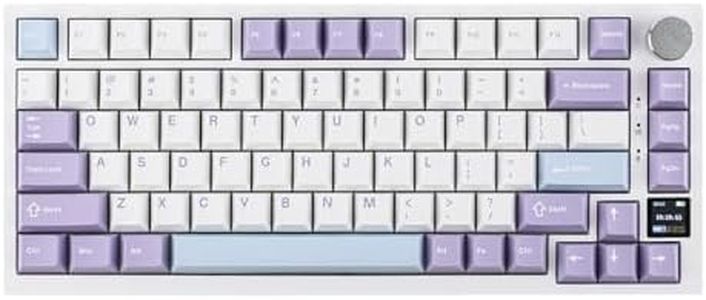
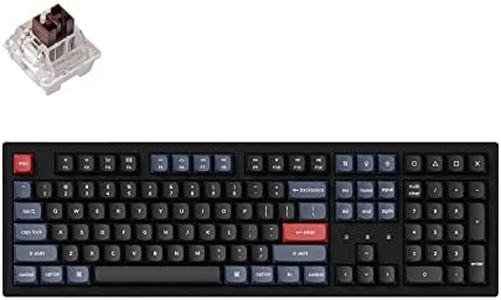
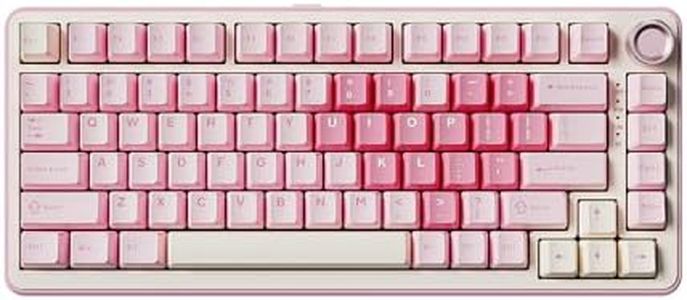
Buying Guide for the Best Wireless Mechanical Keyboards
Buying a wireless mechanical keyboard is about finding the right mix of comfort, functionality, and features that fit your typing style and daily needs. They offer satisfying tactile feedback and allow you to move freely without wires, which is great for both work and play. To find the keyboard that’s best for you, pay close attention to key specifications—these dictate the feel of every keystroke, connectivity options, and how well the keyboard fits into your workspace.Switch TypeSwitch type refers to the mechanism under each key that registers your keystrokes. This is crucial because it affects the keyboard’s feel—how loud, soft, clicky, or smooth it is. There are three main types: linear (smooth and quiet), tactile (bumpy feedback with a quieter sound), and clicky (audible click and tactile bump). If you prefer a silent experience for shared spaces, linear switches are a good fit; if you like to feel each actuation, tactile or clicky switches are better. You should choose based on whether you’ll mostly type, game, or split your time doing both.
Connectivity OptionsWireless mechanical keyboards connect either via Bluetooth, a dedicated USB wireless dongle, or both. Connectivity affects stability, lag, and compatibility with different devices. Bluetooth offers flexibility across many devices, while a dongle usually gives a more stable, low-latency connection (better for gaming or fast typing). Consider what devices you’ll use the keyboard with and if you want to switch frequently between them—Bluetooth is great for multi-device setups.
Battery LifeBattery life determines how long you can use the keyboard between charges or battery replacements. Longer battery life means you can go days or weeks without worrying about a charge, which is convenient for heavy or mobile use. Battery life is usually divided into under a week, one to three weeks, or over a month. If you type a lot or dislike frequent recharging, look for a keyboard with longer battery life—especially if it features backlighting, which can drain the battery faster.
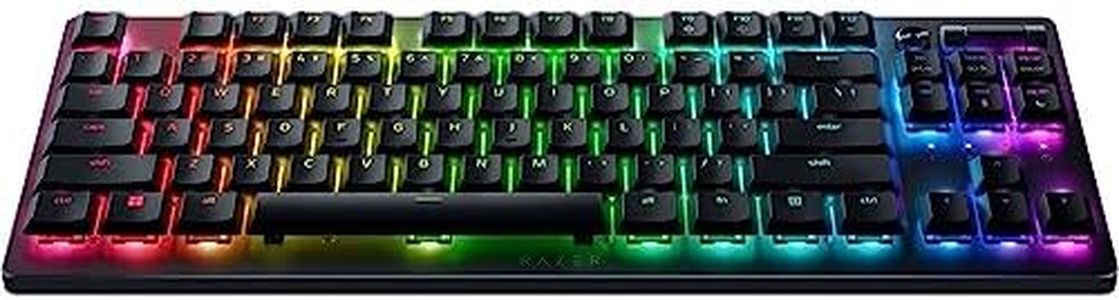
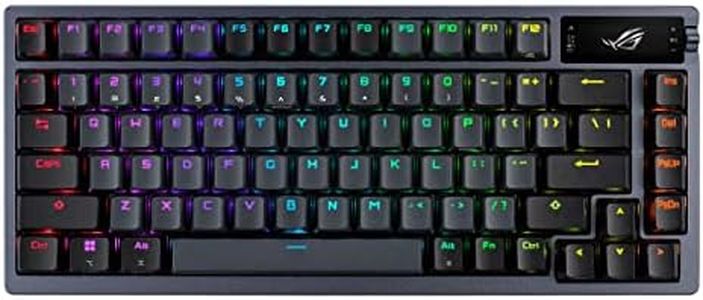
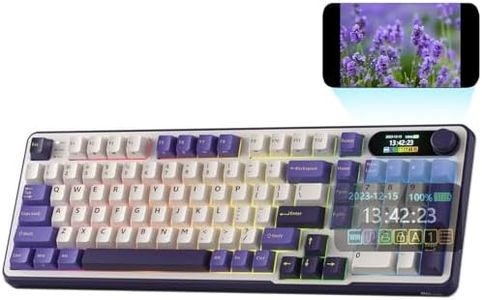
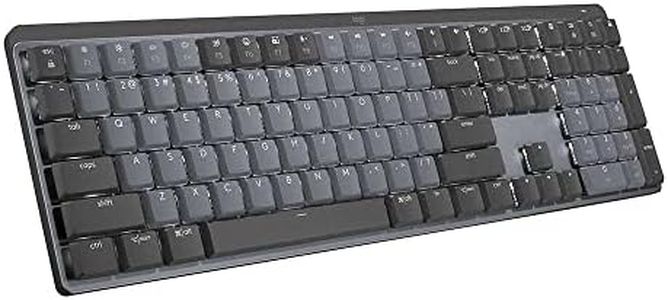
Keyboard Size/LayoutKeyboard size and layout describe how many keys are included and how they are arranged. Common sizes are full-size (with a number pad), tenkeyless (no number pad), and compact (condensed with fewer keys). Larger layouts are better for those who do data entry or want function keys at hand, while smaller layouts are suited to minimalists or those with limited desk space. Your decision here should be based on how much space you have and which keys you use most often.
Keycap MaterialKeycap material affects the durability and feel of the keys. The two main types are ABS (smooth, can wear and shine over time) and PBT (textured, more durable, resists shine). If you want a longer-lasting, premium feel, PBT keycaps are preferable; if you’re less concerned about wear and want a smoother touch, ABS is sufficient. Think about how much you plan to use your keyboard and how important feel is to your typing satisfaction.
BacklightingBacklighting means keys are illuminated, making the keyboard easier to use in low light. Some offer simple single-color lighting, while others feature customizable RGB (multicolor) lighting. If you work or game in the dark, backlighting is helpful. Go for RGB if you want a visually dynamic setup or need to highlight specific keys, but if lighting isn’t important, you can skip this or choose basic white lighting for clarity.
Programmable Keys and FeaturesProgrammable keys let you customize shortcuts or complex commands directly on the keyboard. This can boost productivity or enhance gaming by allowing you to tailor the keyboard to your exact needs. If you value efficiency or play complex games, look for this feature. If you only need basic typing, this might not be necessary for you.