10 Best Gigabit Modems
From leading brands and best sellers available on the web.By clicking on a link to a third party's website, log data is shared with that third party.
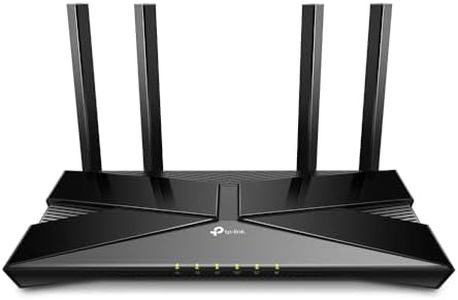
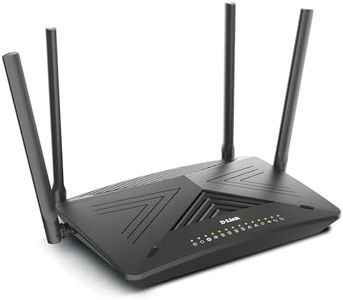
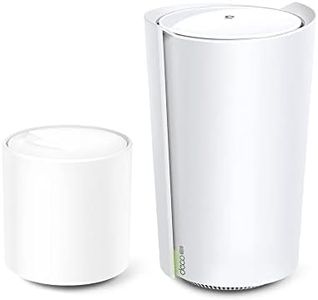
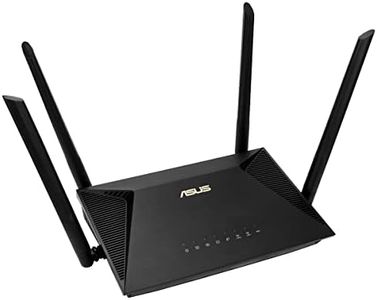
Related Products
Recommended lists

Top rated
Modems
Buying Guide for the Best Gigabit Modems
Choosing the right gigabit modem for your home or office is important for making sure you get the internet speed you’re paying for from your service provider. Modems act as the gateway between your internet connection and your devices, and having the right one can significantly impact your browsing, gaming, streaming, and overall internet experience. When picking a gigabit modem, you need to consider key technical specifications that determine its compatibility, speed, and overall performance. Knowing a bit about these specs can help you tailor your choice to your internet use, so you make a match that keeps your connection smooth and dependable.DOCSIS StandardDOCSIS, which stands for Data Over Cable Service Interface Specification, is the standard used by cable modems to communicate with your internet provider. The most common versions are DOCSIS 3.0 and DOCSIS 3.1. DOCSIS 3.0 is suitable for most regular household needs and can support speeds up to 1 Gbps in theory, but if you want to future-proof your setup or you have a gigabit or higher plan, DOCSIS 3.1 is more reliable because it's designed for faster speeds and greater efficiency. If you require stable gigabit speeds or anticipate upgrading your internet in the future, it's wise to choose a modem with DOCSIS 3.1 support.
Channel Bonding (Downstream/Upstream Channels)Channel bonding refers to how many streams a modem can handle at once for downloading (downstream) and uploading (upstream). This directly affects peak speeds and stability. For example, a modem labeled 32x8 uses 32 channels for downloads and 8 for uploads, supporting higher bandwidth. For gigabit speeds, look for higher channel numbers (at least 24x8, but ideally 32x8 or better). If your household has many devices or heavy streaming, gaming, or large uploads, higher channel numbers provide better support.
ISP CompatibilityThis spec tells you whether the modem will work with your internet provider. Not every modem works with every provider, so checking compatibility is crucial. Generally, providers have a list of approved devices on their websites. Before selecting a modem, take a look at your ISP’s approved list and make sure your choice fits, otherwise you could run into setup issues or lack of technical support.
Ethernet Port SpeedThe Ethernet port on the back of the modem is where your router or computer plugs in. For gigabit modems, the port should support at least 1 Gbps (often labeled 'Gigabit Ethernet'). Some newer modems offer even faster ports (2.5 Gbps), useful if your internet plan exceeds 1 Gbps. If you’re aiming for gigabit performance, a gigabit Ethernet port is a must. Only consider faster ports if you specifically need speeds above 1 Gbps.
Built-In Router or Standalone ModemSome gigabit modems come with a built-in wireless router, while others are standalone and need to be connected to a separate router for Wi-Fi. Built-in options save space and are simple to set up, good for basic households. However, standalone modems let you pick your own router, which is a better choice if you want advanced features or need a strong Wi-Fi signal throughout a large home. Think about your space and tech comfort—choose built-in for convenience, standalone for flexibility.
IPv6 SupportIPv6 is the latest address system used for identifying devices on the internet. While most networks still rely on IPv4, IPv6 is becoming more important for future compatibility and can support more devices. If you want to ensure your network won’t face any compatibility issues in the coming years, pick a modem with IPv6 support, especially if you plan to keep the device for a long period.