10 Best Printer For Photos And Documents
From leading brands and best sellers available on the web.By clicking on a link to a third party's website, log data is shared with that third party.
Related Products
Up to 23% off

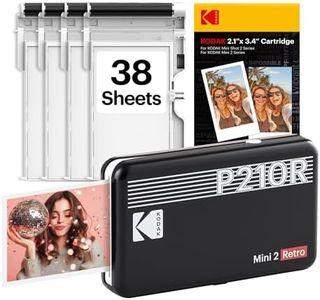
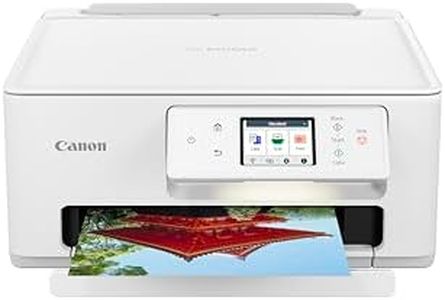
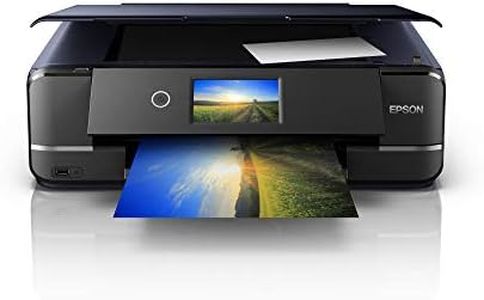
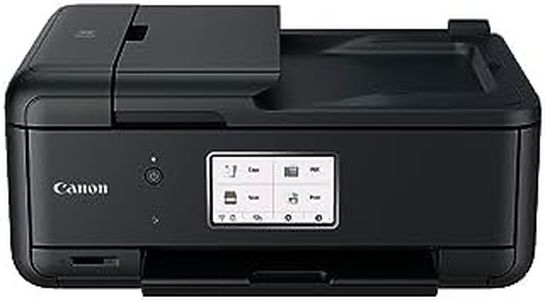
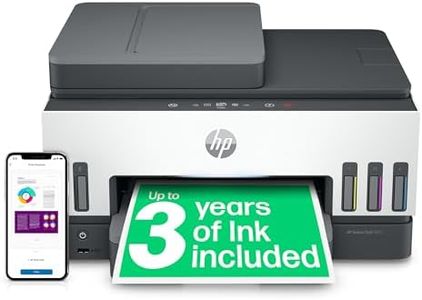
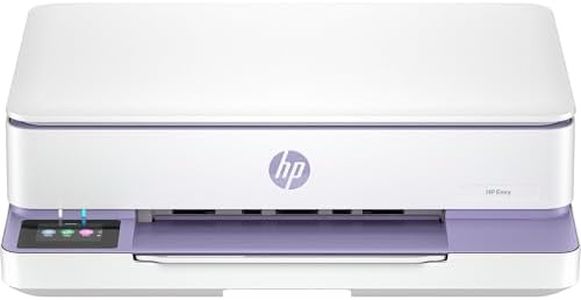


Buying Guide for the Best Printer For Photos And Documents
When choosing a printer for both photos and documents, it's important to find a balance between print quality, speed, and functionality. Different printers are better suited for different tasks; some excel at sharp text for documents, while others deliver rich, vibrant colors for photos. Think about what you print most often, how much you print, and whether you want additional features like scanning or wireless connectivity. Understanding the key specifications can help you select a printer that will reliably handle all your printing needs, both for everyday documents and for high-quality photo output.Print TechnologyPrint technology refers to how a printer creates text and images on paper, with the most common types being inkjet and laser. Inkjet printers spray tiny droplets of ink and are generally better for color images and especially for photos, offering vibrant colors and smooth gradients. Laser printers use toner and heat to bond powder to the paper, which makes them faster and typically better for sharp, clear text documents. Choose an inkjet if your priority is high-quality photo printing, while a laser is usually preferable for heavy text use. If you need both, there are inkjet models focusing on good all-round performance.
Print Resolution (DPI)Print resolution, measured in DPI (dots per inch), determines how detailed your prints can be. A higher DPI means finer detail, which especially matters for photo prints. Document printing doesn't require ultra-high resolution; even low DPI can make text sharp and readable. For standard documents, a DPI around 600x600 is usually enough, while for quality photo printing, seek models offering 1200x2400 or higher. If you care about rich, clear photos, opt for a high-DPI printer; if mostly text, a lower resolution will suffice.
Color Accuracy and Number of InksColor accuracy and the number of ink cartridges impact how true-to-life and vibrant your photo prints will turn out. Simple printers use just four colors (cyan, magenta, yellow, black), but photo-oriented printers often have additional color cartridges such as light cyan or light magenta, resulting in smoother gradations and more accurate color. If your main interest is vivid, professional-looking photos, choose a printer with more than four inks. For basic color prints or text documents, the standard four-ink setup is usually enough.
Print SpeedPrint speed, usually measured in pages per minute (ppm), tells you how quickly your printer can turn out documents or photos. For documents, higher speeds mean less waiting for big print jobs. However, photo printing is almost always slower because it requires more precision. If you often print long documents, consider a model with higher ppm. If your focus is quality photos and you don’t mind a slower pace for better results, don’t prioritize top speeds.
Paper Handling and Supported SizesPaper handling describes the types and sizes of paper a printer can use, such as regular letter paper, envelopes, or glossy photo paper. A versatile printer will let you print on different sizes and weights, which you’ll want if you print both standard documents and photos of different sizes. Look for printers that offer dedicated photo trays or support borderless printing if photos are a priority. Think about what you'll print: everyday documents usually need just letter/A4 capability, while photographers may want support for larger format or card stock.
ConnectivityConnectivity options are how your printer links to devices, with common types being USB, Wi-Fi, Bluetooth, and sometimes even mobile printing. Wireless connectivity allows you to print easily from phones, tablets, or laptops without cables, which is convenient for families or small offices. If you mostly print from one computer, a basic USB connection may be fine, but for flexibility and ease—especially if multiple people will use it—look for options like Wi-Fi Direct or cloud printing.
All-in-One FeaturesAll-in-one printers combine printing with scanning, copying, and sometimes faxing. These features are useful if you need to digitize documents, make copies, or handle a range of office tasks. Some all-in-ones include high-resolution scanners that can be handy for copying or digitizing photos. Choose all-in-one features if you want multi-functionality from one device; if you only want to print, a dedicated printer may be simpler and take up less space.